Torn and creased photos
Rebuild ripped edges, deep creases and missing corners so a folded, well-handled print reads as whole again.

Upload a damaged or faded photo and Renvyn repairs scratches, tears and blur - so a grandparent's portrait or a childhood picture looks clear again.
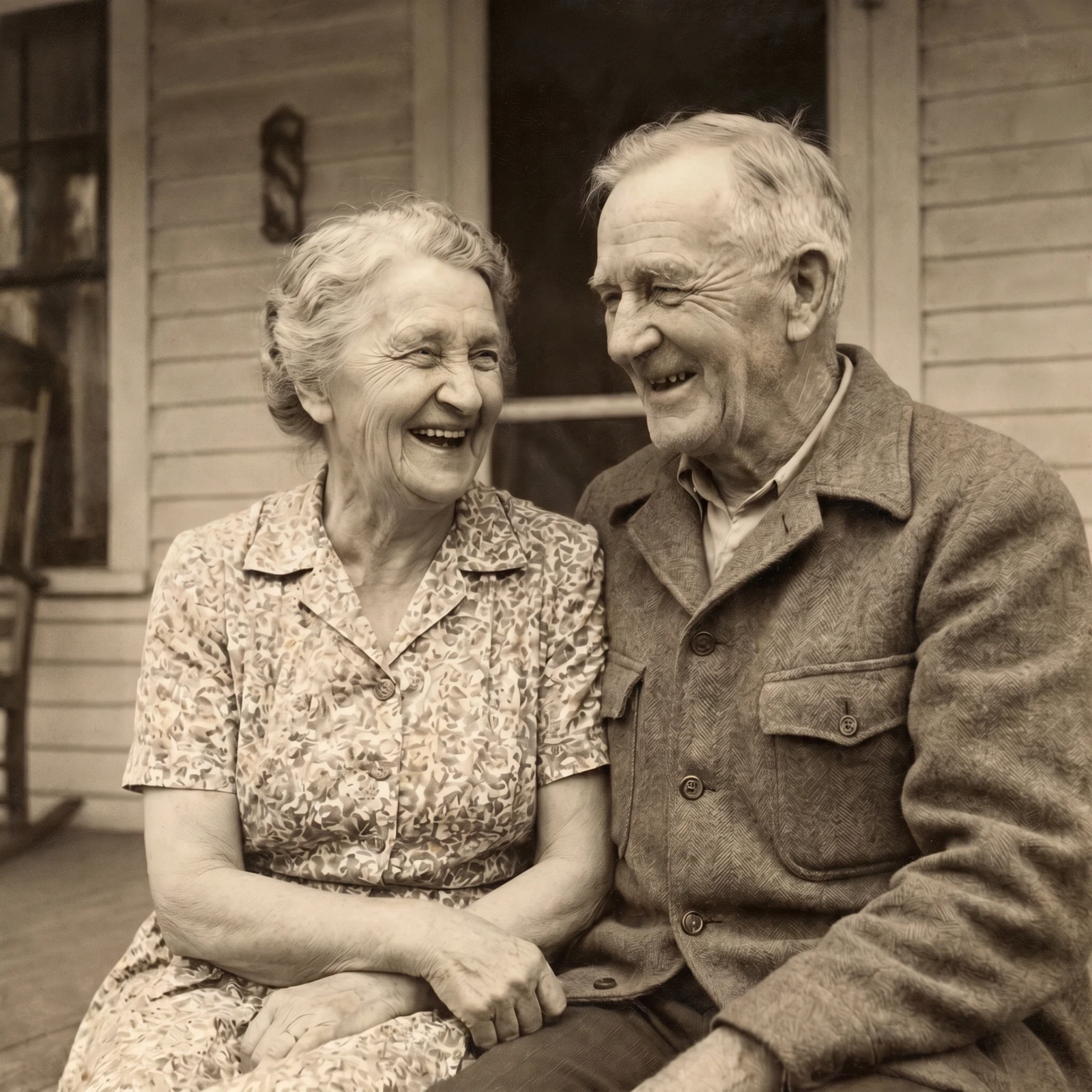
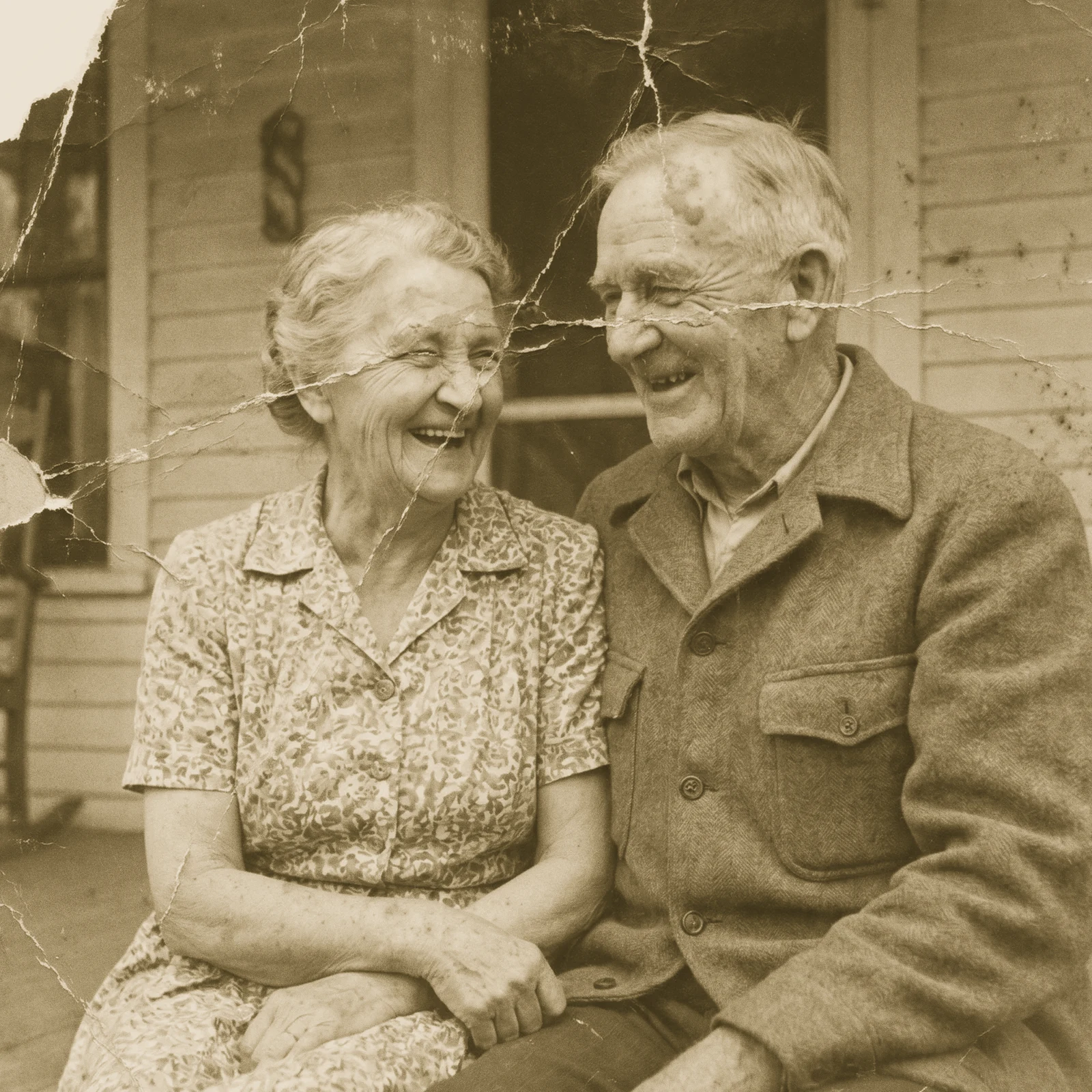
A real Renvyn restoration - drag to compare
✓ 2 free editsSign in with Google or ApplePhotos deleted in 24h
Choose a scan or phone snapshot of the photo you want to save. A clear, well-lit scan gives the AI the most to work with, but even a quick picture of a print works.
Renvyn detects the damage and rebuilds it - removing scratches and creases, smoothing water stains, sharpening soft faces and lifting faded contrast back to life.
See the before and after side by side, then download your restored photo. One tap sign in with Google or Apple runs your free edit.
We would rather be honest than oversell. Here is what photo restoration realistically does - and where it has limits.
When damage is severe, Renvyn does its best to reconstruct the missing area plausibly. It is a restoration, not a time machine - and we tell you that up front.
Rebuild ripped edges, deep creases and missing corners so a folded, well-handled print reads as whole again.
Ease staining, mold spots and blotching from photos caught in a flood, a leak or a damp box in the attic.
Bring back depth and contrast in prints that have washed out or turned yellow with age and sunlight.
Sharpen gentle blur and soft focus so faces and details come back into view.
Clean and sharpen old black-and-white prints. Want them in color too? Colorizing lives in the Renvyn app.
Renvyn started with a shoebox of family photos that were slowly falling apart. Curled prints, a torn wedding portrait, a childhood picture so faded you could barely make out a face. Those are not just images - they are the only record some families have of the people they love.
We built restoration because a memory should not disappear because paper gets old. We treat every photo like it is the last copy - because for a lot of people, it is. Your originals are never overwritten, and your uploads are private to you.
A restored photo is one of the most personal gifts you can give. Bring a grandparent's portrait back to life for a birthday, reprint a repaired family picture for the holidays, or surprise a parent with the wedding photo they thought was lost. It costs almost nothing and it lands like nothing else.
Upload a scan or photo of the print, and Renvyn repairs the damage with AI - scratches, tears, fading and blur - then lets you download the restored image. Your first edit is free; one tap sign in with Google or Apple runs it.
Yes, you can restore a photo for free to try it. You sign in once with Google or Apple to run your free edit, and the Renvyn app unlocks higher resolution and more edits.
There is no long form to fill out. You tap once to sign in with your Google or Apple account, and your free edit runs right away. That sign in is what keeps your photos private to you.
Yes. Your uploads are tied to your account and are not shared or made public. Your original file is never overwritten - restoration always produces a new image.
Often, yes. Renvyn repairs tears, creases and water staining and reconstructs missing areas as a best guess. If a large part of a face is destroyed, the result is a plausible rebuild rather than the exact original detail.
Restoration cleans and sharpens the photo but keeps it black and white. Adding color is a separate step, and colorizing lives in the Renvyn app.
 Image UpscalerSharpen and unblur soft or low-quality photos and recover fine detail.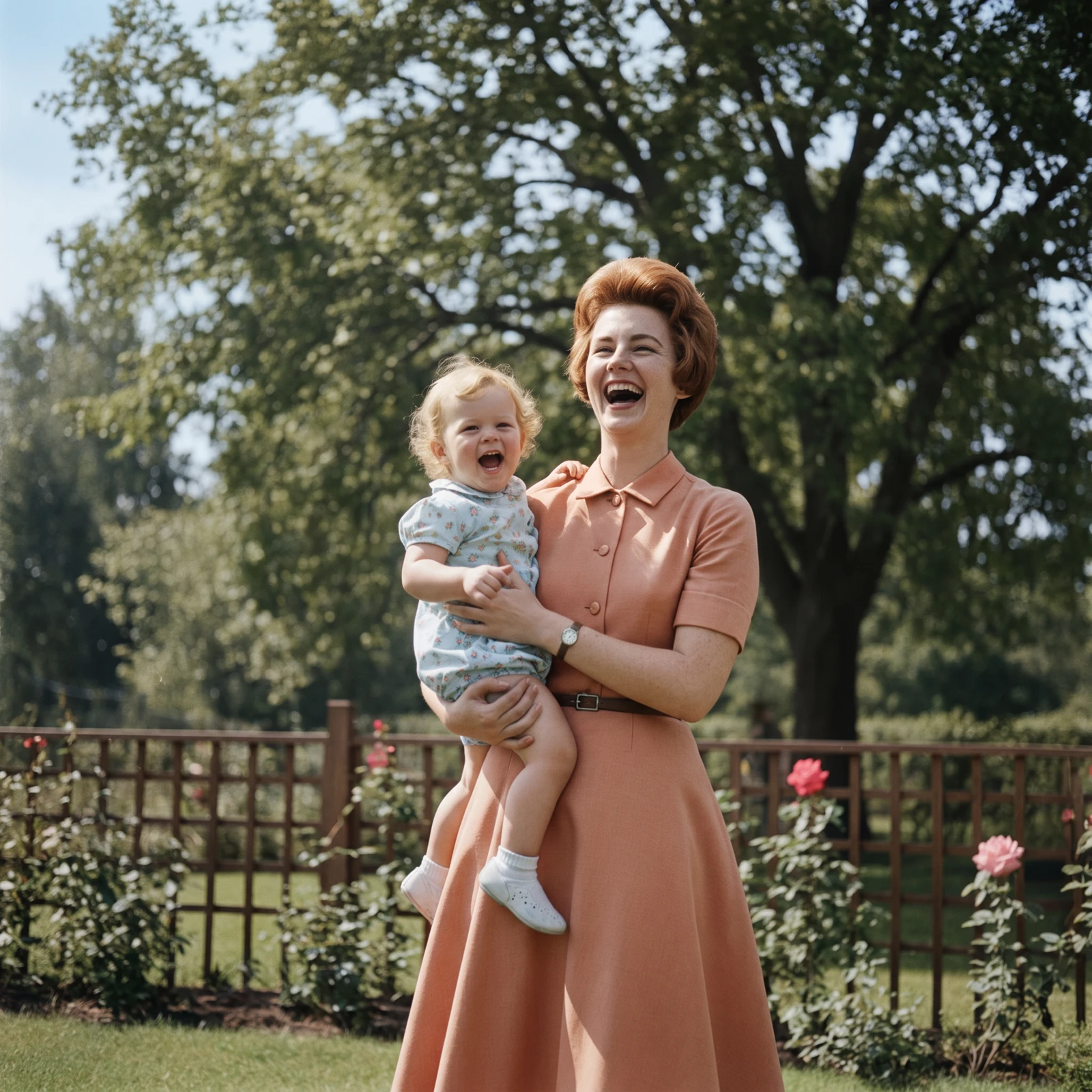
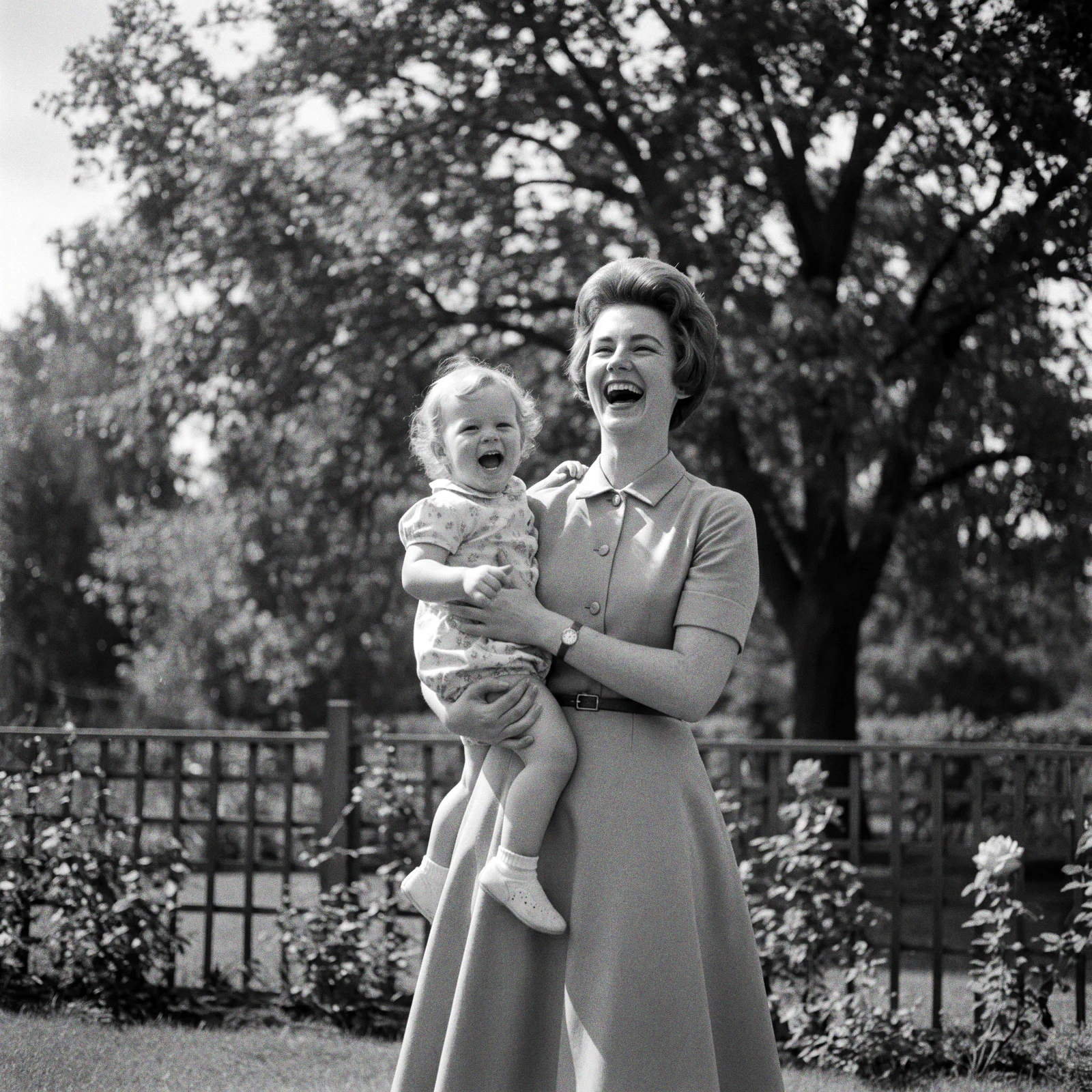 ProColorize PhotosAdd realistic, natural colour to black and white and faded photos.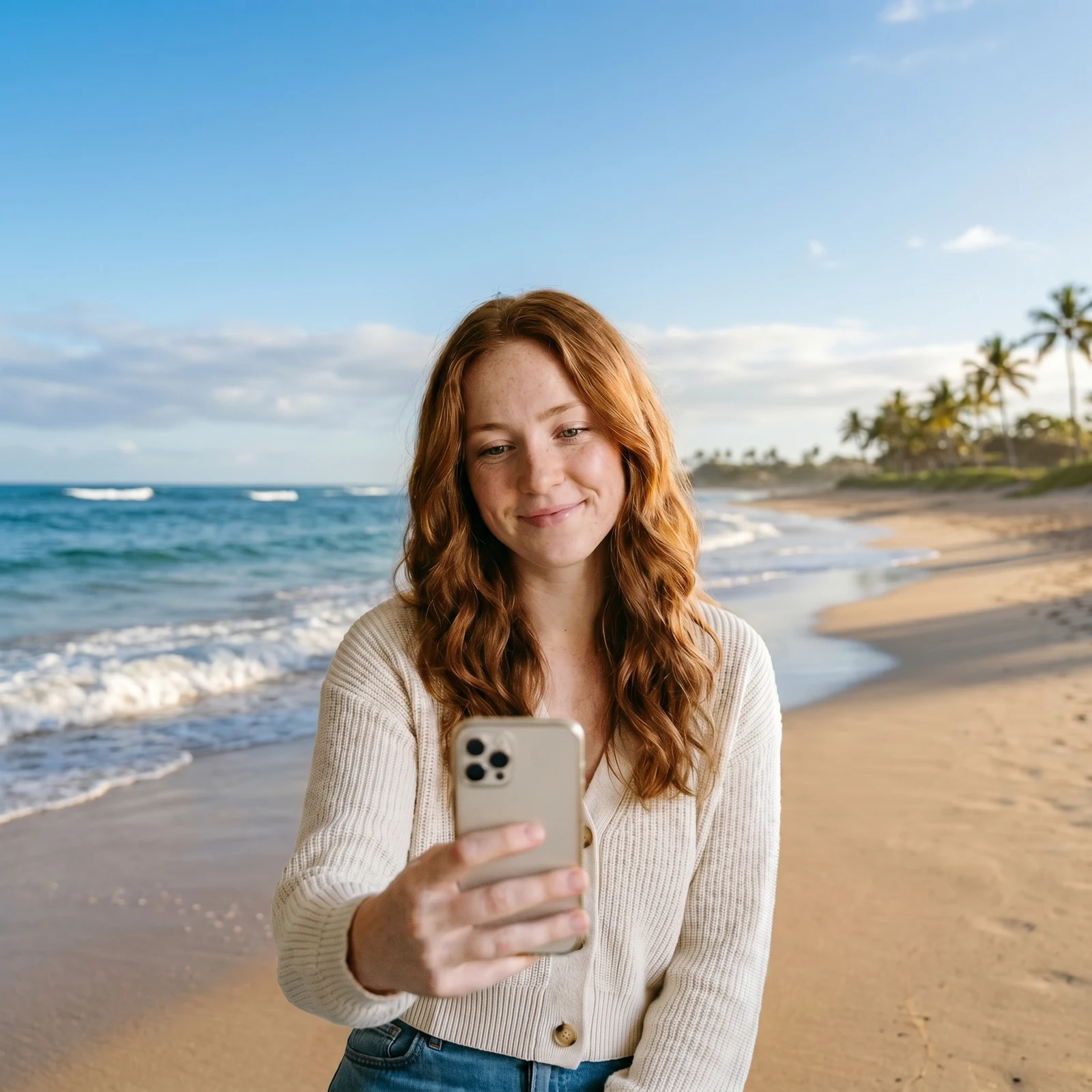
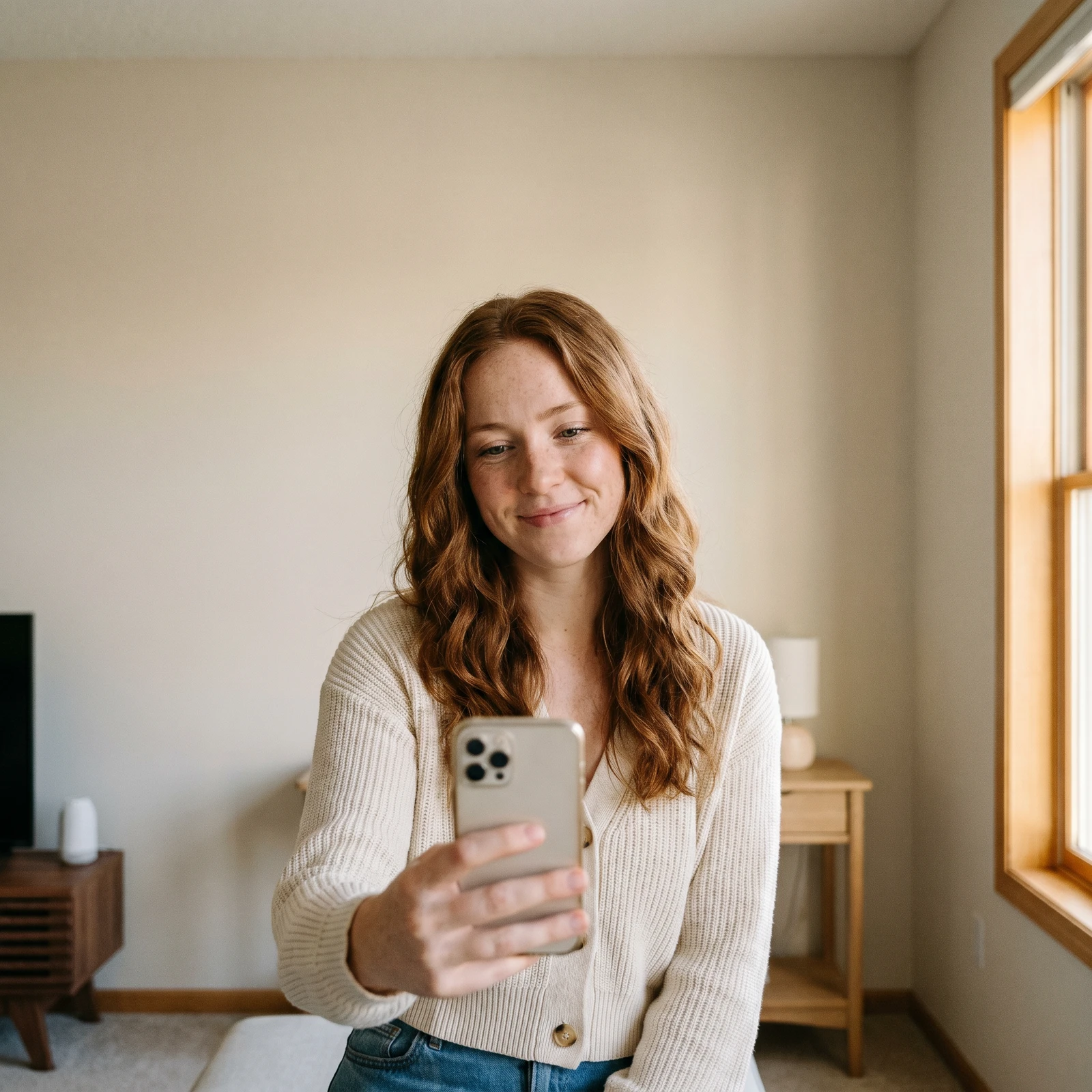 Change BackgroundDrop your subject into a new scene - studio, office, beach or blurred.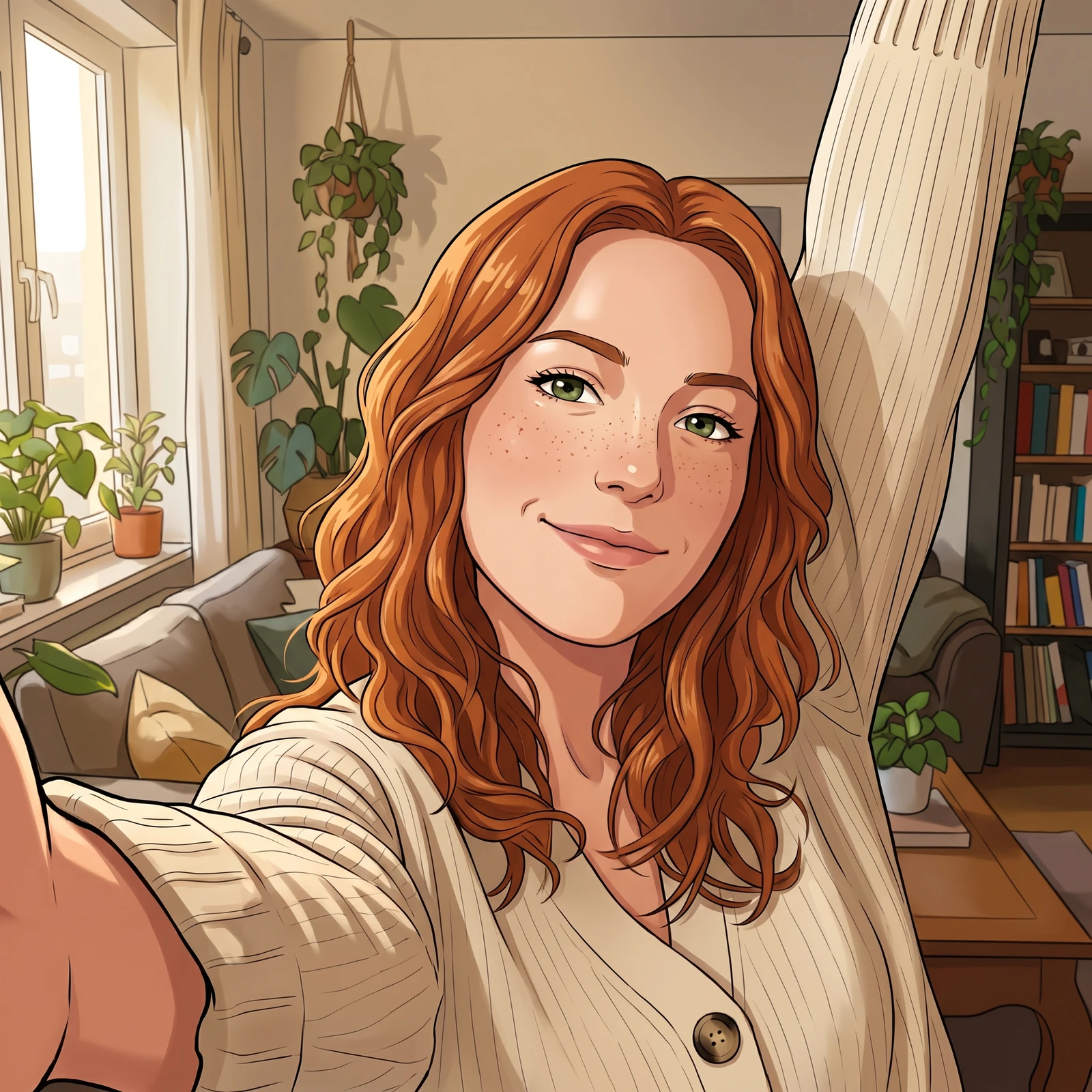
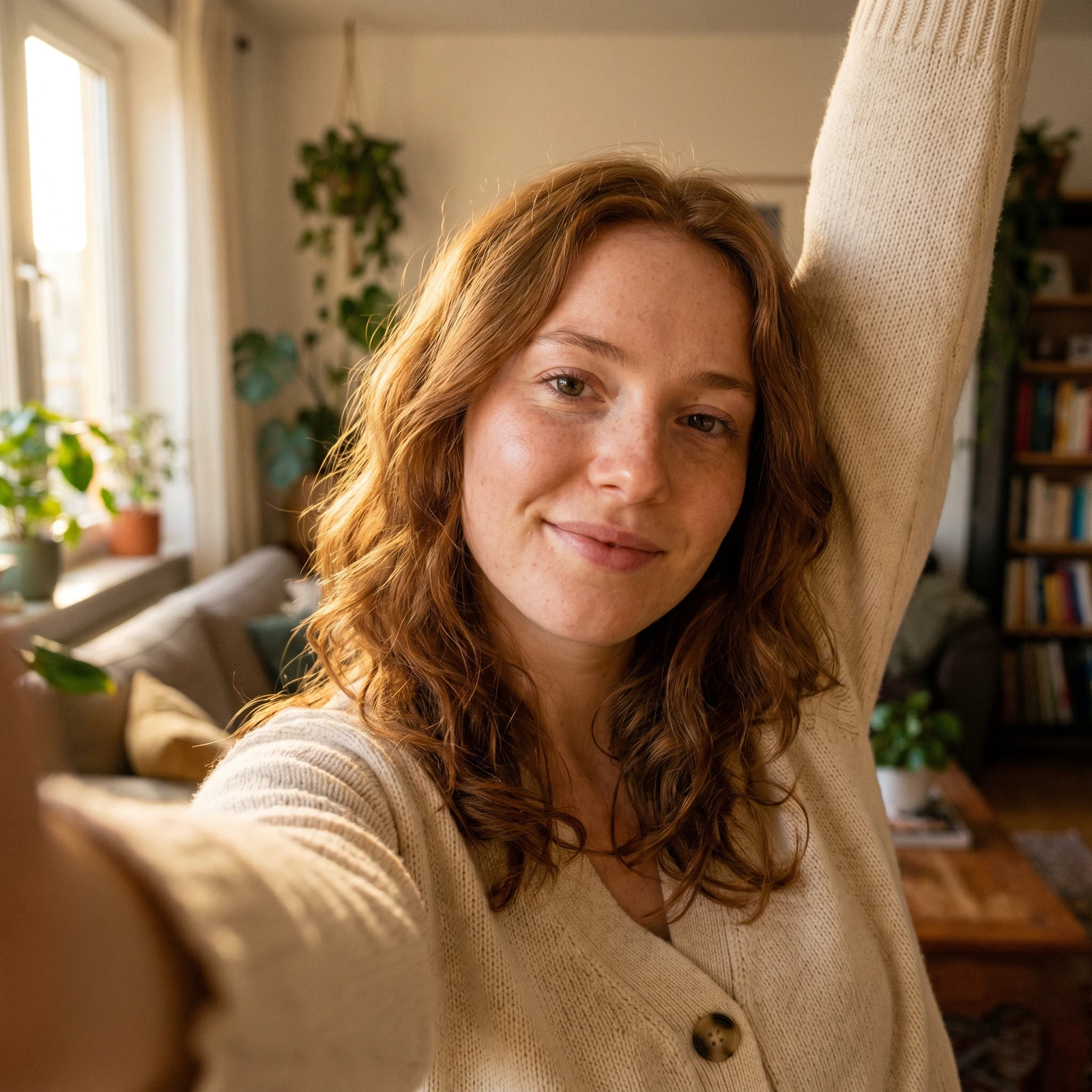 Photo to CartoonTurn your photo into a cartoon - anime, 3D, chibi, watercolor and more.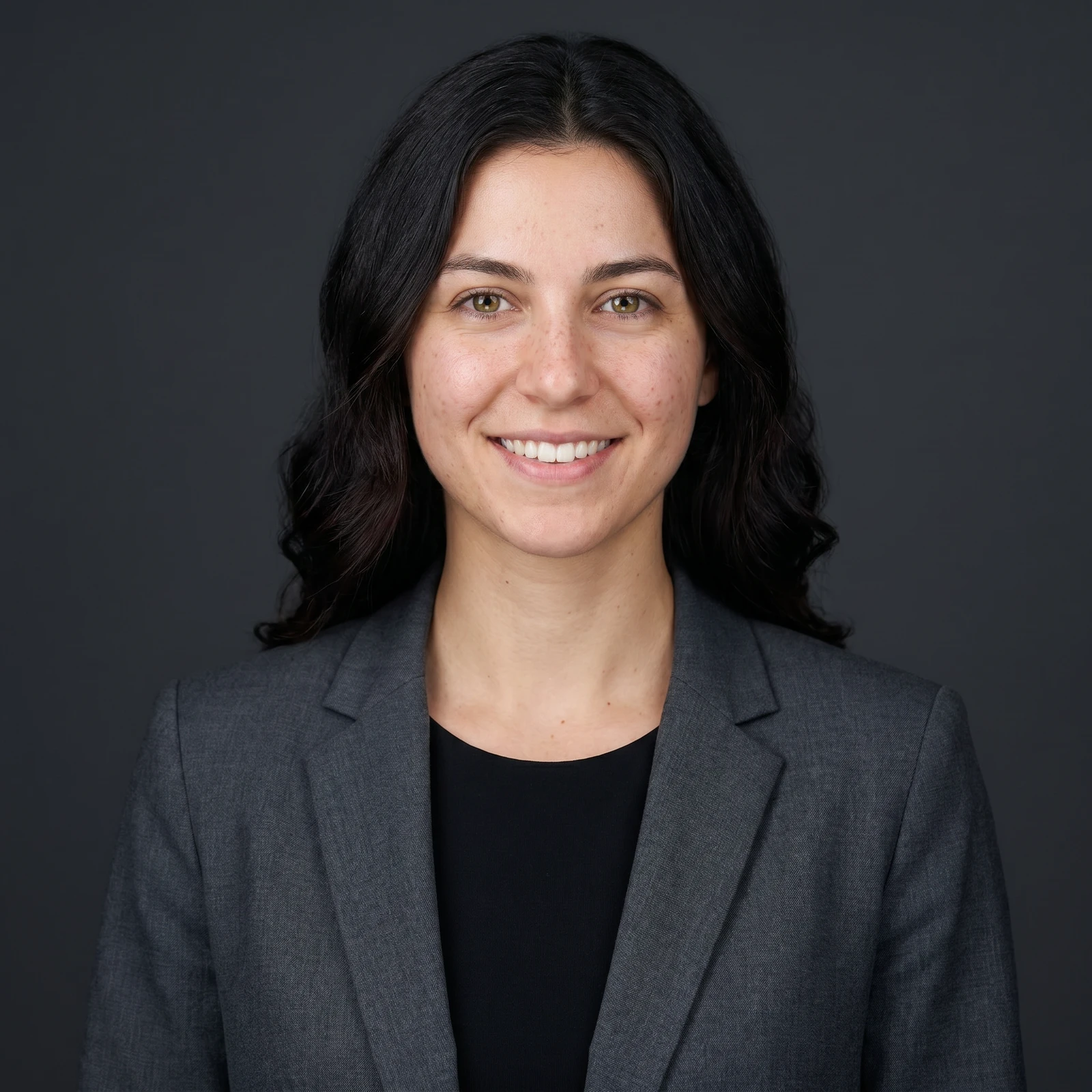
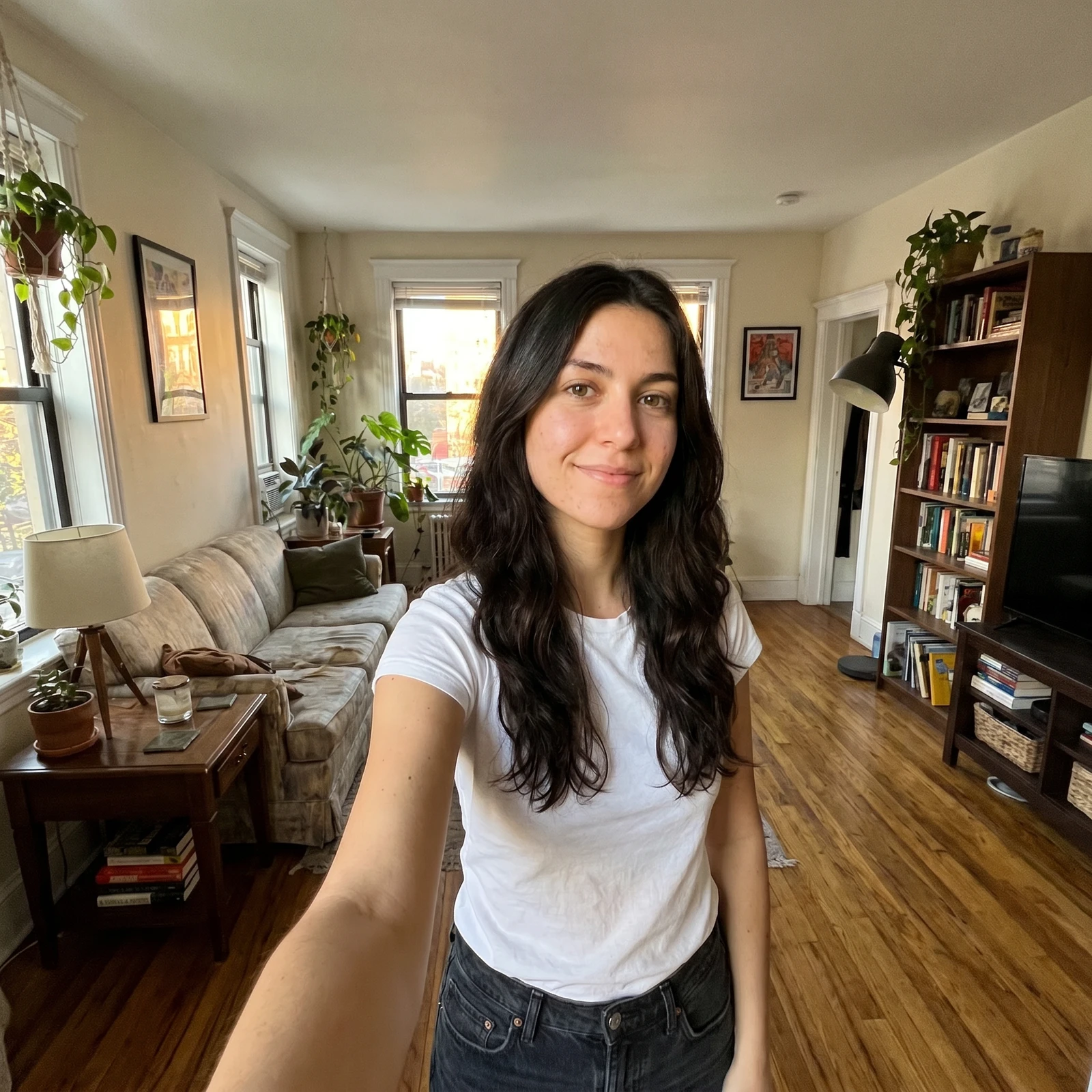 ProAI Headshot GeneratorTurn a selfie into a professional studio headshot, keeping your real face.
Restore more photos, in higher resolution, on your phone. Renvyn is on iOS and Android.