Cartoon profile pictures
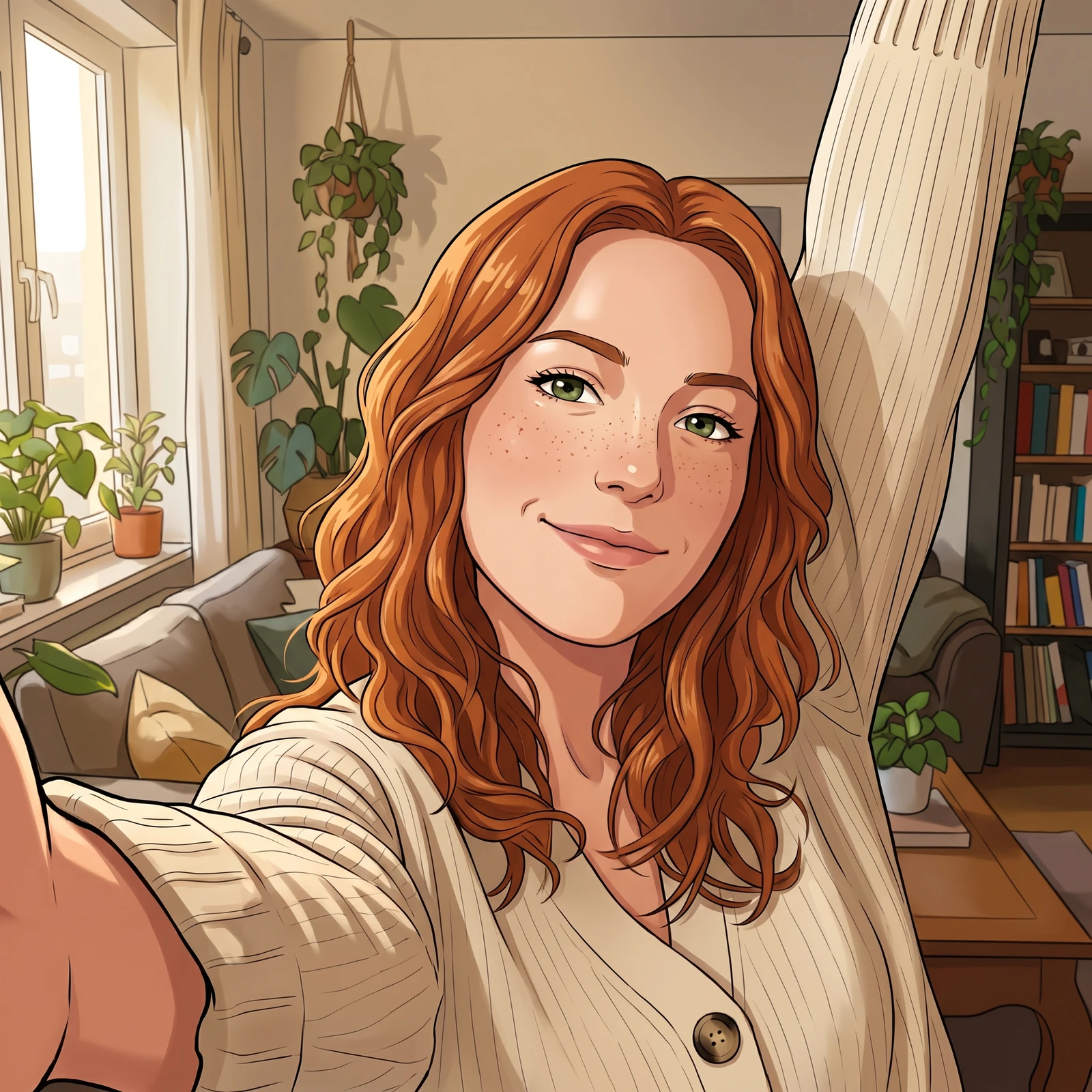
Turn a selfie into an anime or 3D avatar for a profile picture, an icon or a gaming handle that still looks like you.
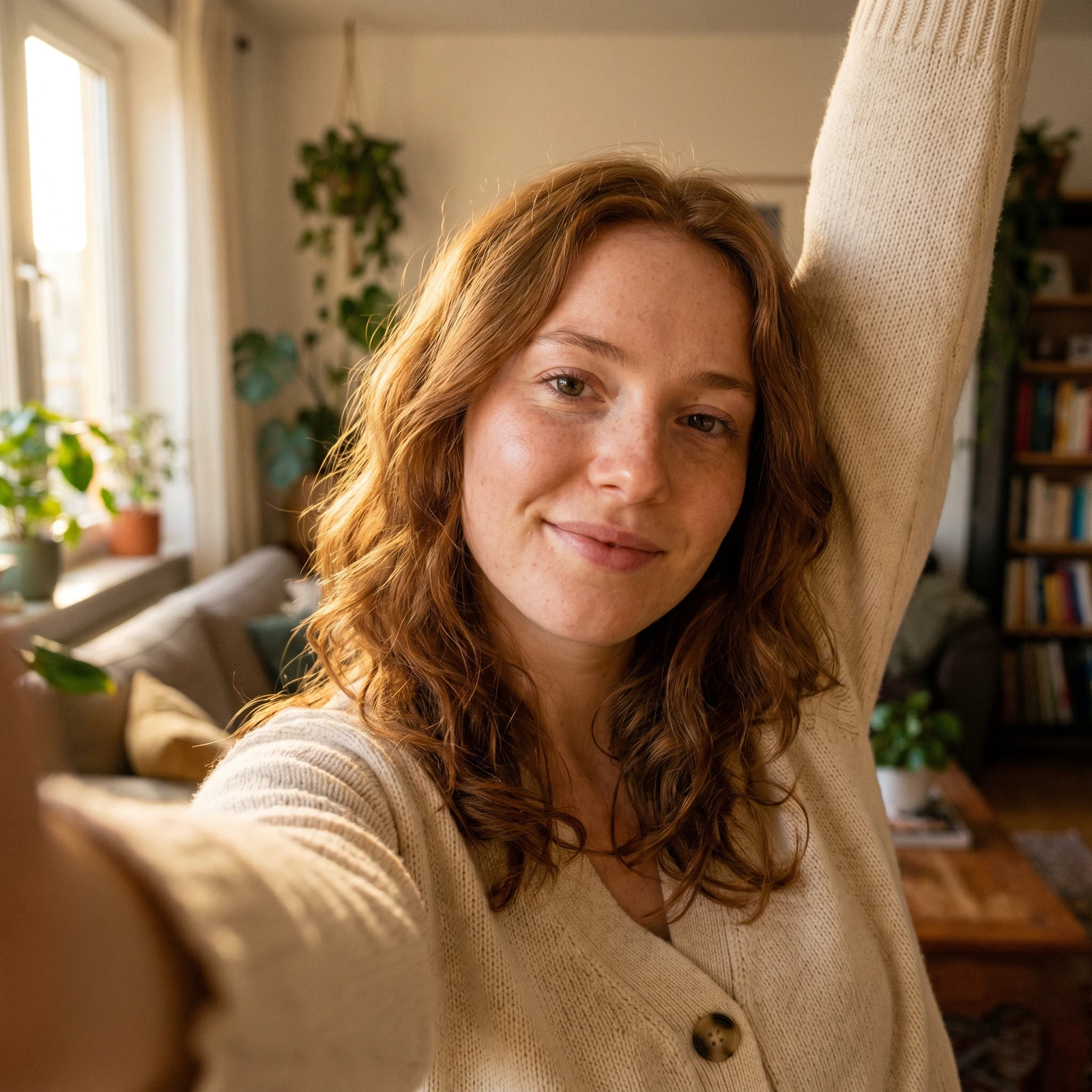
Upload a photo and Renvyn turns it into a cartoon with AI - pick anime, 3D, chibi, watercolor and more, and your photo is redrawn as a cohesive illustration that still looks like you, in seconds.
A real Renvyn cartoon in the style you picked - drag to compare
✓ 2 free editsSign in with Google or ApplePhotos deleted in 24h
Choose a clear photo of a person, a pet or a group. A sharp, well-lit shot with the face visible gives the AI the most to work with.
Choose a style - anime, 3D, chibi, watercolor, comic, sketch, Ghibli or pixel. Renvyn redraws the whole image, subject and background, as one cohesive illustration while keeping your likeness and pose.
Preview the result, try another style if you like, and download it. One tap sign in with Google or Apple runs your free edit - no long form to fill out.
Turn a selfie into an anime or 3D avatar for a profile picture, an icon or a gaming handle that still looks like you.
Redraw a photo of you, a couple or a group as a fun cartoon for a post, a sticker or a message.
Turn a photo of your dog or cat into a cute chibi or 3D character for a print, a mug or a gift.
Cartoonize a favorite photo as a personal, playful gift - a birthday card, a poster or a print.
A lot of cartoon apps flatten your face into a generic character that could be anyone. Renvyn keeps your key likeness - face shape, hairstyle, expression and pose - and stylizes the whole image consistently, so the result reads as a real cartoon of you, not a random avatar.
It runs in your browser - drop a photo in, pick a style, get it back in seconds, with nothing to install. Your first edit is free to try, and the Renvyn app unlocks full-resolution exports, every style and batch edits on your phone.
Upload your photo, pick a cartoon style, and Renvyn redraws it as an illustration with AI while keeping your likeness. Your first edit is free; one tap sign in with Google or Apple runs it.
Yes, you can cartoonize a photo for free to try it. You sign in once with Google or Apple to run your free edit, and the Renvyn app unlocks full resolution, every style and more edits.
Pick from anime, 3D, chibi, watercolor, comic, sketch, Ghibli-inspired and pixel styles. Each one redraws the whole image, subject and background, as one cohesive illustration.
Yes - Renvyn keeps your key likeness (face shape, hairstyle, expression and pose) and the same framing, so the cartoon reads as you rather than a generic character.
Yes. Anime is one of the styles - upload your photo, pick Anime, and Renvyn redraws you in an anime look while keeping your likeness.
Yes. Your uploads are tied to your account and are not shared or made public, and your original file is never overwritten - cartoonizing always produces a new image.
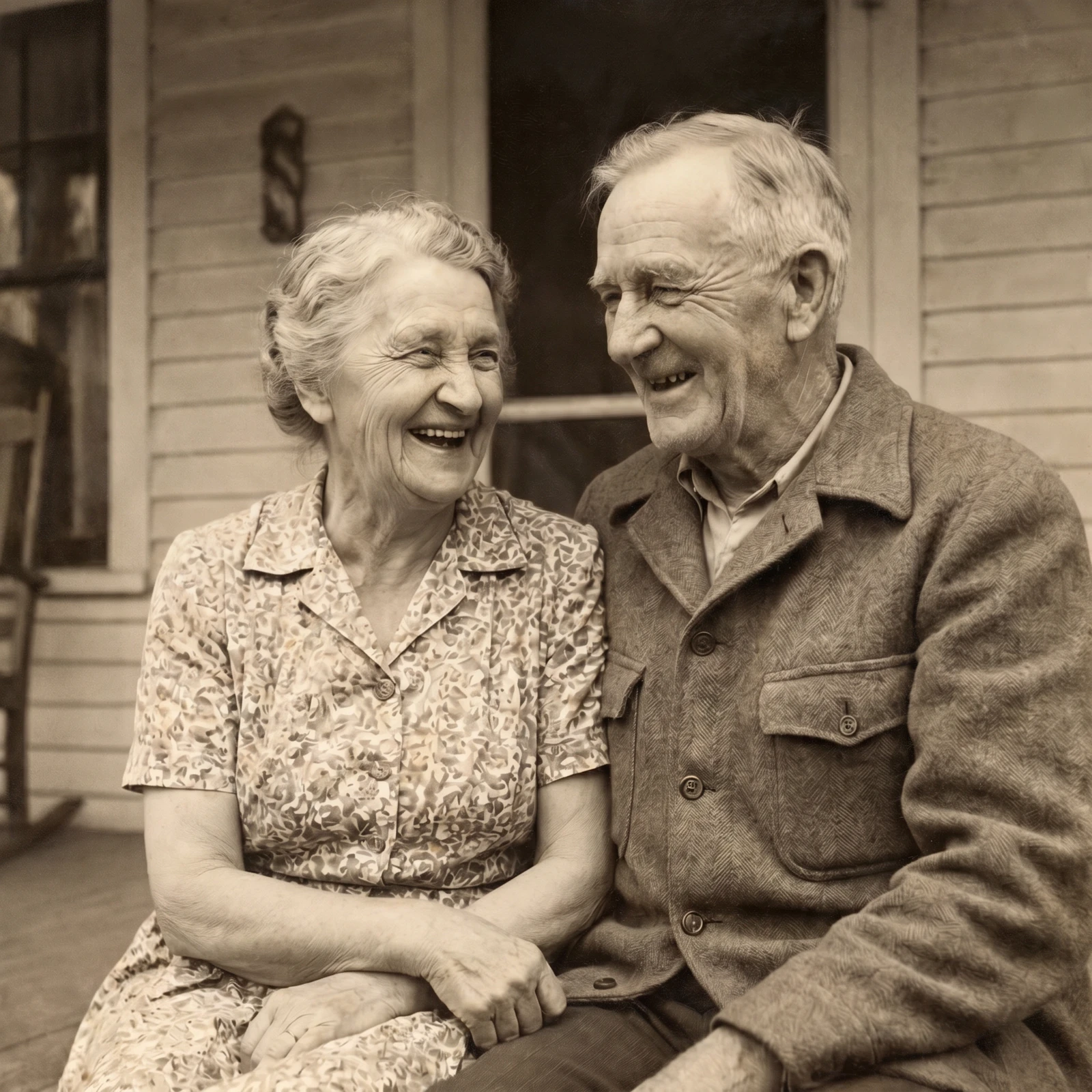
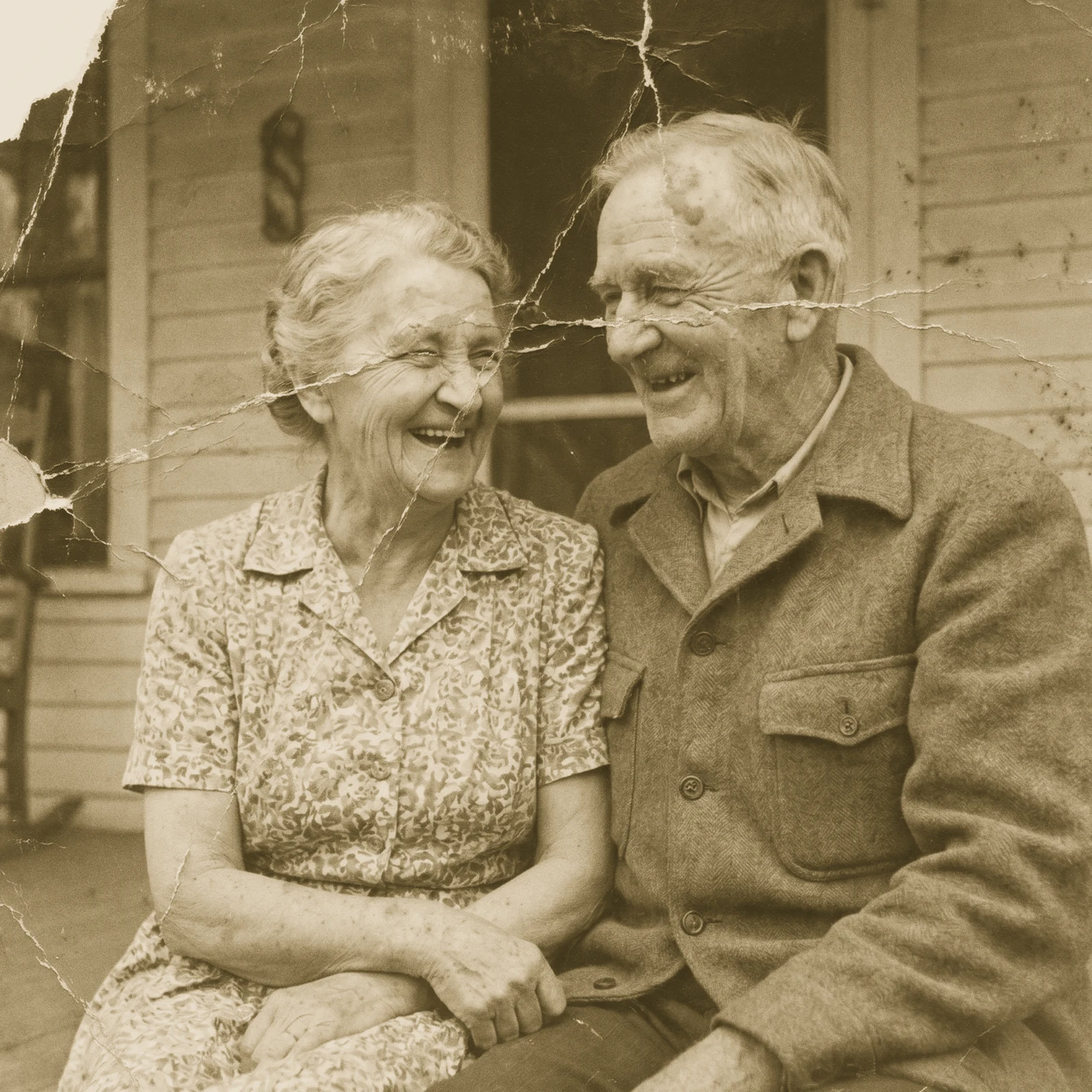 Restore Old PhotosRepair scratches, tears and fading and bring damaged old photos back to life.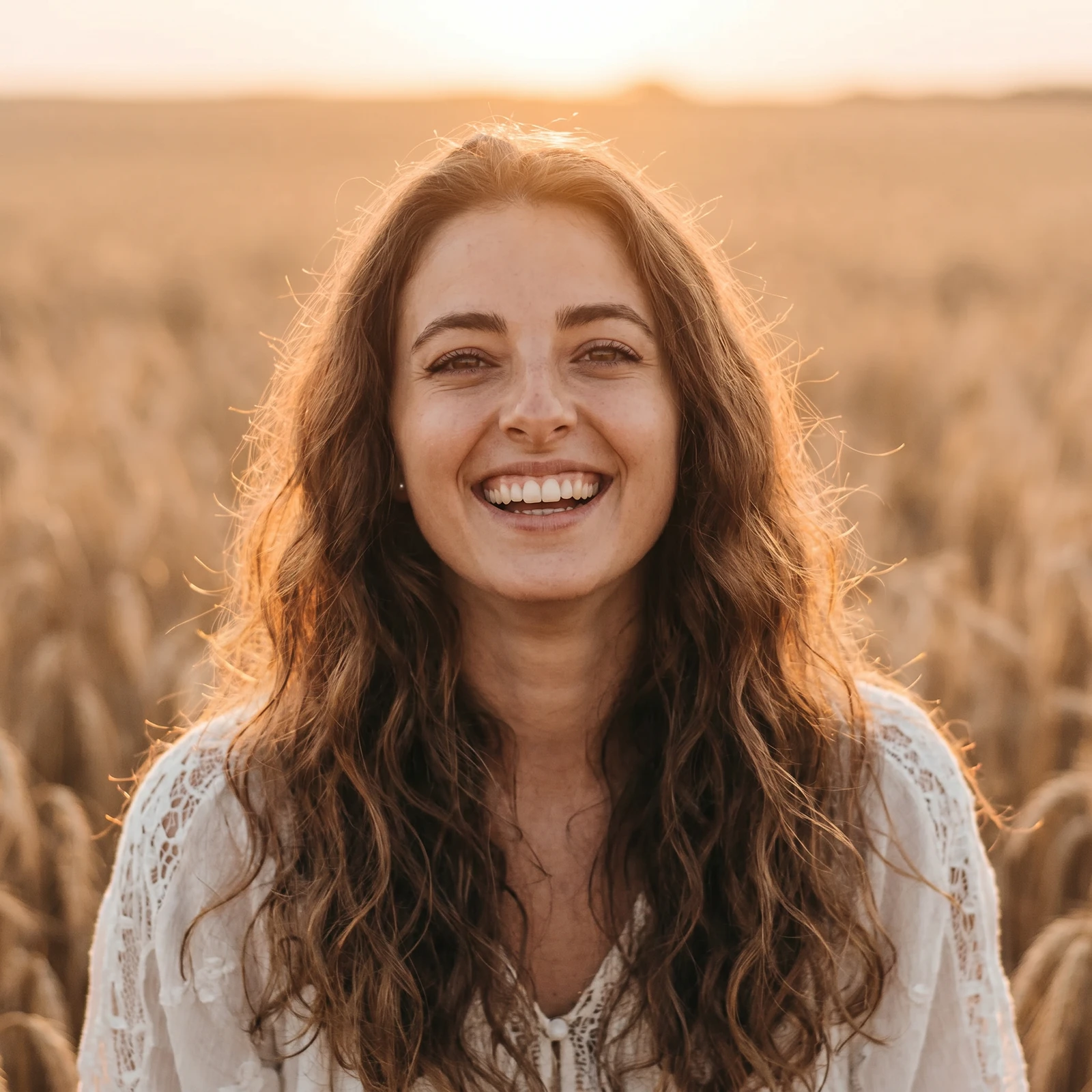
 Image UpscalerSharpen and unblur soft or low-quality photos and recover fine detail.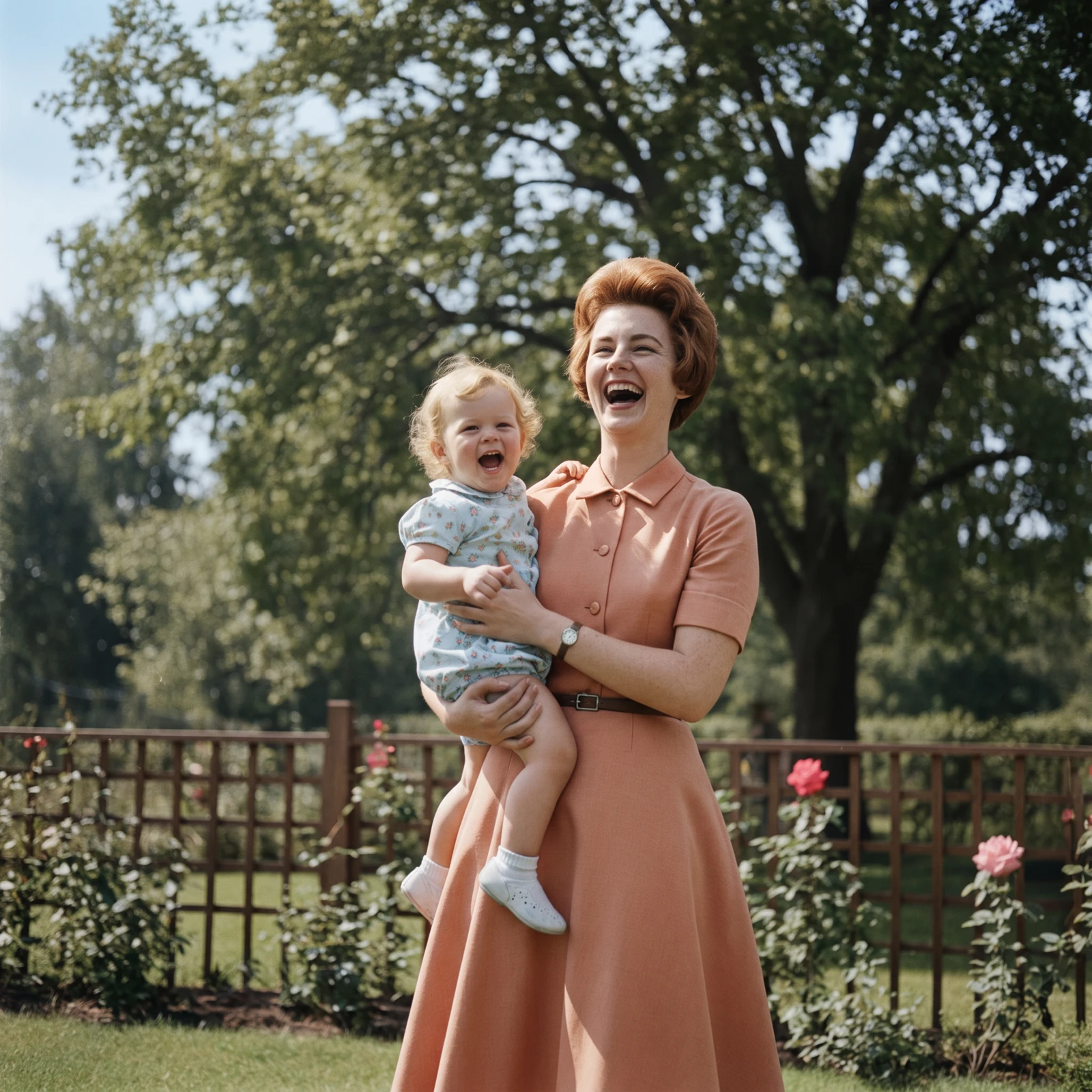
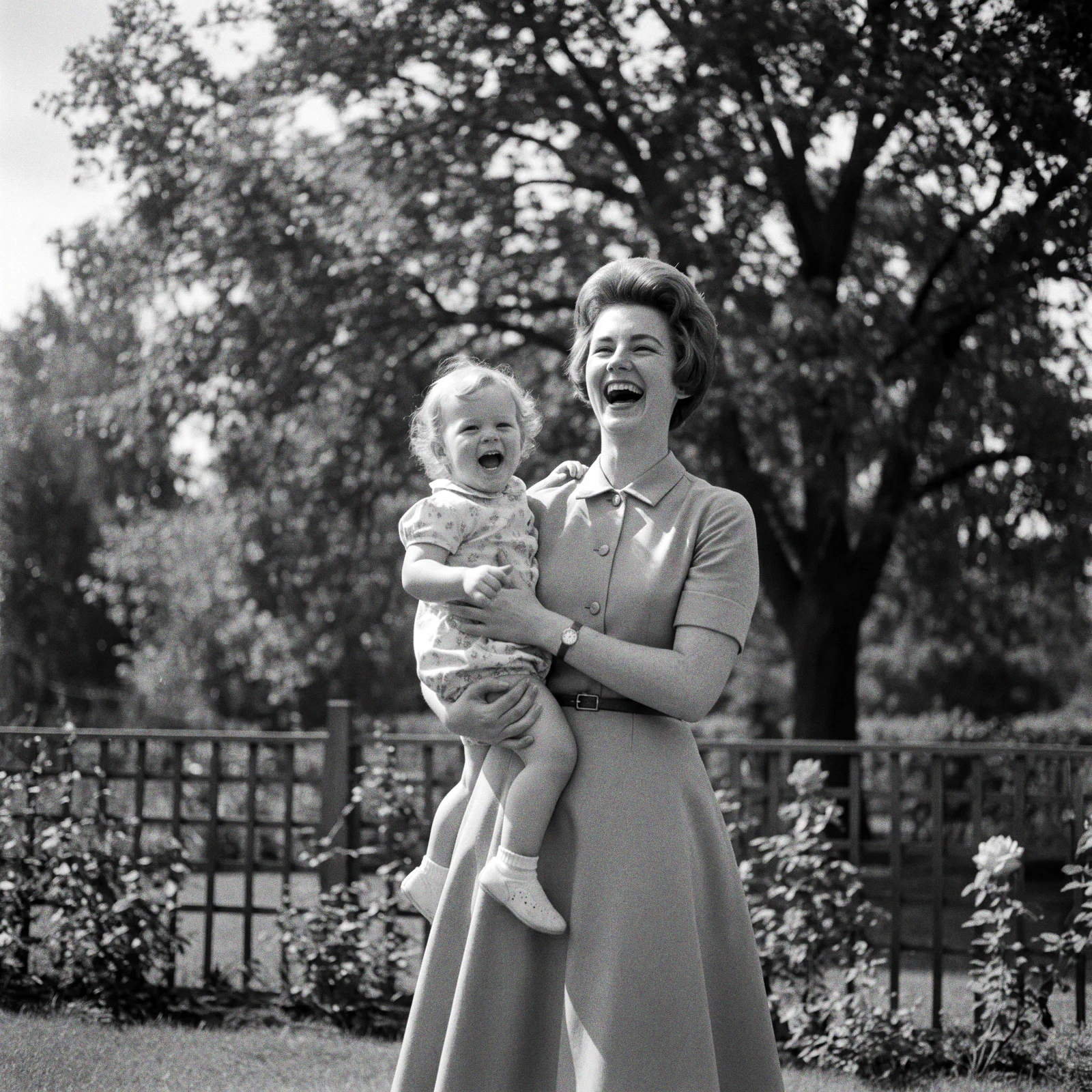 ProColorize PhotosAdd realistic, natural colour to black and white and faded photos.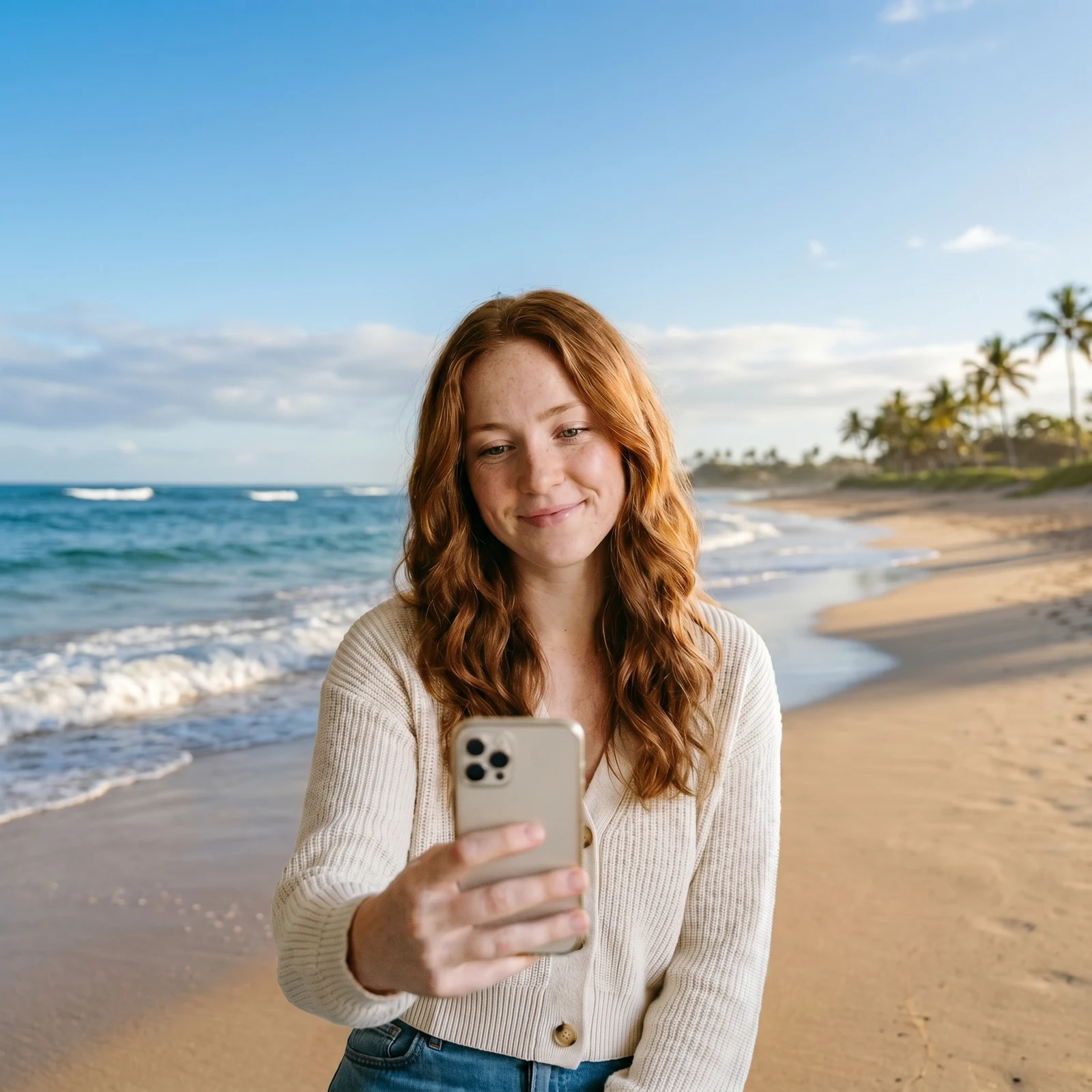
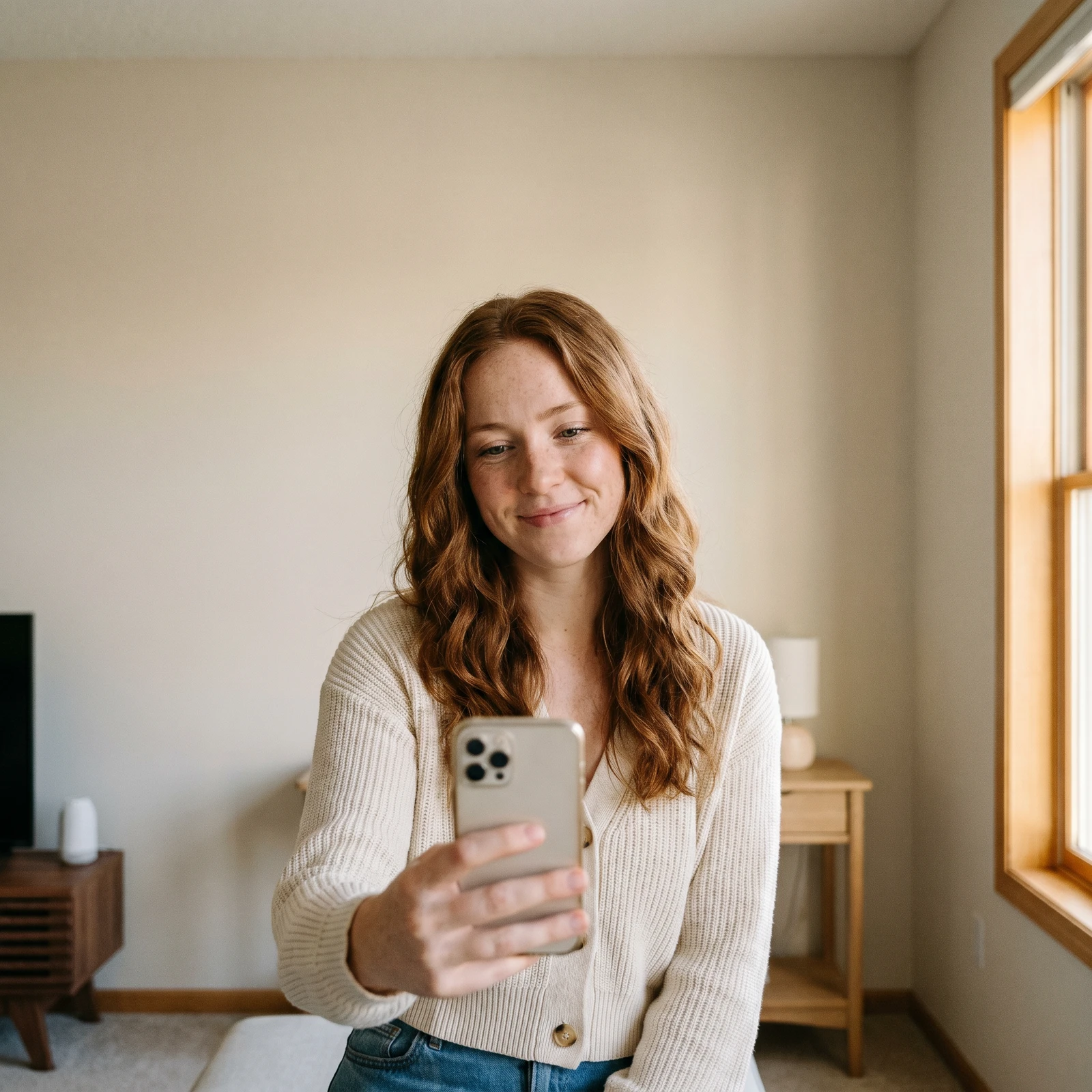 Change BackgroundDrop your subject into a new scene - studio, office, beach or blurred.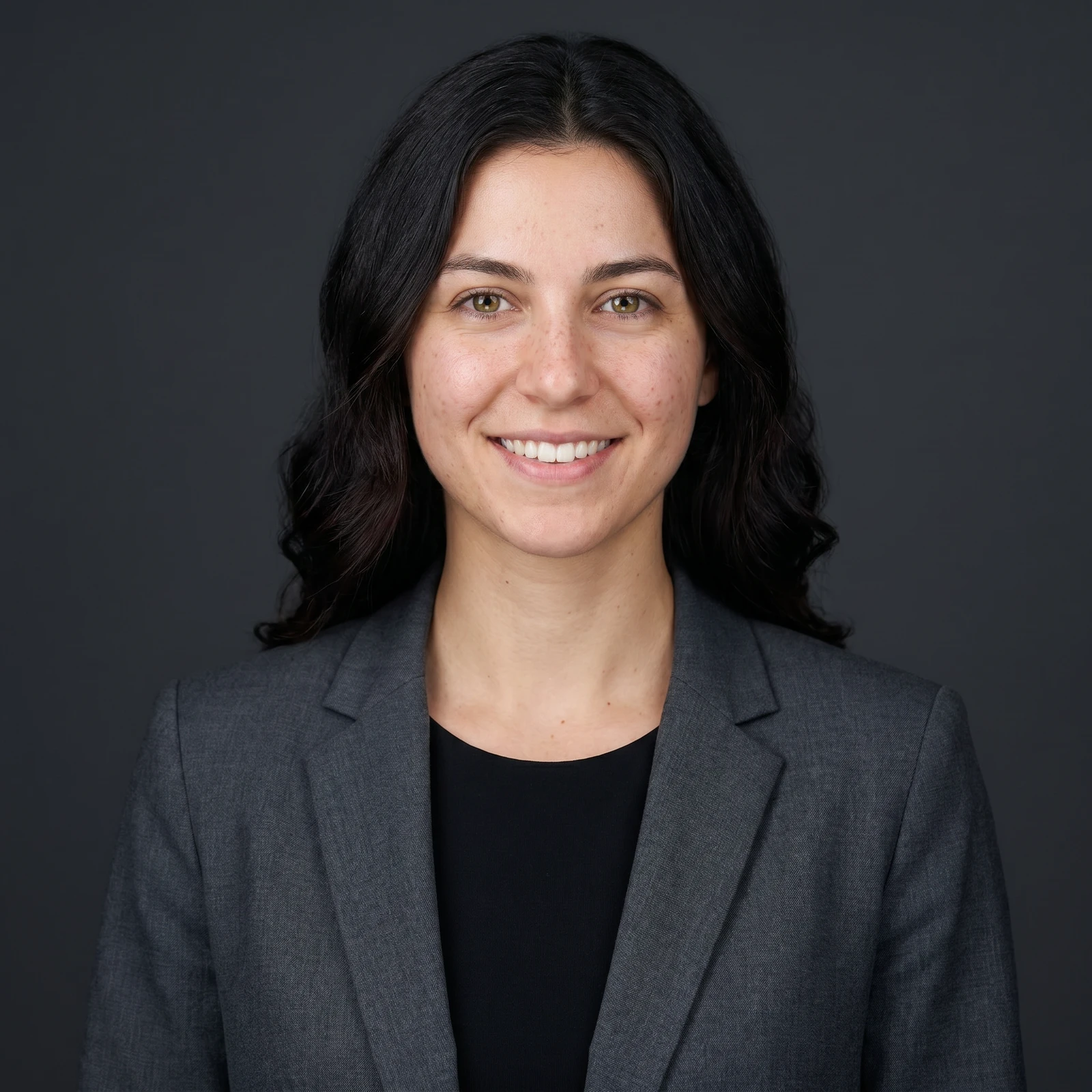
 ProAI Headshot GeneratorTurn a selfie into a professional studio headshot, keeping your real face.
Cartoonize photos in full resolution, unlock every style and edit in batches on your phone. Renvyn is on iOS and Android.