Old family photos
See a grandparent's portrait or a childhood picture in colour for the first time, with natural skin tones and true-to-life clothing.

Upload a black and white or faded photo and Renvyn adds realistic, natural color with AI - bringing old family portraits and historic pictures back to life, with believable skin tones and era-true colour. Colorizing is part of Renvyn Pro.
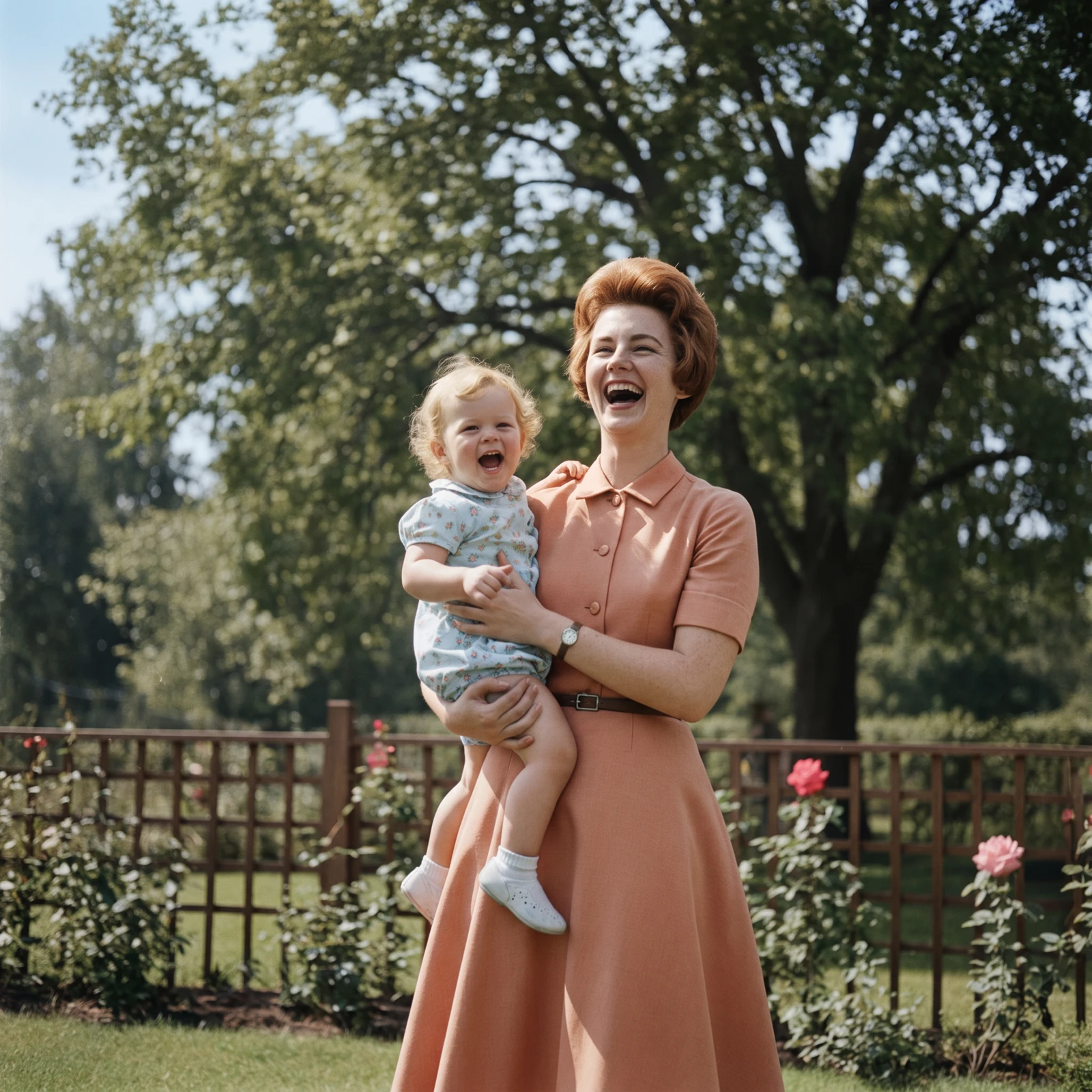
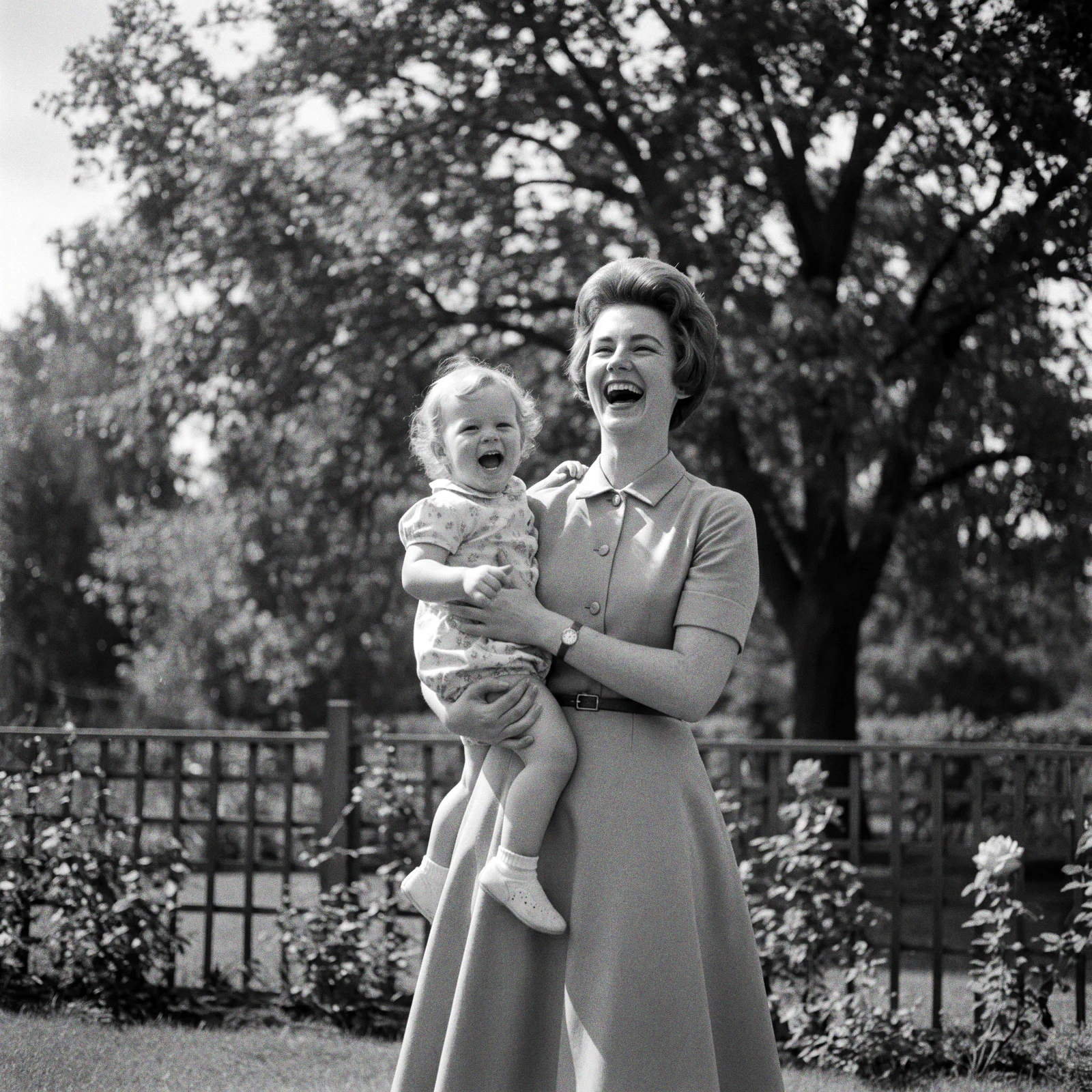
A real Renvyn colorization - drag to compare
✓ Renvyn ProSign in with Google or ApplePhotos deleted in 24h
Choose a scan or picture of the old, monochrome or sepia photo you want to bring to life. A clear, well-lit scan gives the AI the most to work with.
Renvyn reads the whole scene and paints in natural, context-aware colour - lifelike skin tones and believable colours for clothing, hair, foliage and sky - while keeping the original lighting and contrast intact.
One tap sign in with Google or Apple. Colorizing is a Renvyn Pro feature - if you are a subscriber it runs right here; otherwise get the Renvyn app to unlock it.
We would rather be honest than oversell. Here is what AI photo colorizing realistically does - and where it has limits.
Colorizing is a believable, natural interpretation, not a record of the exact original colours - because a black and white photo never stored them. We tell you that up front.
See a grandparent's portrait or a childhood picture in colour for the first time, with natural skin tones and true-to-life clothing.
Bring a monochrome wedding photo to life for an anniversary or a gift, dress and flowers in believable colour.
Add era-appropriate colour to old street scenes, portraits and vintage prints so they feel present and real.
Revive washed-out or sepia-toned photos with a natural, full-colour palette instead of an aged cast.
Already repaired a damaged photo with restore? Colorize is the natural next step to bring the cleaned-up image fully to life.
A lot of colorizers wash a photo in flat, oversaturated tints that look fake. Renvyn reads the whole scene and paints context-aware colour - the right skin tones, believable fabrics, natural light - so the result looks like a real photograph, not a coloured-in one.
Your original black and white file is never overwritten, and colorizing always produces a new image that is private to your account.
Upload the photo, and Renvyn adds realistic colour with AI, then you sign in to unlock the result. Colorizing is a Renvyn Pro feature - if you subscribe it runs here on the web; otherwise the Renvyn app unlocks it.
Restoring and enhancing photos are free to try. Colorizing is part of Renvyn Pro - sign in with Google or Apple and, if you are a subscriber, it runs right away; otherwise get the Renvyn app to unlock it.
They are a believable, natural interpretation, not a record of the true original colours - a black and white photo never stored them. Skin tones and everyday colours are realistic, but a specific uniform or product colour is a best guess.
Yes - colourise and colorize are the same thing. Renvyn adds natural colour to black and white and faded photos either way.
Yes. Your uploads are tied to your account and are not shared or made public. Your original black and white file is never overwritten - colorizing always produces a new image.
Yes. Restore repairs damage and sharpens the photo, and colorize adds natural colour. For a damaged black and white photo, restore first, then colorize the cleaned-up result.
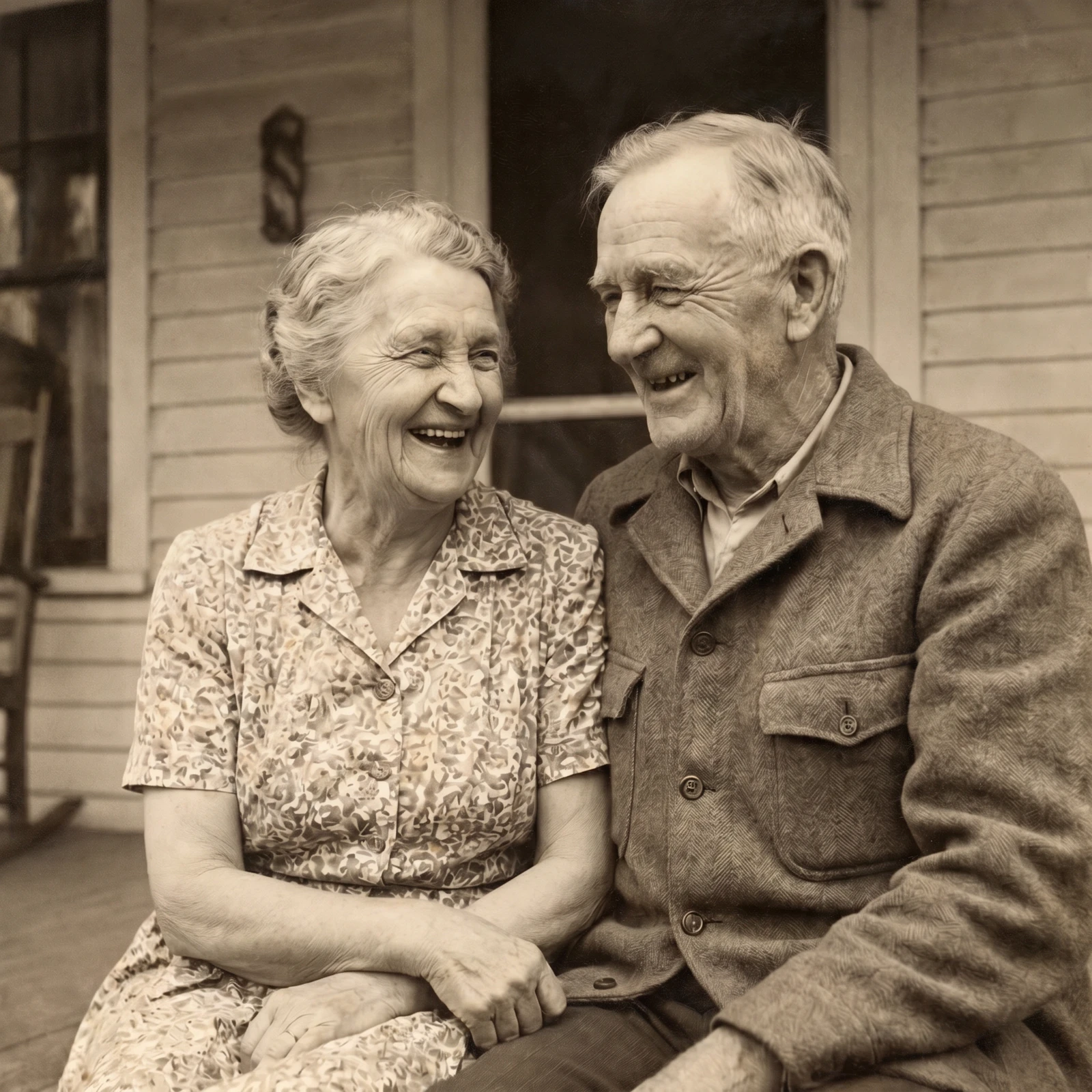
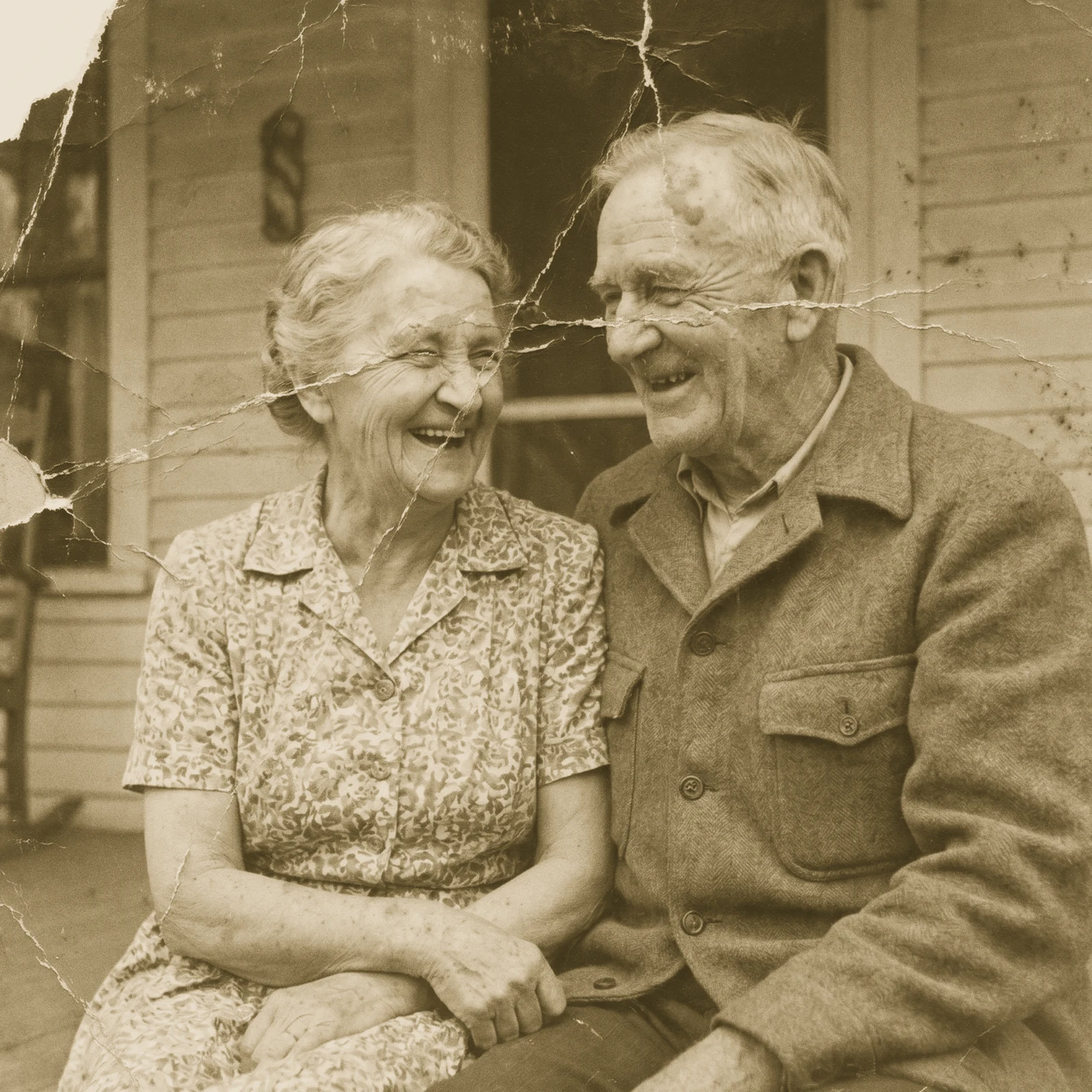 Restore Old PhotosRepair scratches, tears and fading and bring damaged old photos back to life.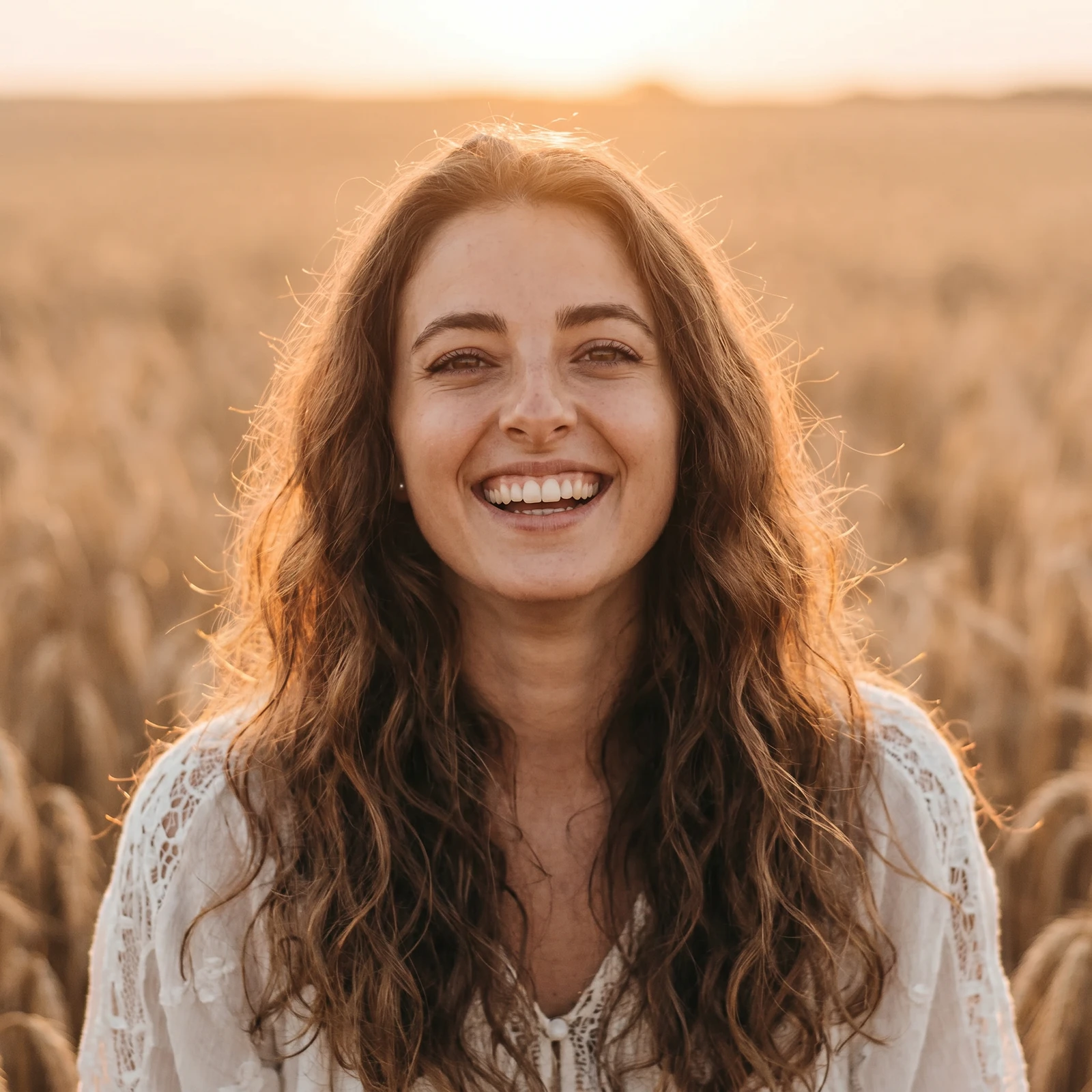
 Image UpscalerSharpen and unblur soft or low-quality photos and recover fine detail.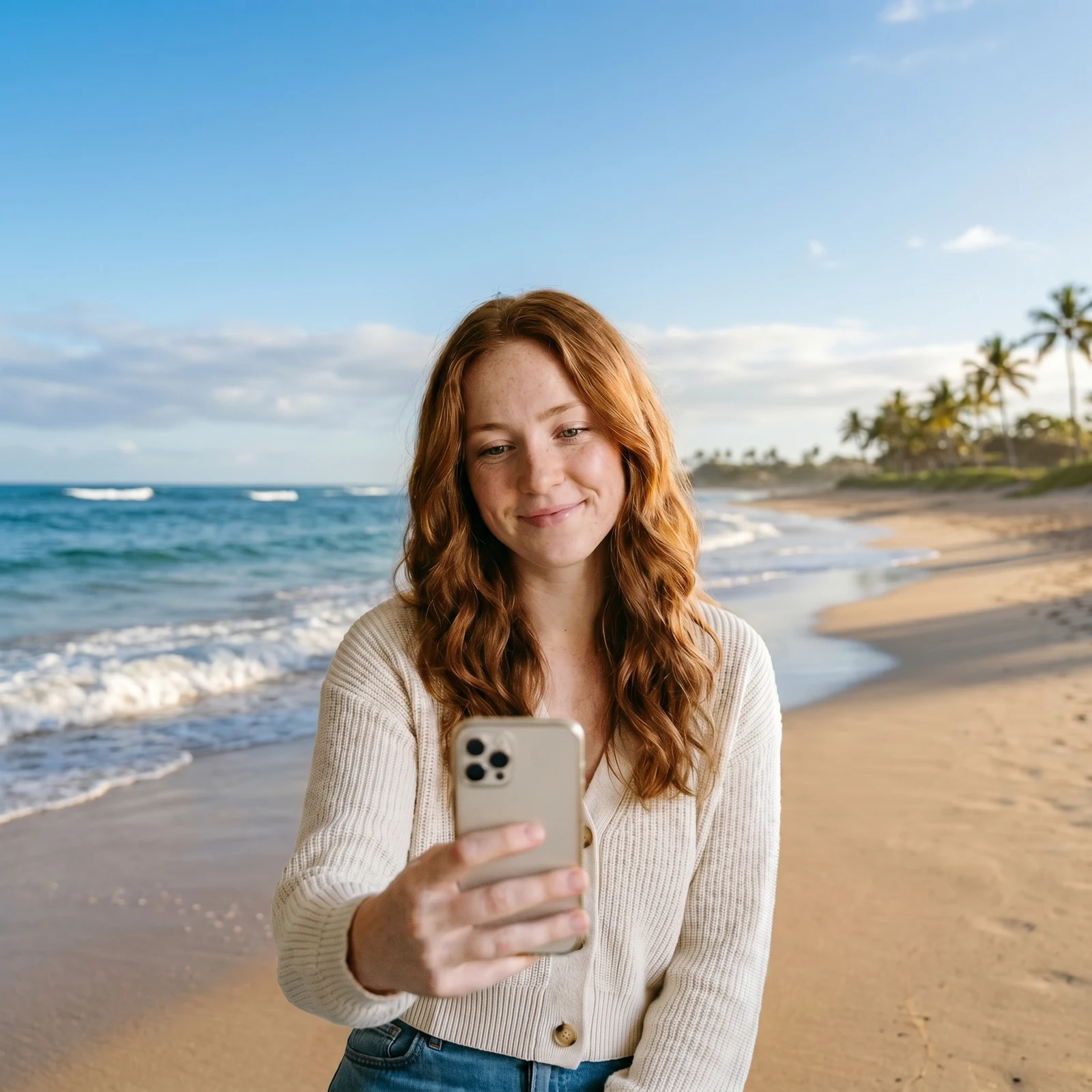
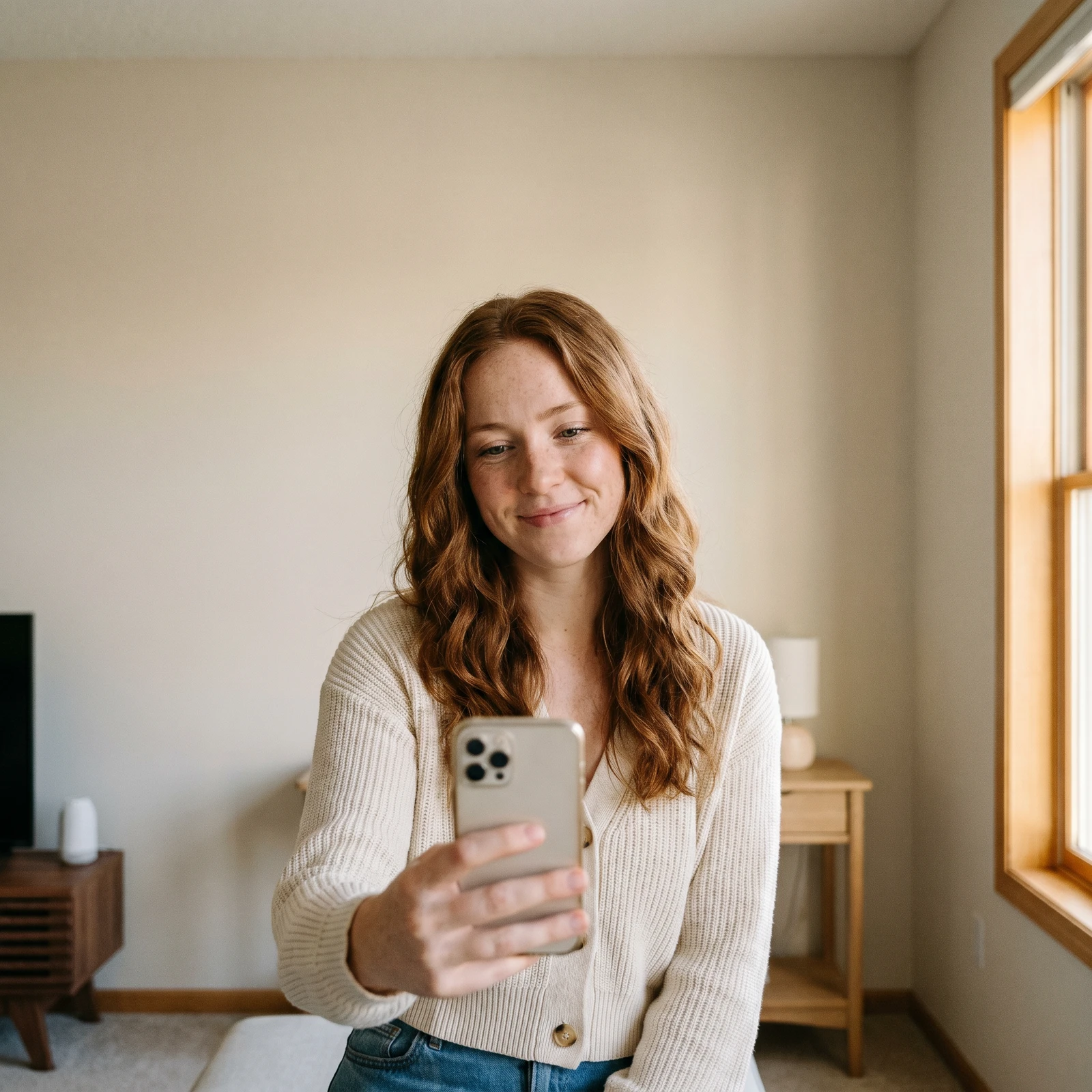 Change BackgroundDrop your subject into a new scene - studio, office, beach or blurred.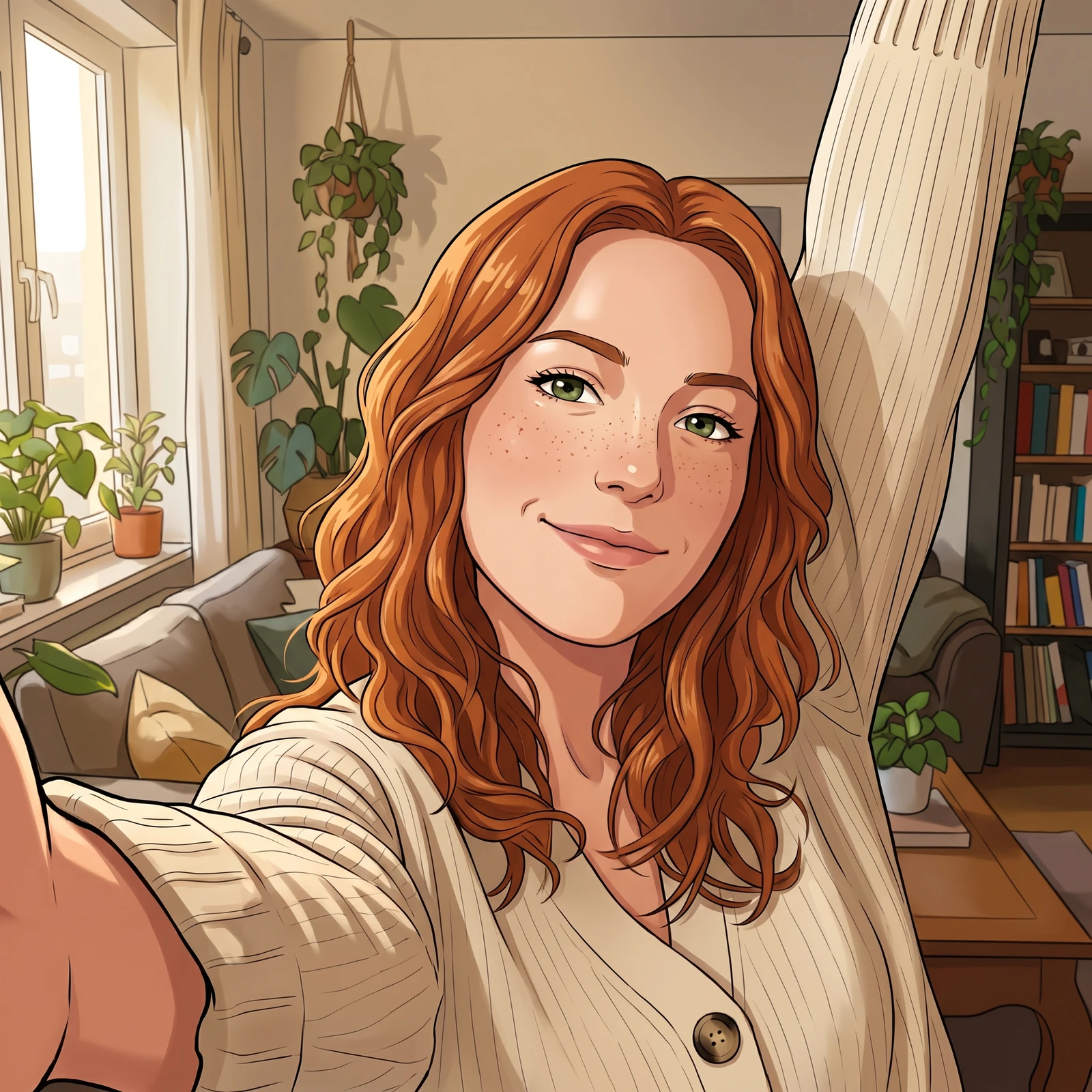
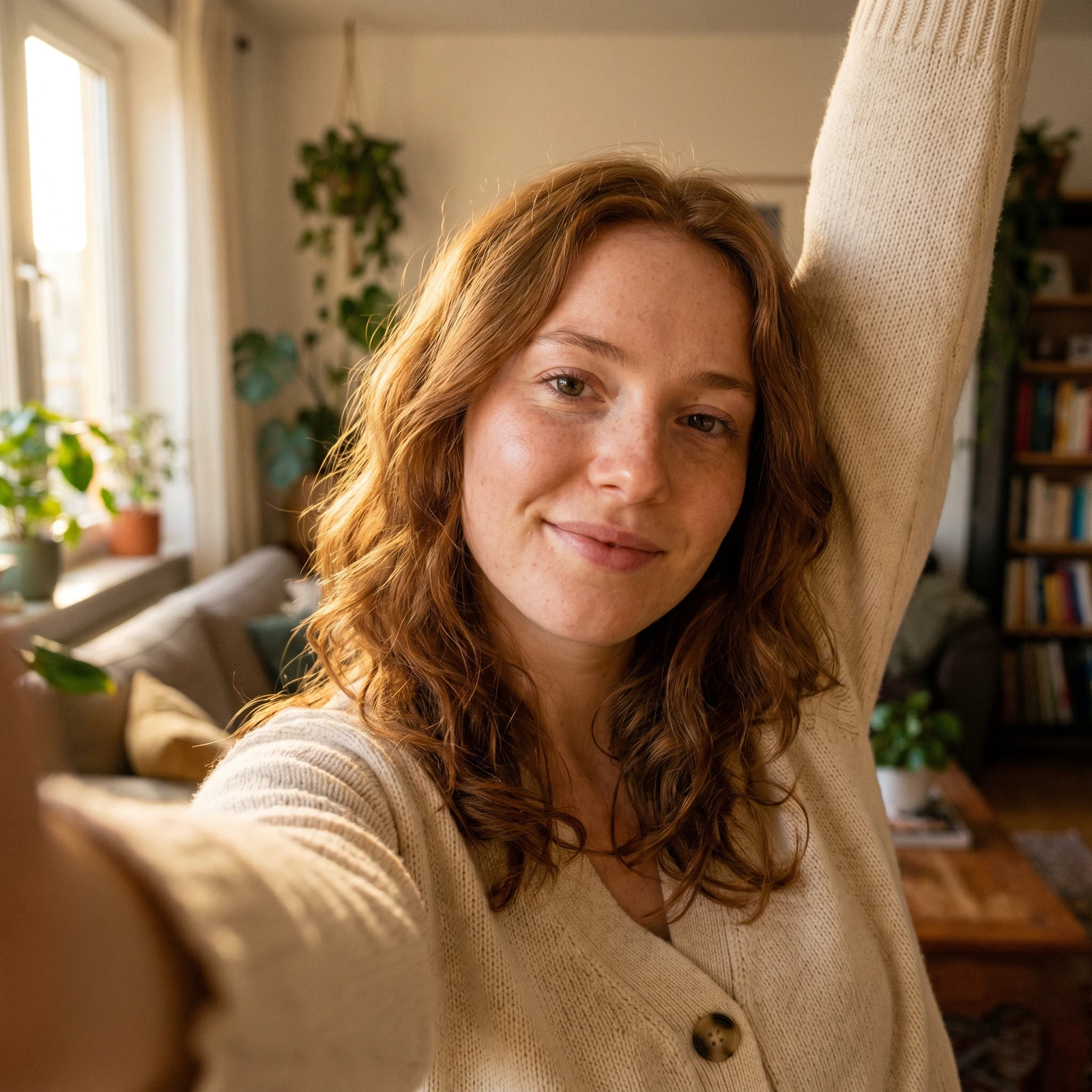 Photo to CartoonTurn your photo into a cartoon - anime, 3D, chibi, watercolor and more.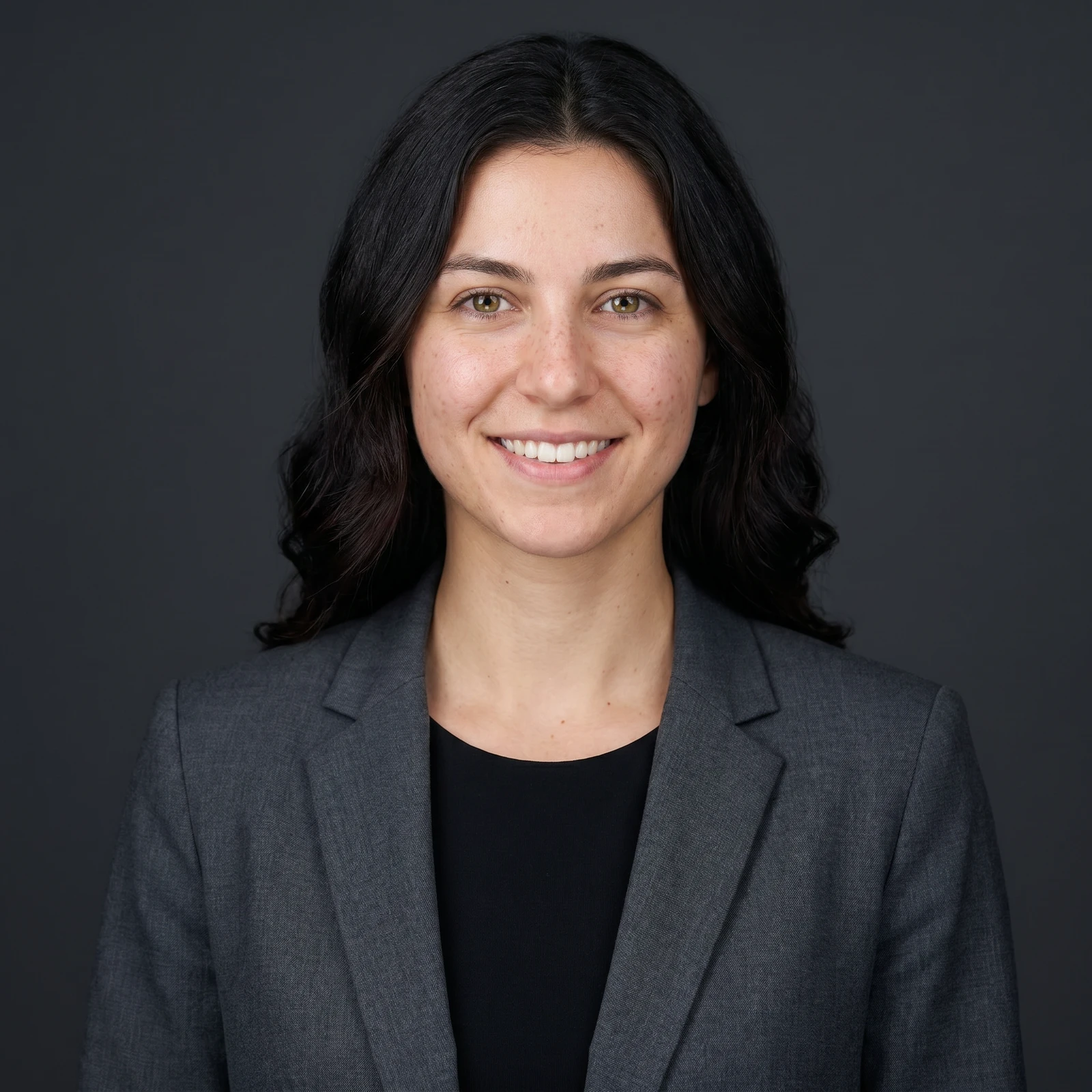
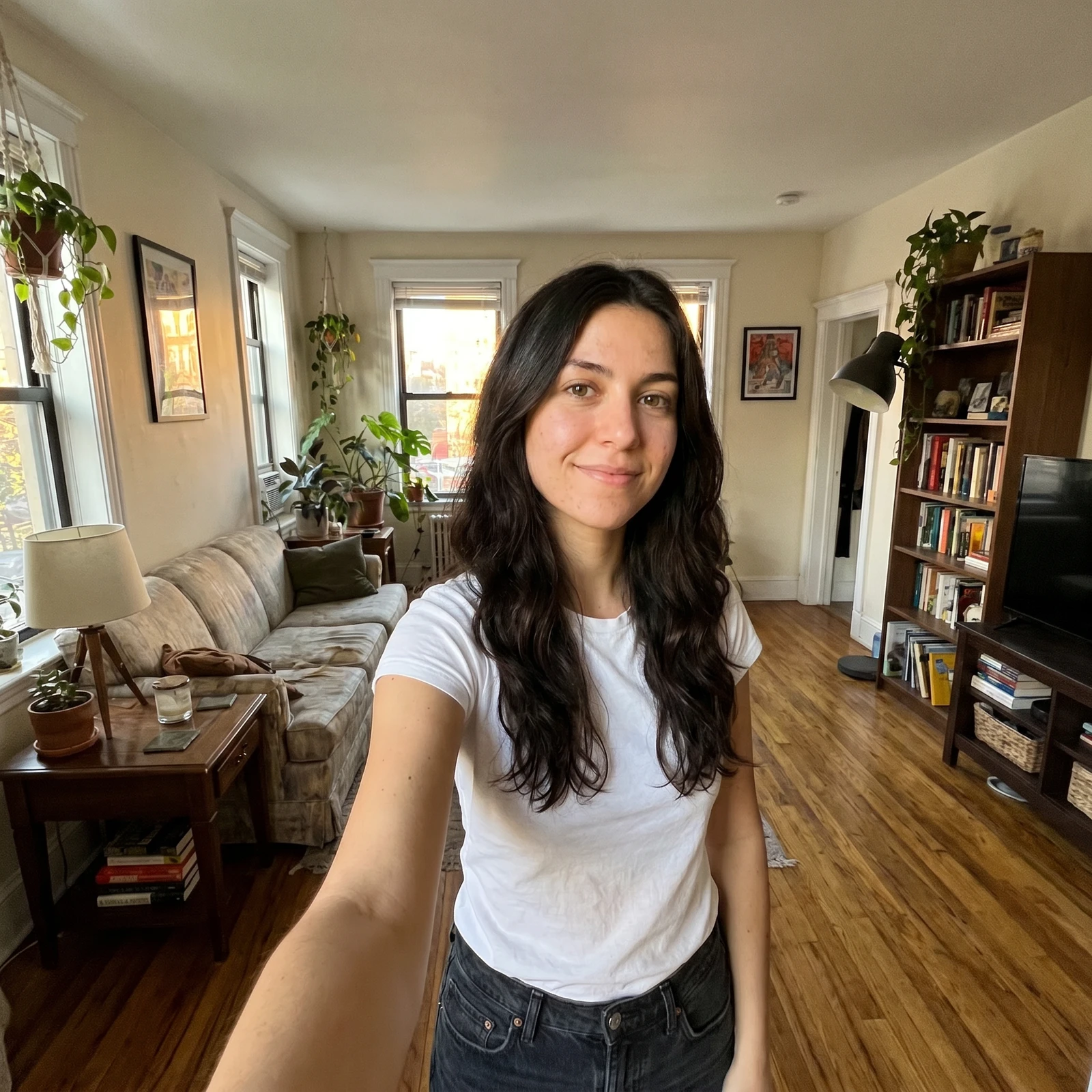 ProAI Headshot GeneratorTurn a selfie into a professional studio headshot, keeping your real face.
Colorize unlimited photos in full resolution, and unlock every Renvyn Pro tool on your phone. Renvyn is on iOS and Android.