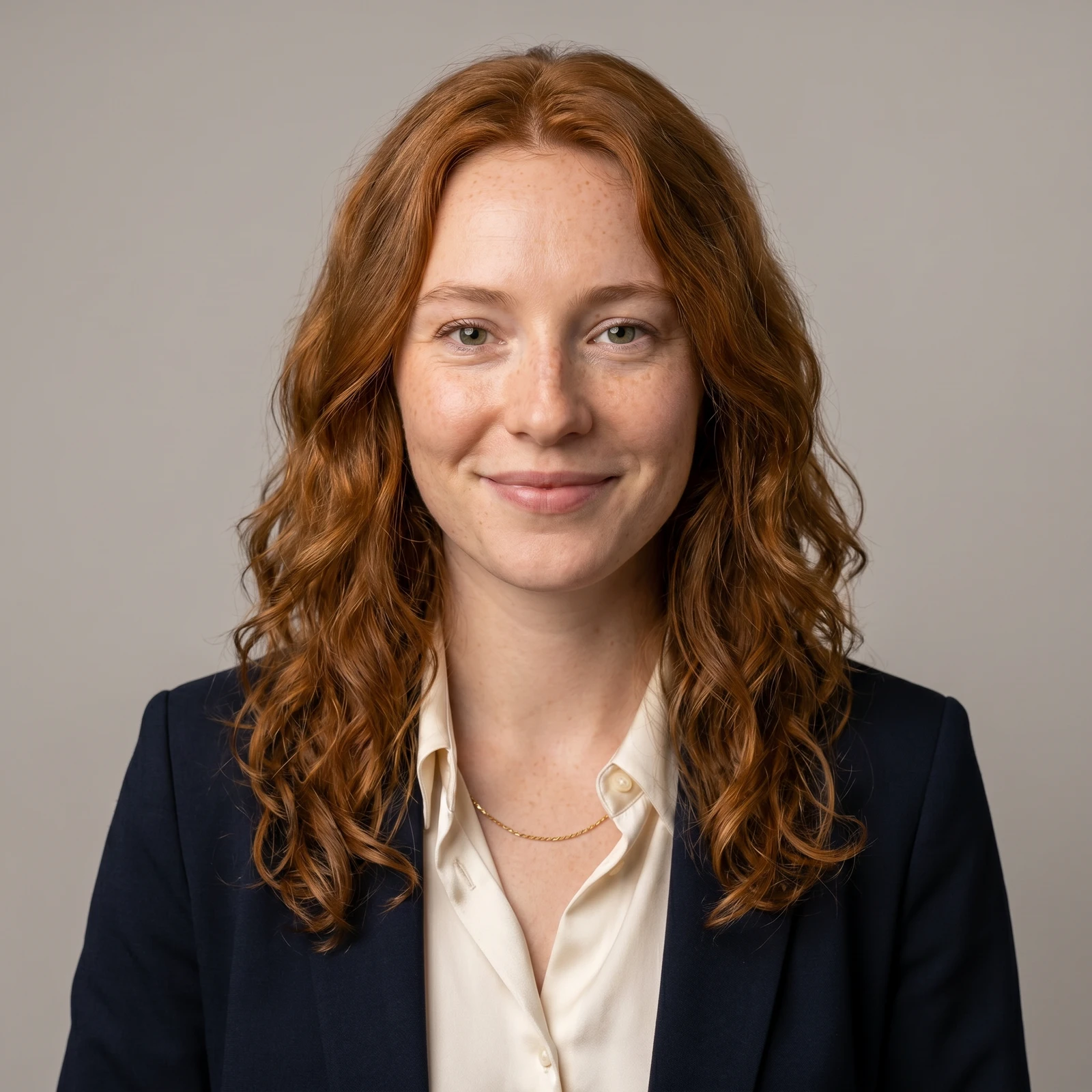
LinkedIn and resumes
Turn a casual selfie into a sharp, professional headshot for your LinkedIn, CV or job application.
Upload a selfie and Renvyn turns it into a polished, professional headshot with AI - studio lighting, clean backdrop and business attire, while keeping your real face exactly as it is. AI headshots are part of Renvyn Pro.
A real Renvyn headshot in the style you picked - drag to compare
✓ Renvyn ProSign in with Google or ApplePhotos deleted in 24h
Choose a well-lit, front-facing photo where your face is clearly visible. A plain phone selfie works - the clearer your face, the more accurate the result.
Choose a look - studio, corporate, business casual, outdoor, tech or creative. Renvyn restyles the lighting, backdrop and attire into a professional headshot while keeping your face, hair and identity unchanged.
One tap sign in with Google or Apple. AI headshots are a Renvyn Pro feature - if you are a subscriber it runs right here; otherwise get the Renvyn app to unlock it.
We would rather be honest than oversell. Here is what an AI headshot generator realistically does - and where it has limits.
An AI headshot is a professional restyle of your real selfie - the same person, better presented. It is not a photo taken in a real studio, and we tell you that up front.
Turn a casual selfie into a sharp, professional headshot for your LinkedIn, CV or job application.
Get a clean, consistent profile picture for work profiles, directories and social accounts.
Give everyone on the team a matching, on-brand headshot without booking a photographer.
Produce a polished headshot for a conference bio, a podcast, a byline or a press kit.
Pick a studio, tech or creative look that fits how you want to present yourself online.
A lot of AI headshot tools beautify and reshape until the result looks like a polished stranger. Renvyn treats your face as reference to reproduce, not regenerate - same features, same skin, same you - and only restyles the lighting, backdrop and attire. The result is a headshot people who know you would recognize instantly.
Your original selfie is never overwritten, and every headshot is a new image that is private to your account.
Upload a clear selfie, pick a style, and Renvyn restyles it into a professional headshot with AI while keeping your real face. Sign in to unlock the result - AI headshots are a Renvyn Pro feature; if you subscribe it runs here, otherwise the Renvyn app unlocks it.
Restoring and enhancing photos are free to try. AI headshots are part of Renvyn Pro - sign in with Google or Apple and, if you are a subscriber, it runs right away; otherwise get the Renvyn app to unlock it.
Yes - Renvyn reproduces your real face, hair and skin and only restyles the lighting, backdrop and attire. It is designed to look like the same person professionally photographed, not a beautified stranger.
Studio, corporate, business casual, outdoor, tech and creative. Each restyles the backdrop, lighting and attire into a different professional look while keeping your identity the same.
A well-lit, front-facing photo where your face is clearly visible and not blurred or heavily obstructed. A plain phone selfie is perfect - the clearer your face, the more accurate the headshot.
Yes. Your uploads are tied to your account and are not shared or made public, and your original selfie is never overwritten - the headshot is always a new image.
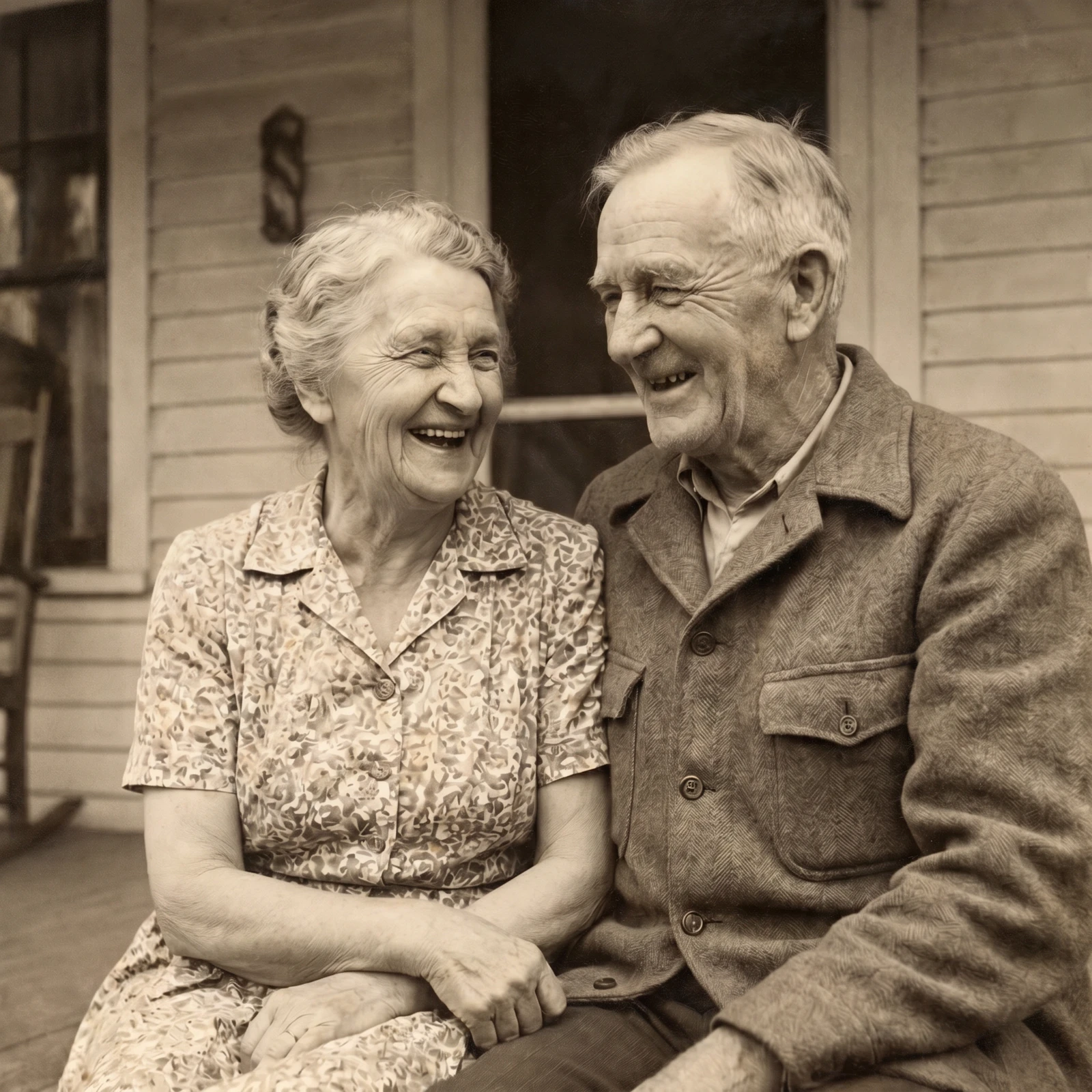
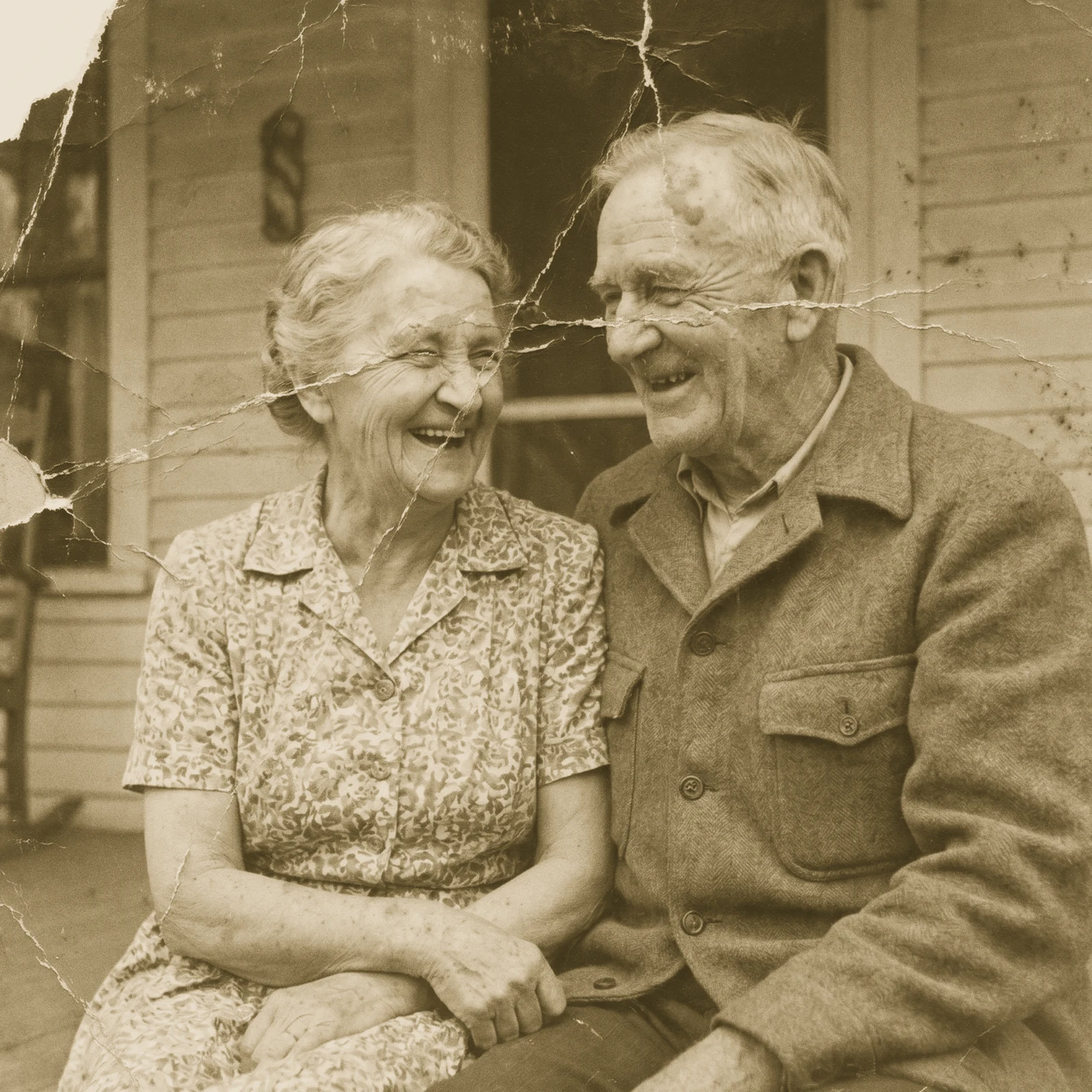 Restore Old PhotosRepair scratches, tears and fading and bring damaged old photos back to life.
 Image UpscalerSharpen and unblur soft or low-quality photos and recover fine detail.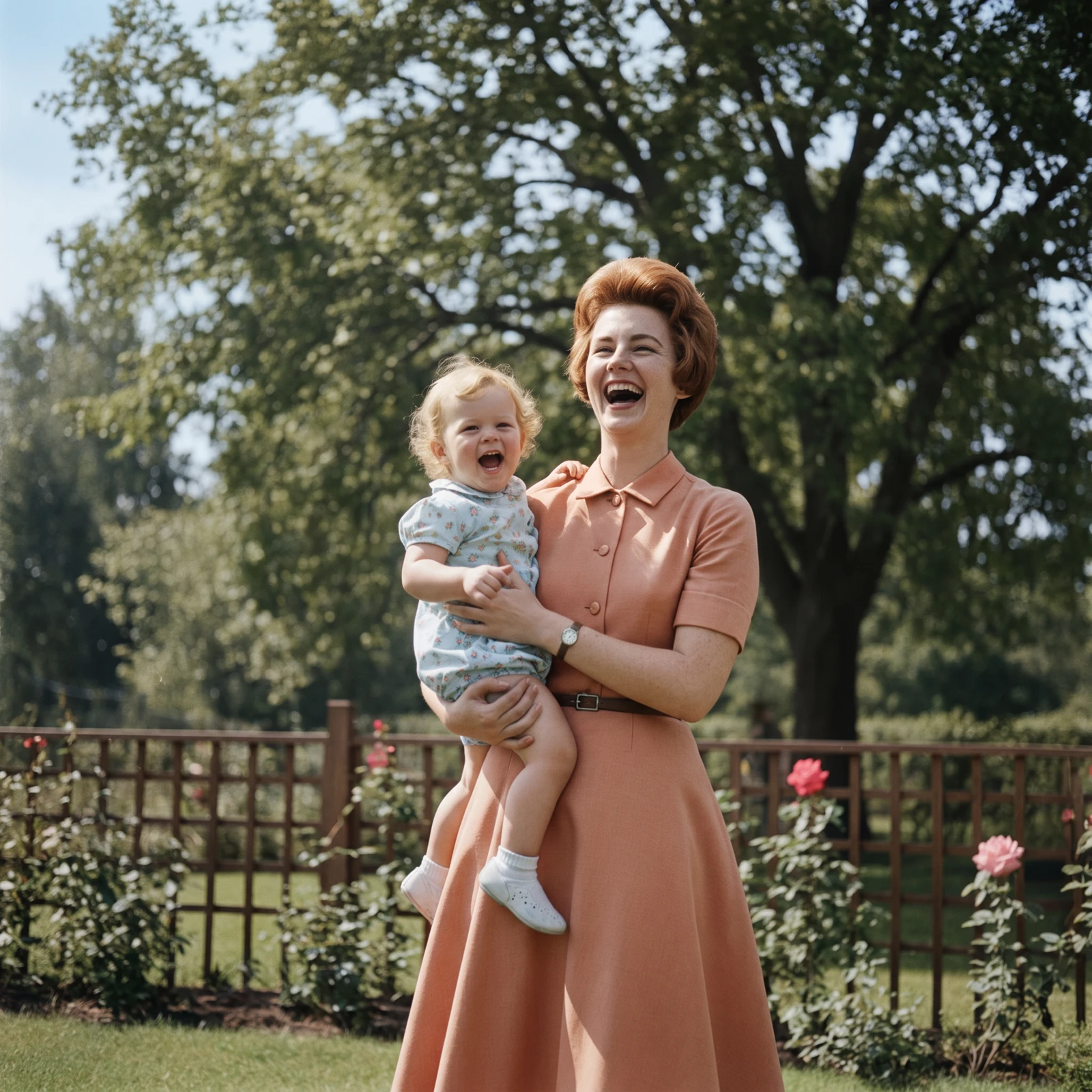
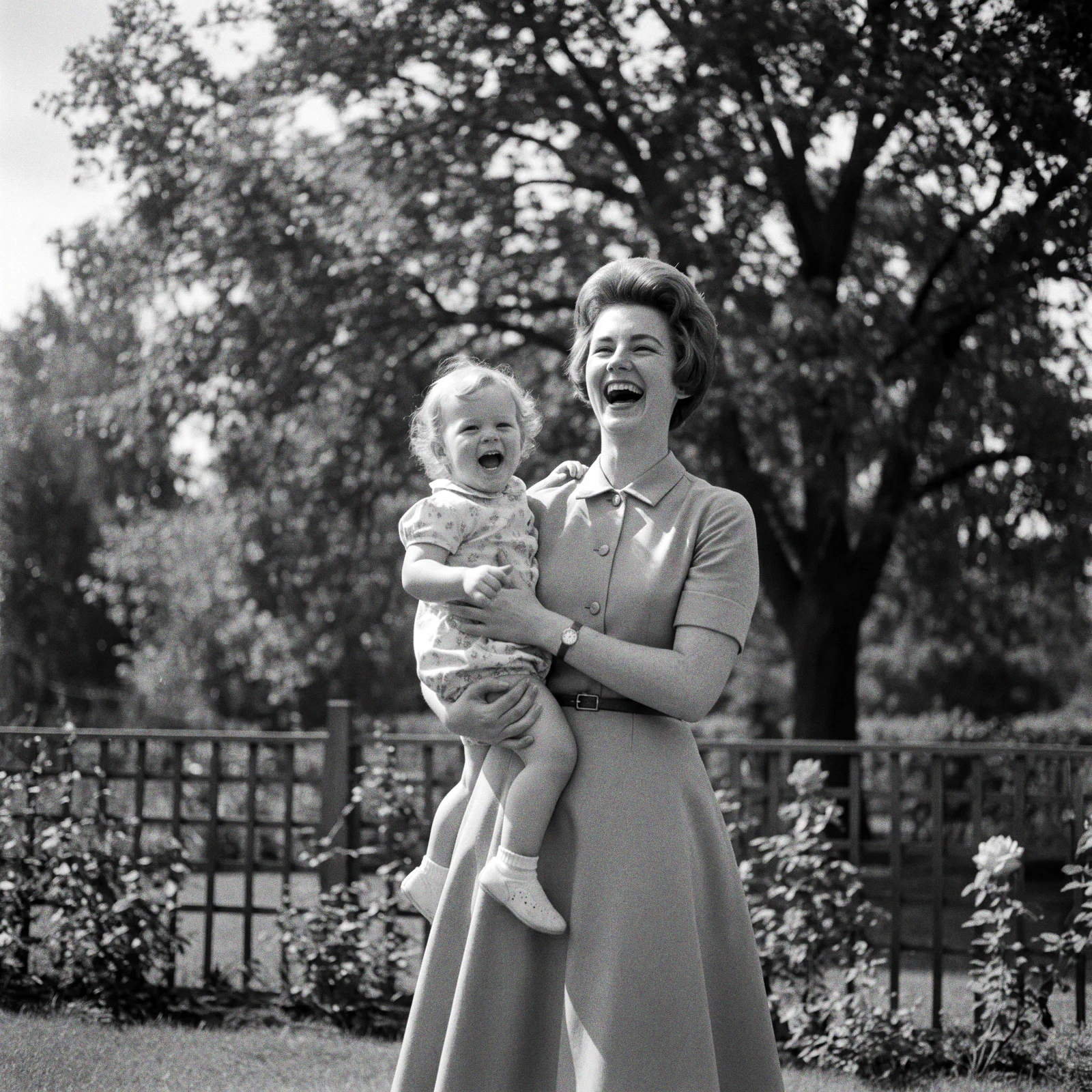 ProColorize PhotosAdd realistic, natural colour to black and white and faded photos.
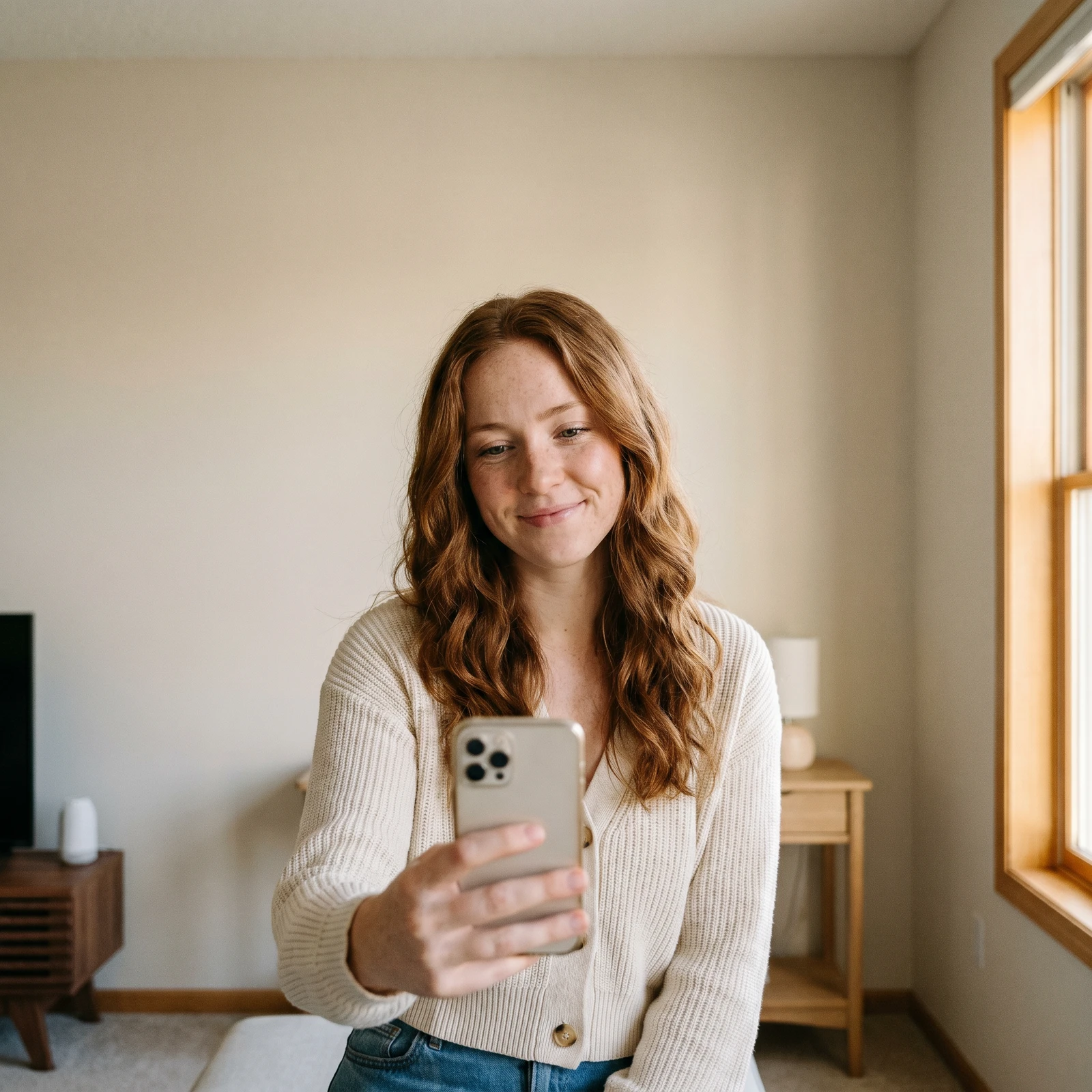 Change BackgroundDrop your subject into a new scene - studio, office, beach or blurred.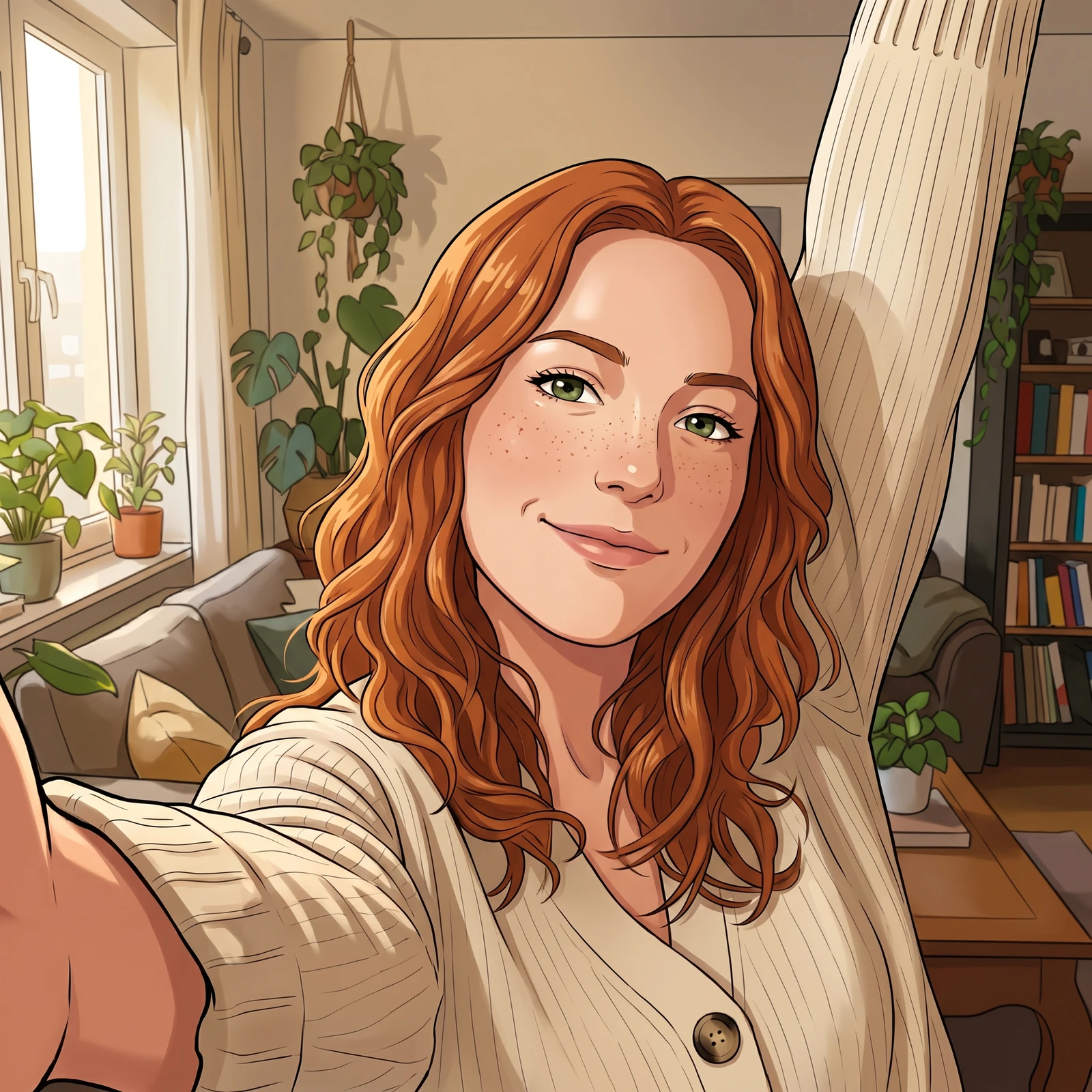
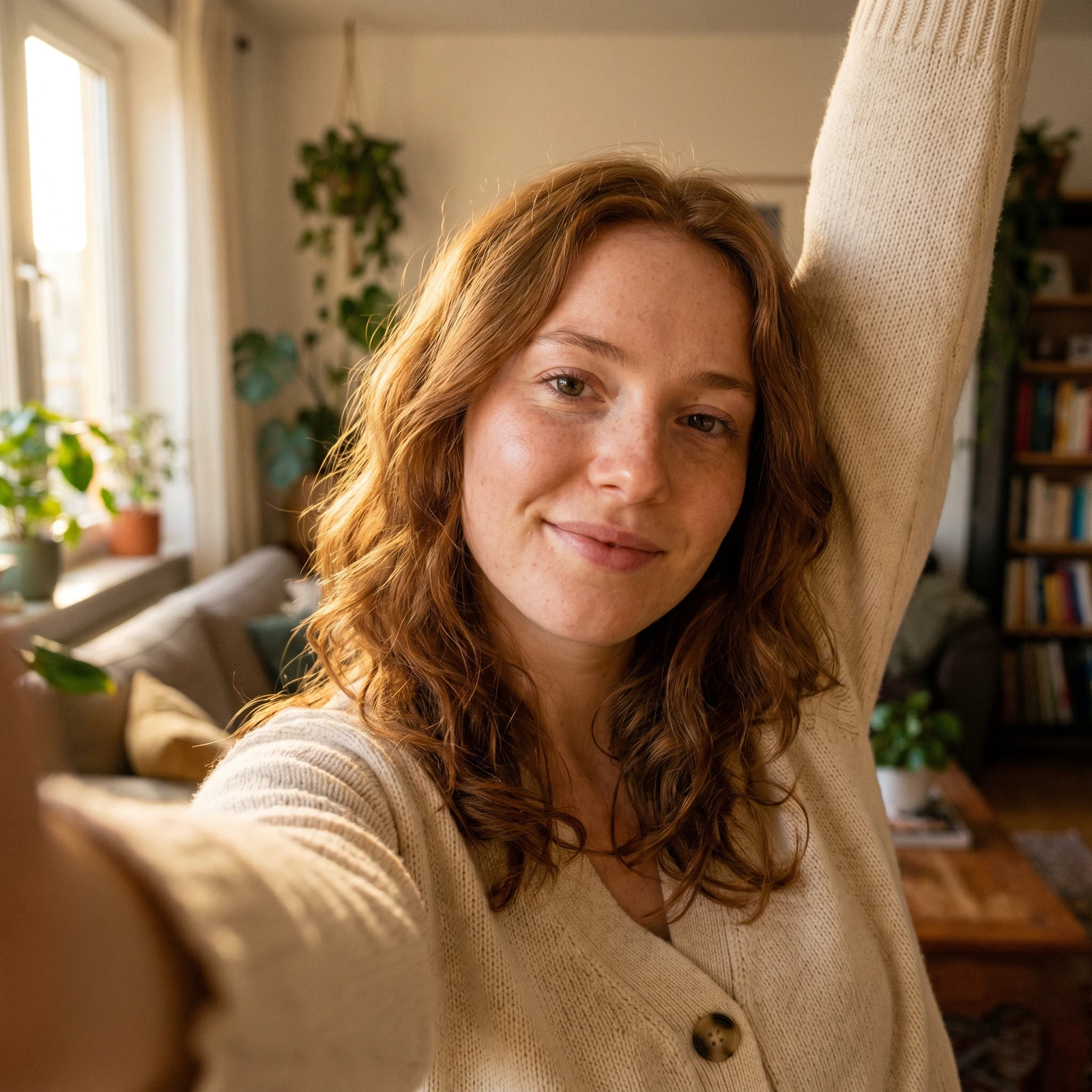 Photo to CartoonTurn your photo into a cartoon - anime, 3D, chibi, watercolor and more.
Generate headshots in full resolution, unlock every style and edit in batches on your phone. Renvyn is on iOS and Android.