Blurry and out-of-focus photos
Sharpen soft focus and camera shake so a nearly-missed shot of a person, a pet or a moment comes back into view.

Upload a blurry, soft or low-quality photo and Renvyn sharpens it with AI - recovering crisp edges, fine detail and texture so faces and details look clear again, without changing the colours or the moment.
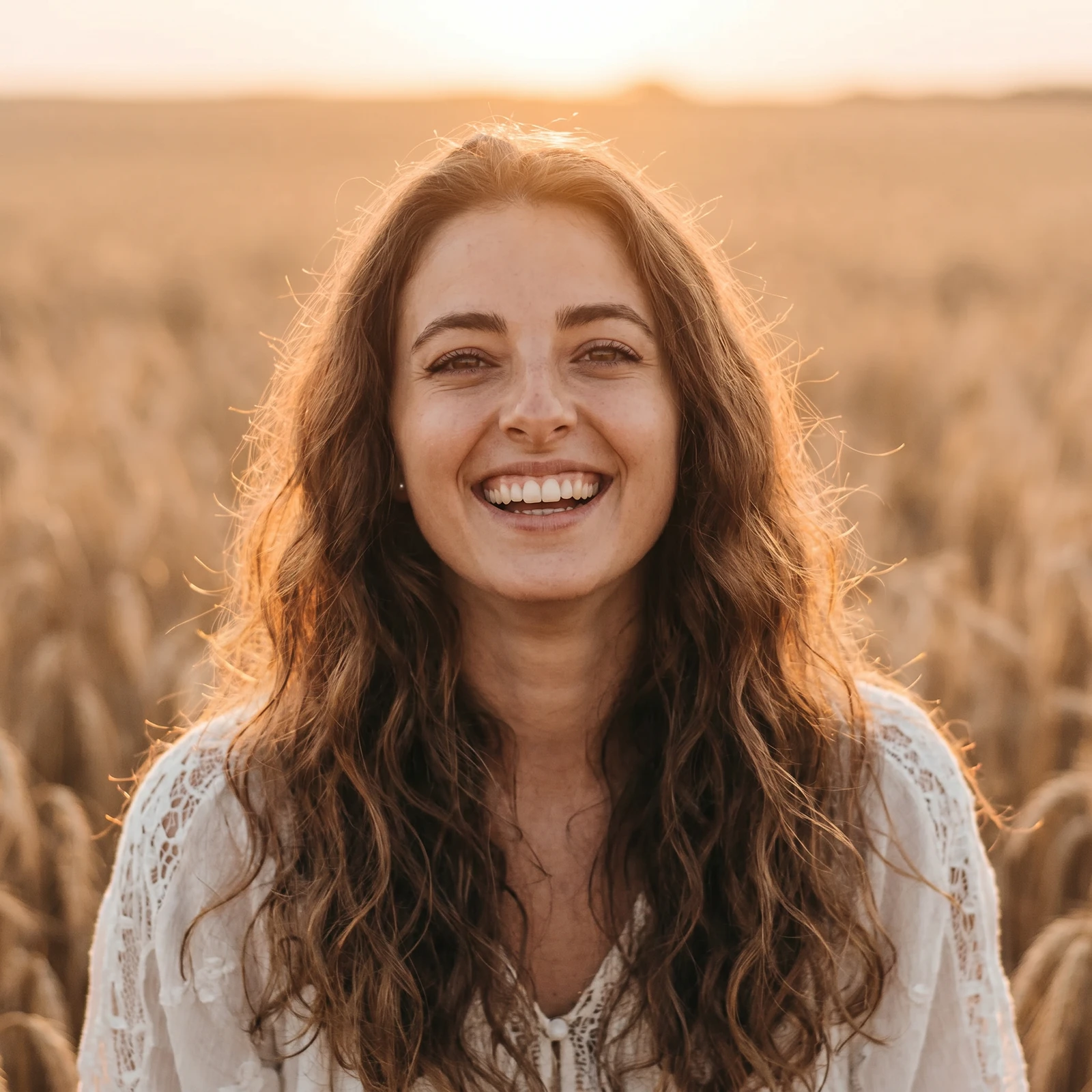
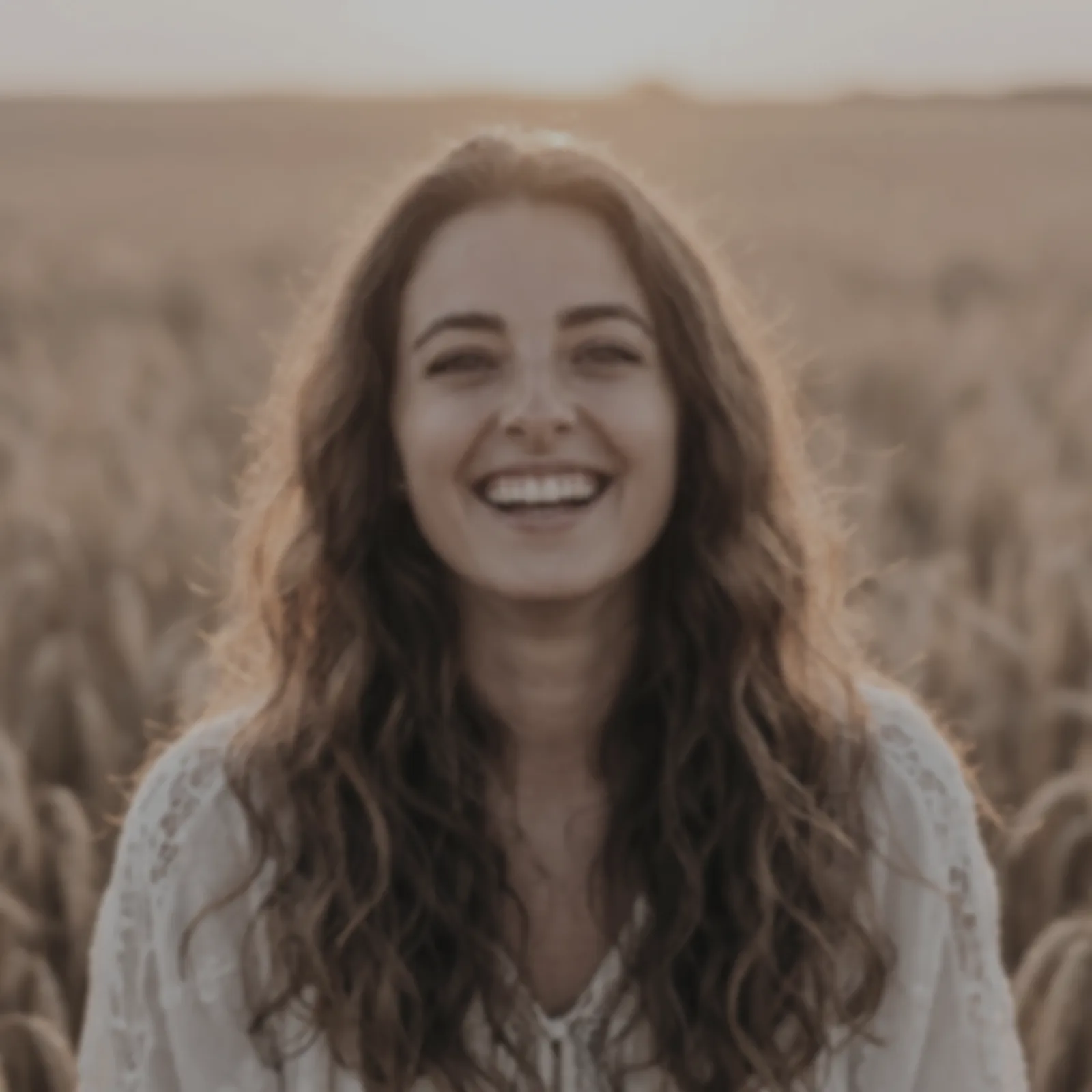
A real Renvyn enhancement - drag to compare
✓ 2 free editsSign in with Google or ApplePhotos deleted in 24h
Choose the blurry, soft or low-quality picture you want to improve. A JPEG or PNG from your phone or camera works. Even a small or compressed image is a good place to start.
Renvyn removes softness, blur and motion blur and rebuilds fine micro-texture across the whole frame - sharpening faces, hair and edges - while keeping the colours, exposure and lighting exactly as they were.
See the before and after side by side, then download your enhanced photo. One tap sign in with Google or Apple runs your free edit.
We would rather be honest than oversell. Here is what an AI photo enhancer realistically does - and where it has limits.
AI enhancement recovers and sharpens what is really in your photo. When a shot is extremely blurred, the result is a plausible reconstruction rather than the exact original detail - and we tell you that up front.
Sharpen soft focus and camera shake so a nearly-missed shot of a person, a pet or a moment comes back into view.
Bring back crispness in small, compressed or zoomed-in phone pictures that look soft when you open them full size.
Clean up soft scans, screenshots and re-saved images so text, faces and edges read clearly again.
Recover detail in eyes, hair and skin texture on a soft portrait, while keeping the person looking exactly like themselves.
Sharpen soft product shots so details and materials look crisp for a listing, a profile or a post.
A lot of enhancers push contrast and over-sharpen until skin looks plastic and edges get a halo. Renvyn is built to do the opposite - recover the real detail that is in your photo and keep it looking like a photograph, with natural skin texture and grain.
It changes nothing but sharpness and clarity. Your colours, exposure and the moment itself stay exactly as you shot them, and your original file is never overwritten.
Upload the photo, and Renvyn sharpens it with AI - removing blur and recovering fine detail - then lets you download the enhanced image. Your first edit is free; one tap sign in with Google or Apple runs it.
Often, yes. Renvyn sharpens soft focus, camera shake and motion blur and rebuilds fine texture. If a photo is extremely blurred, the result is a plausible reconstruction rather than the exact detail that was never captured.
Yes, you can enhance a photo for free to try it. You sign in once with Google or Apple to run your free edit, and the Renvyn app unlocks higher resolution and more edits.
No. Enhancing sharpens detail and clarity and keeps your colours, exposure and lighting exactly as they were. Adjusting colour is a separate tool.
Yes. Your uploads are tied to your account and are not shared or made public. Your original file is never overwritten - enhancing always produces a new image.
It recovers and sharpens the detail that is really in your photo, so it looks crisp and clear. It cannot invent detail that was never captured, so a tiny image has a natural limit to how large it can go.
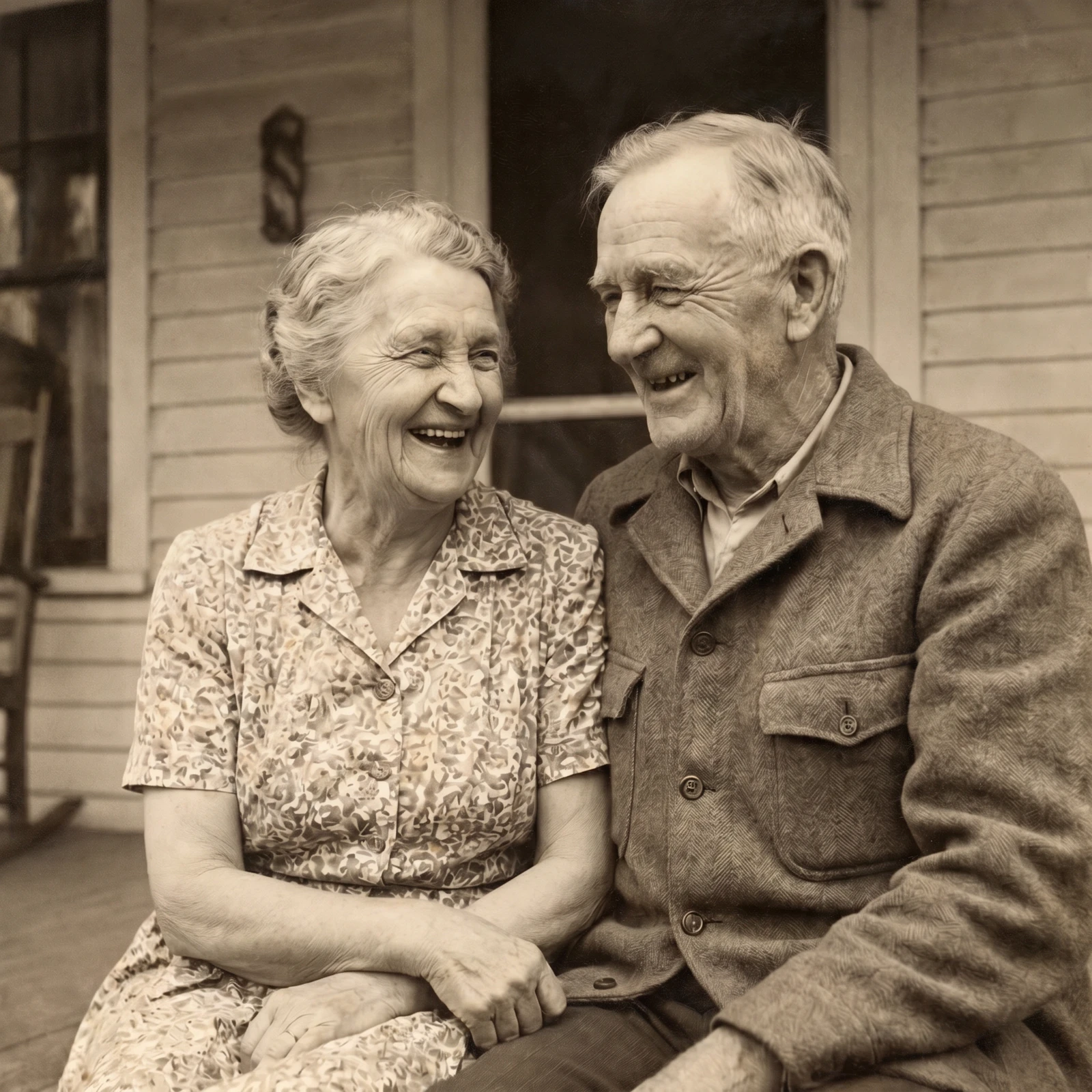
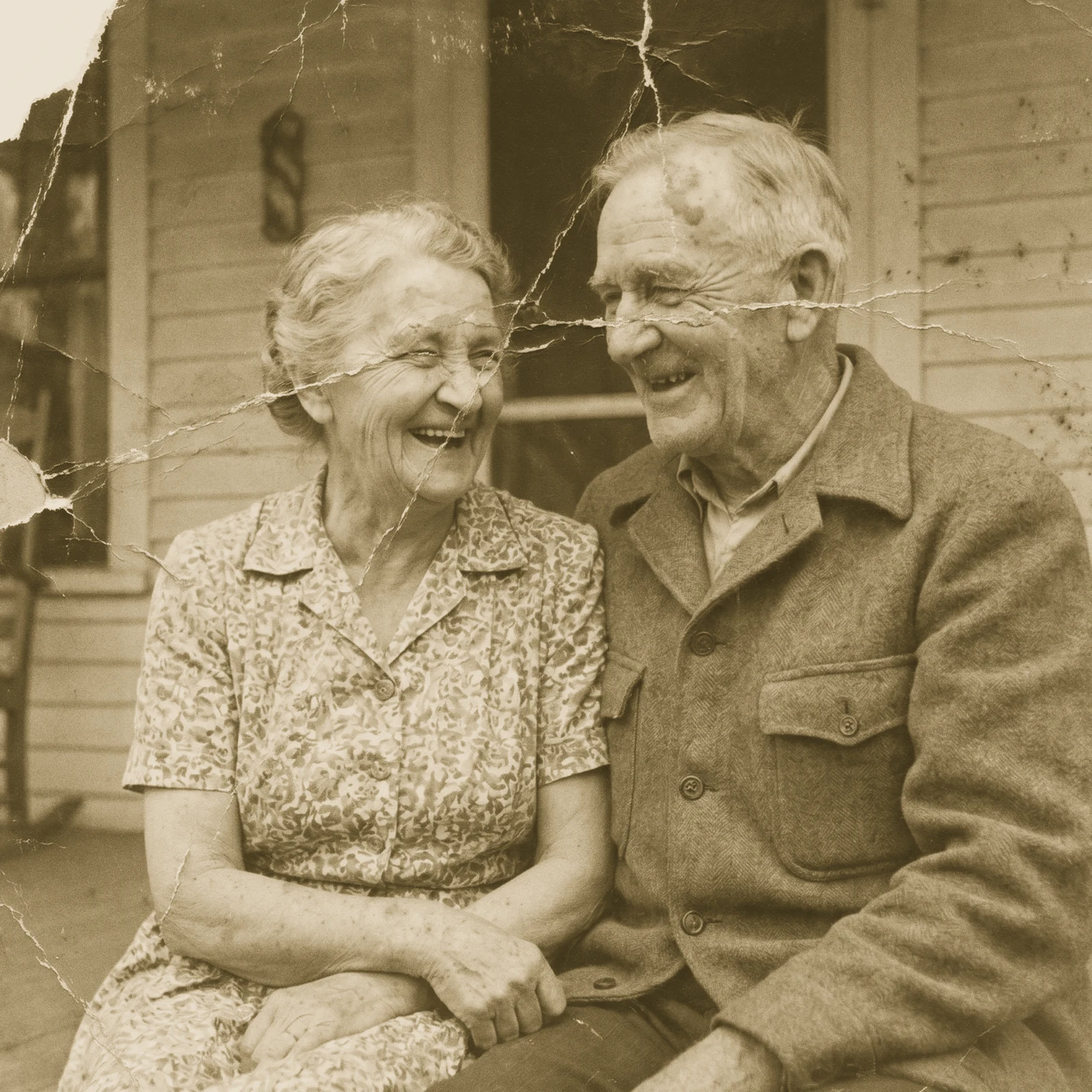 Restore Old PhotosRepair scratches, tears and fading and bring damaged old photos back to life.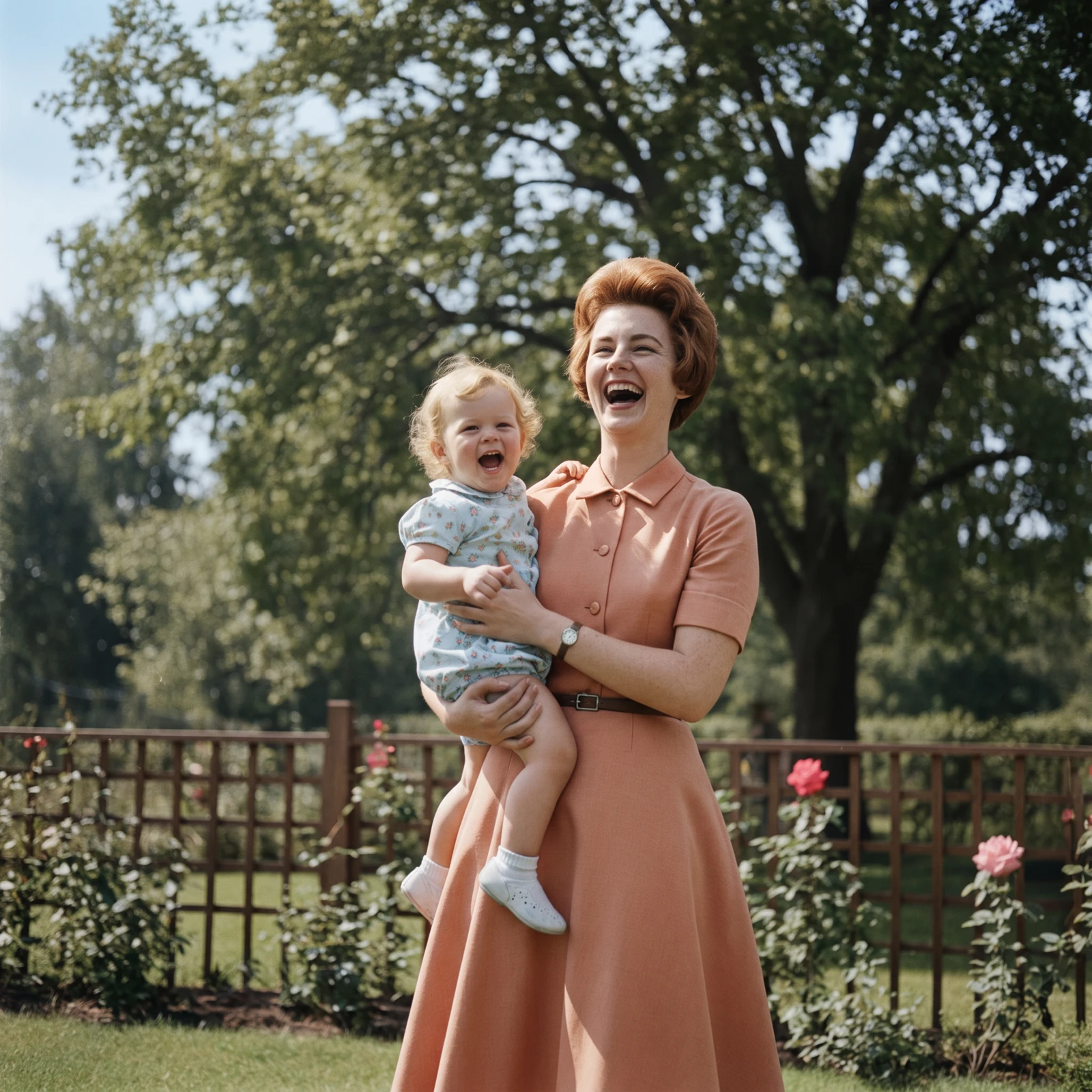
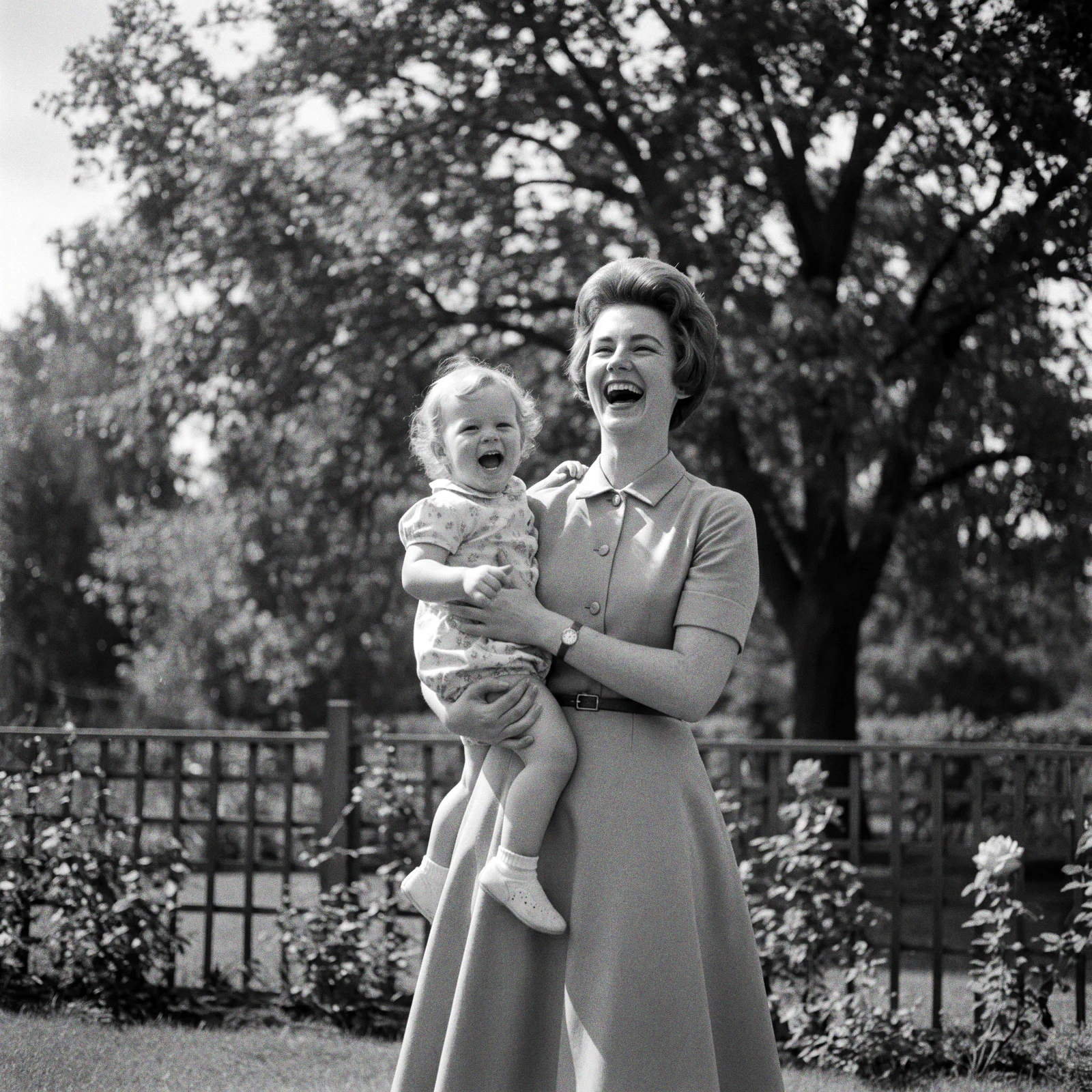 ProColorize PhotosAdd realistic, natural colour to black and white and faded photos.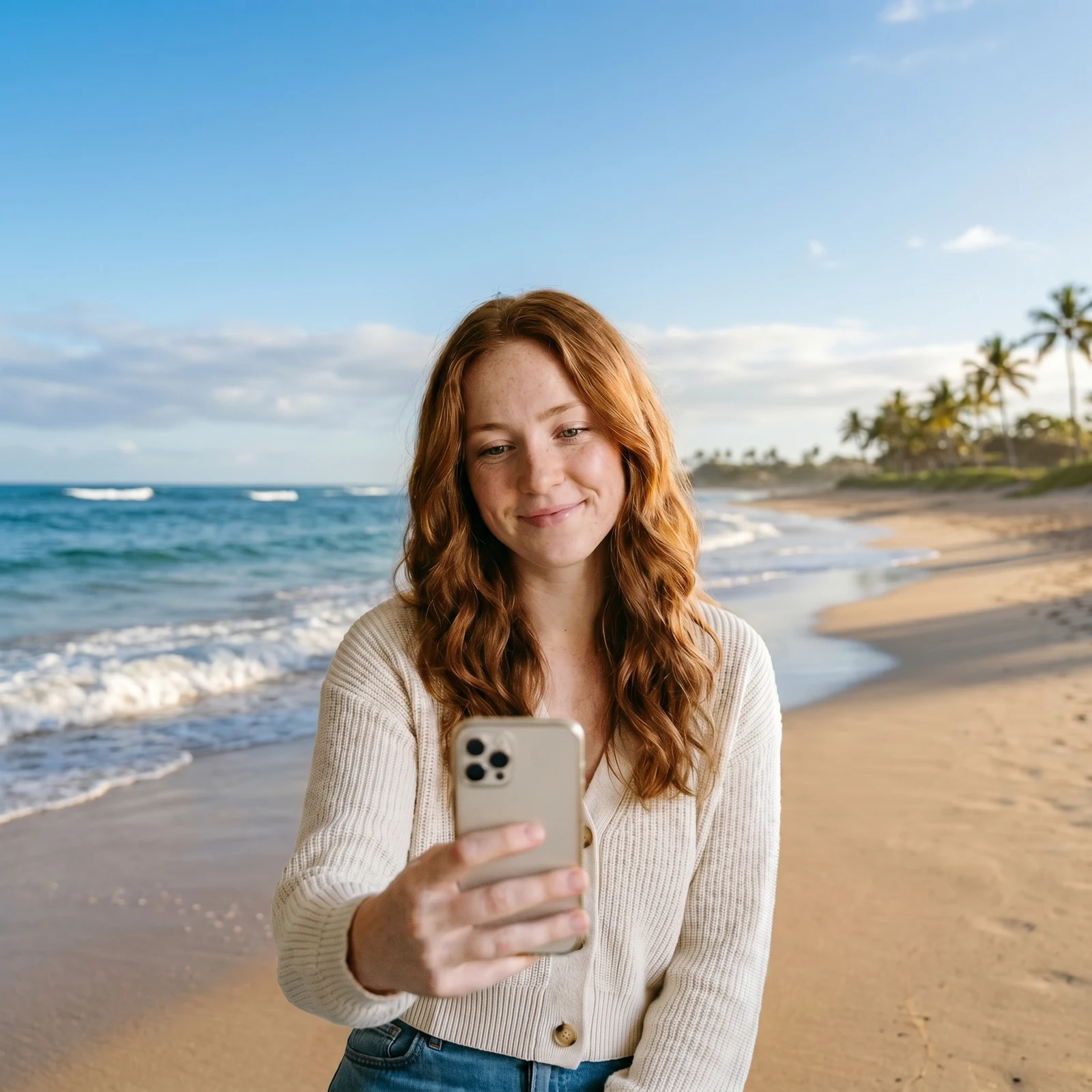
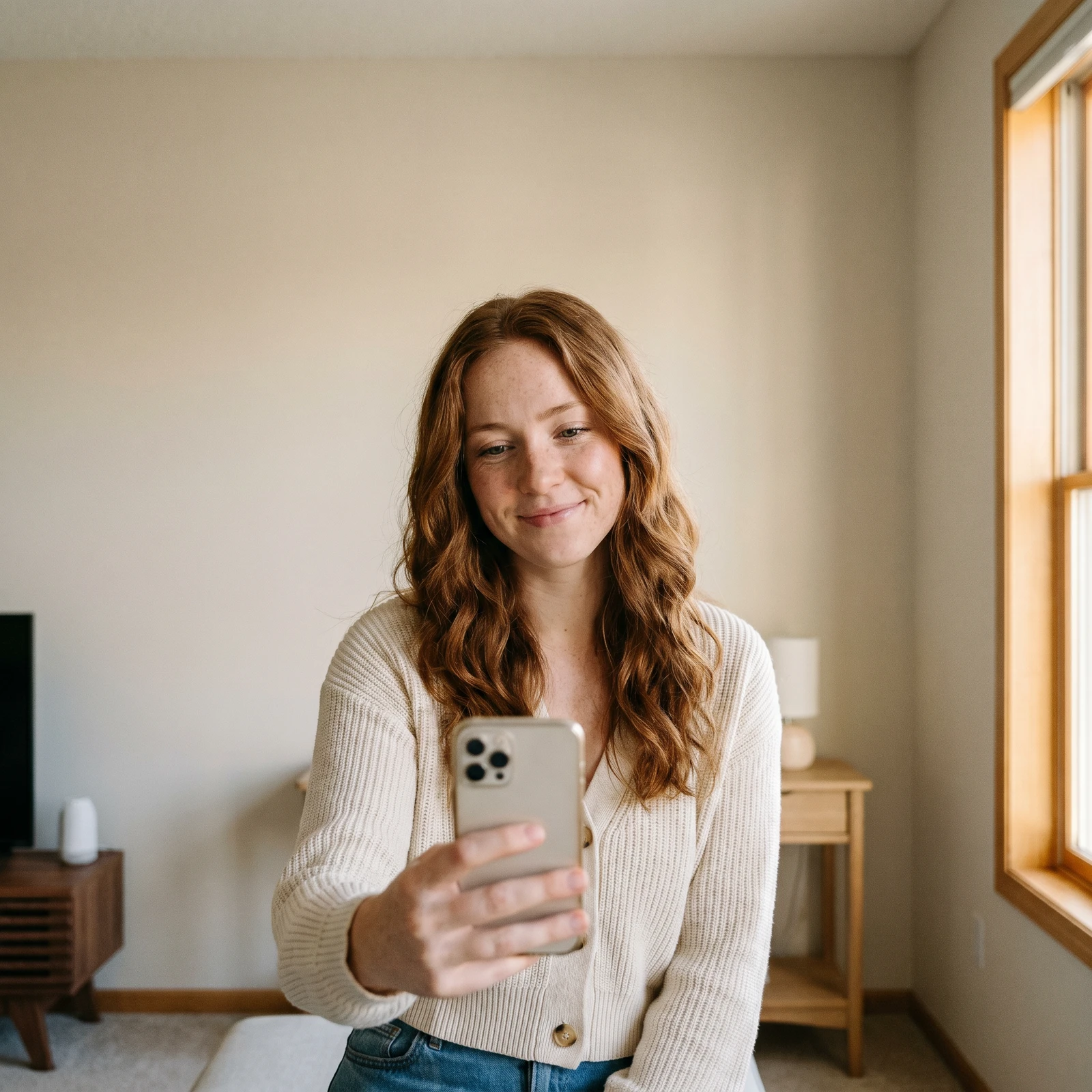 Change BackgroundDrop your subject into a new scene - studio, office, beach or blurred.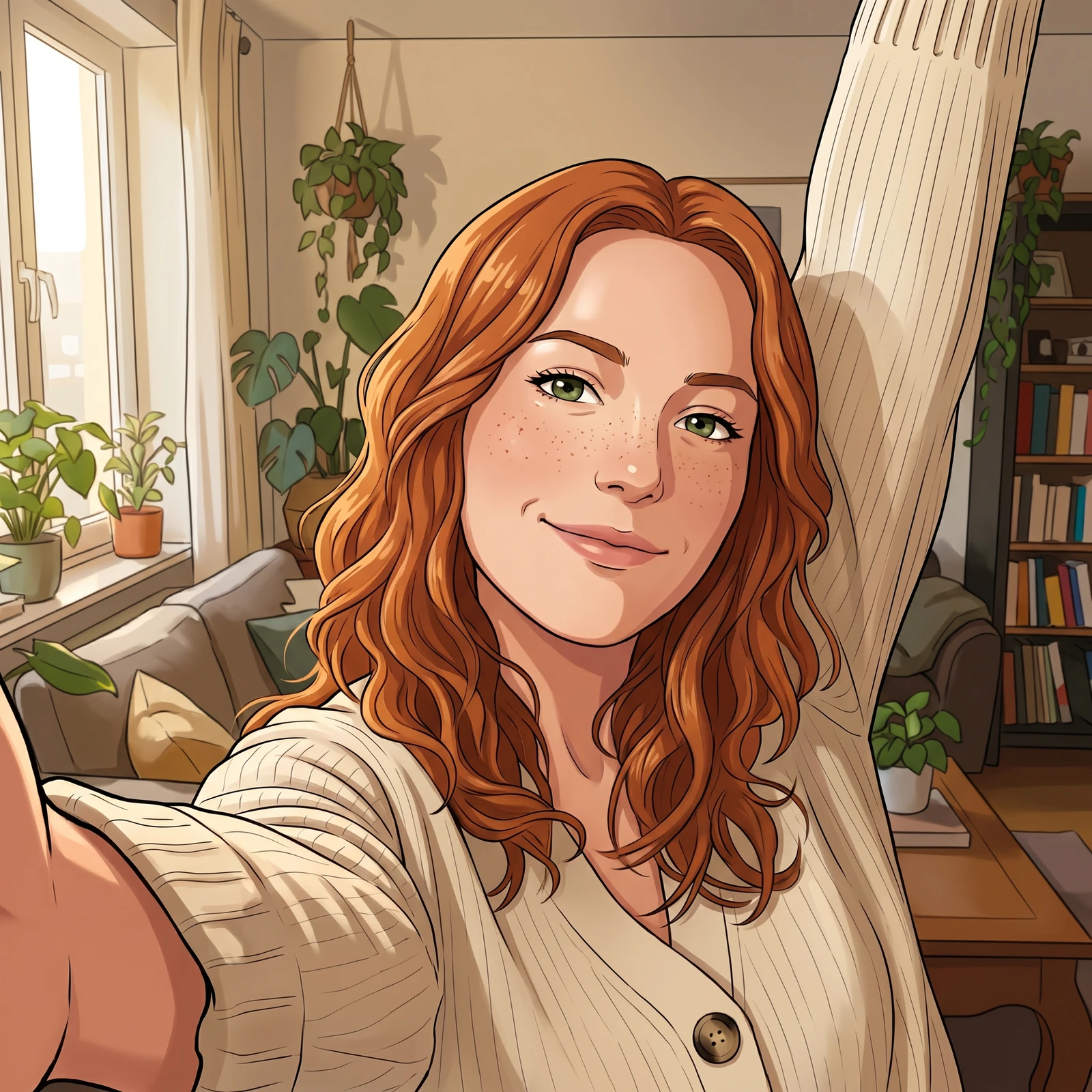
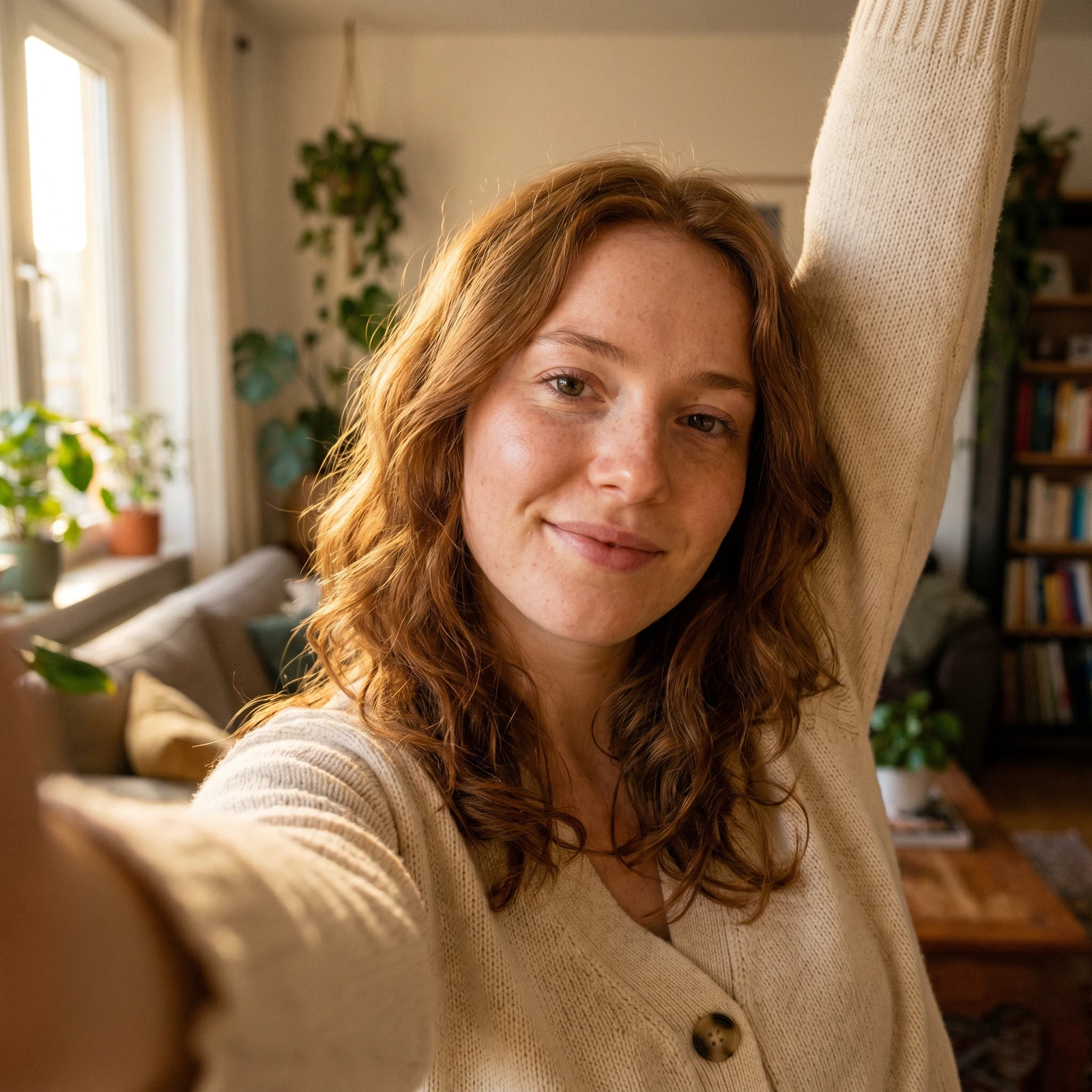 Photo to CartoonTurn your photo into a cartoon - anime, 3D, chibi, watercolor and more.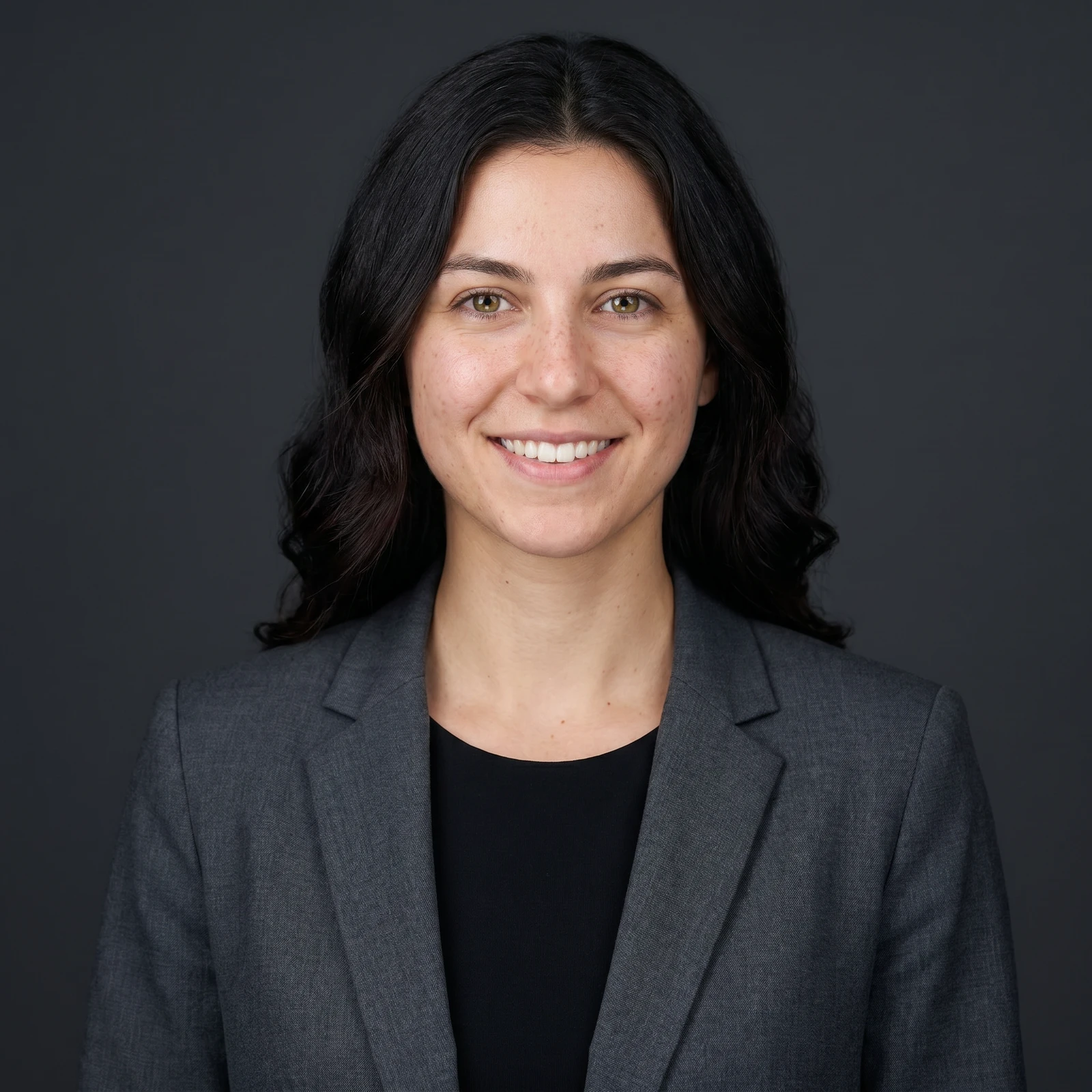
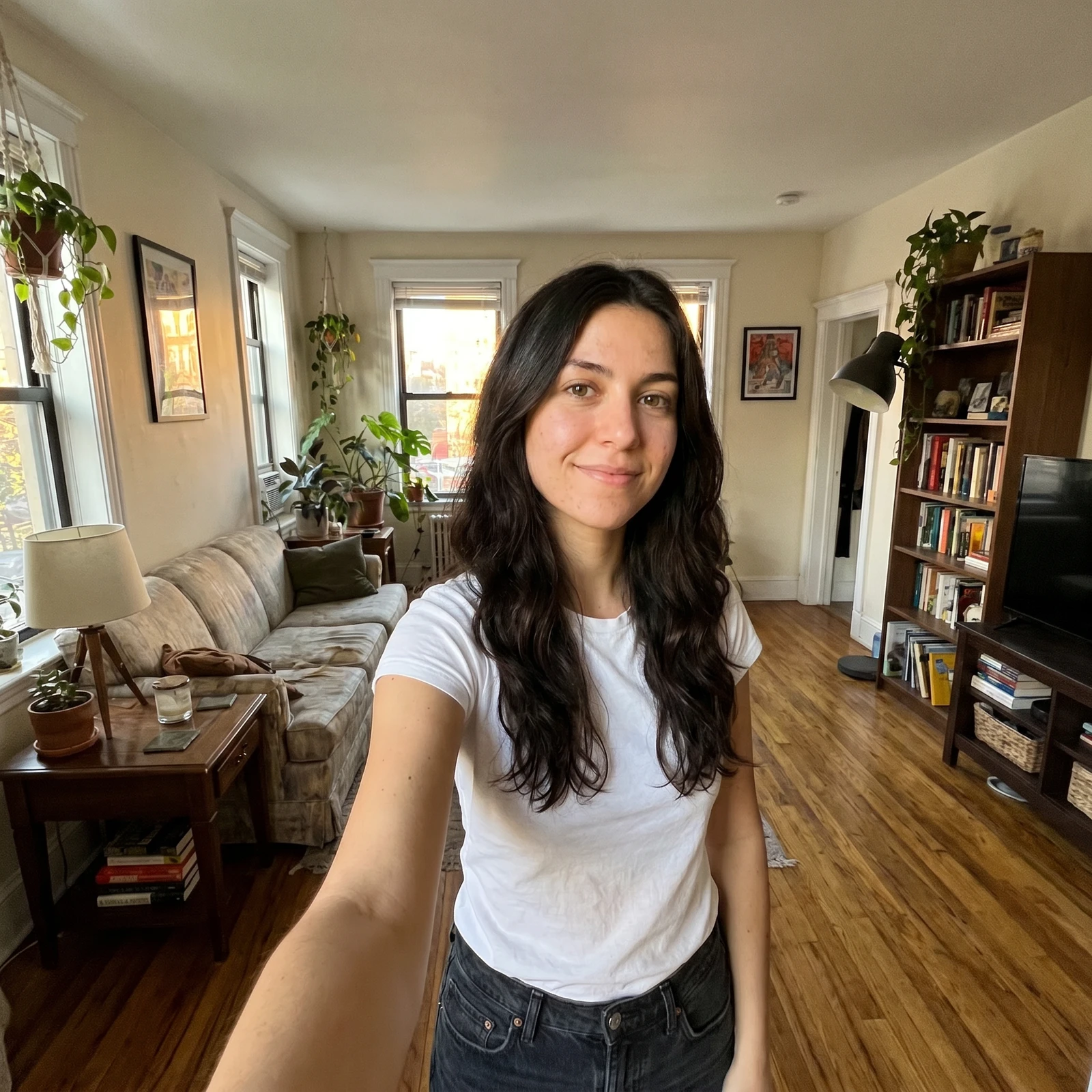 ProAI Headshot GeneratorTurn a selfie into a professional studio headshot, keeping your real face.
Enhance photos in full resolution, edit in batches and unlock every tool on your phone. Renvyn is on iOS and Android.