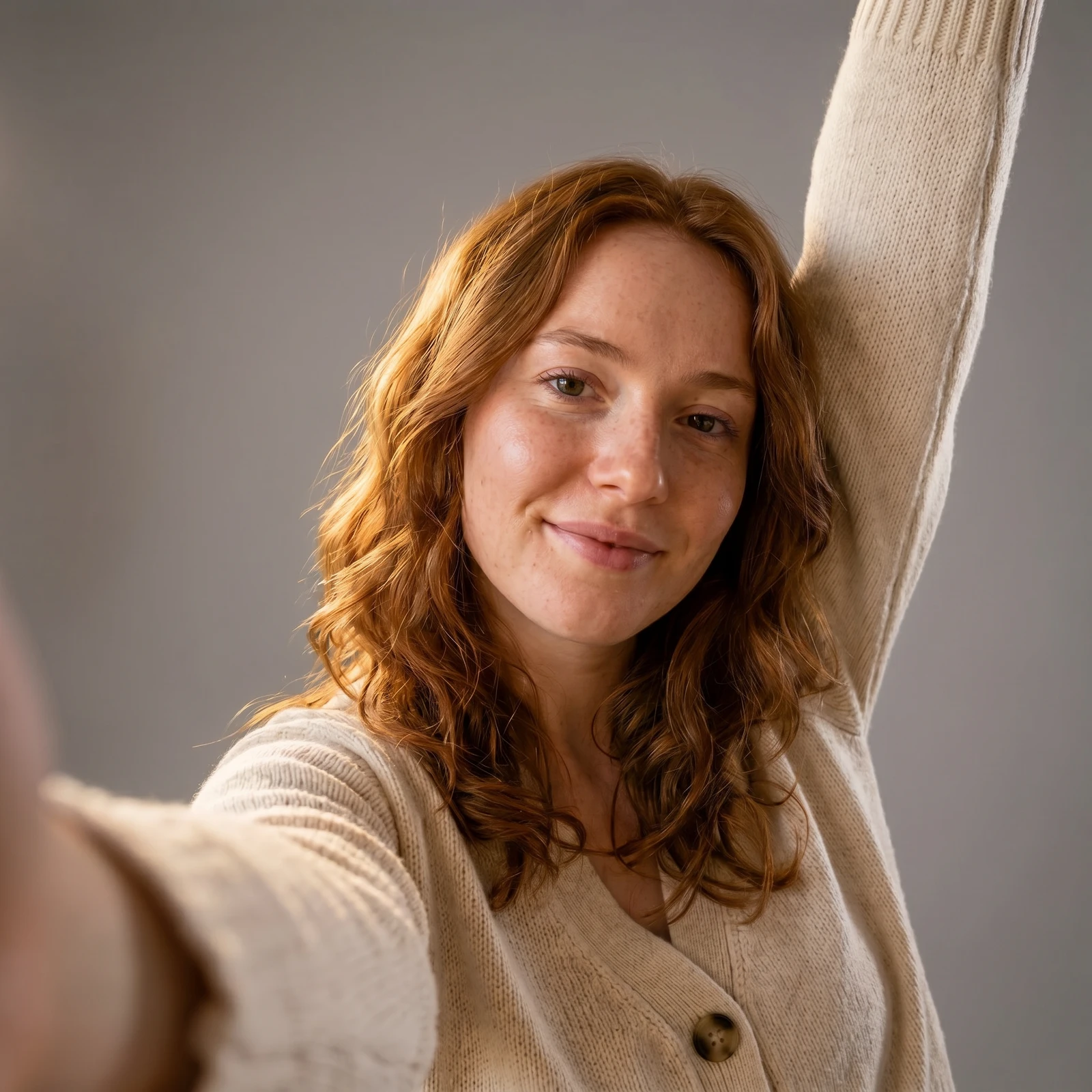
Professional profile pictures
Swap a messy room for a clean studio or office backdrop for a sharp LinkedIn, avatar or team photo that looks deliberate.
Upload a photo and Renvyn replaces the background with a new scene in seconds - pick a studio, office, beach or blurred backdrop and your subject is dropped in cleanly, with the lighting matched so it looks real.
A real Renvyn background swap in the backdrop you picked - drag to compare
✓ 2 free editsSign in with Google or ApplePhotos deleted in 24h
Choose a photo with a clear subject - a person, a product or a pet. A sharp, well-lit shot gives the AI the cleanest separation from the old background.
Choose a backdrop - studio, office, blur, gradient, beach, city, forest or sunset. Renvyn separates your subject and places it on the new scene, relighting it so the composite reads as one photo.
Preview the result, try another background if you like, and download it. One tap sign in with Google or Apple runs your free edit - no long form to fill out.
Swap a messy room for a clean studio or office backdrop for a sharp LinkedIn, avatar or team photo that looks deliberate.
Place your product on a clean studio or lifestyle background for consistent store, catalog and ad images.
Drop yourself onto a beach, city or sunset scene for a scroll-stopping post without leaving home.
Give every photo the same on-brand backdrop so your feed, store or team page looks cohesive.
Most background tools paste your subject onto a new scene with a hard, cut-out edge and mismatched light, so the result looks fake. Renvyn traces the subject cleanly - including hair and soft edges - and relights it to match the new backdrop, so the composite reads as a single real photo.
It is fast and it runs in your browser - drop a photo in, pick a scene, get it back in seconds, with nothing to install. Your first edit is free to try, and the Renvyn app unlocks full-resolution exports, your own custom backgrounds and batch edits on your phone.
Upload your photo, pick a new background scene, and Renvyn separates your subject and places it on the new backdrop automatically with AI. Your first edit is free; one tap sign in with Google or Apple runs it.
Yes, you can change a background for free to try it. You sign in once with Google or Apple to run your free edit, and the Renvyn app unlocks full-resolution exports and more edits.
Pick from ready-made scenes - studio, office, blur, gradient, beach, city, forest and sunset. The Renvyn app also lets you bring your own background image.
Renvyn relights and colour-matches your subject to the new scene, and preserves the original framing and crop, so the composite looks like one real photo rather than a pasted cut-out.
There is no long form to fill out. You tap once to sign in with your Google or Apple account and your free edit runs right away. That sign in is what keeps your uploads private to you.
Yes. Your uploads are tied to your account and are not shared or made public, and your original file is never overwritten - changing the background always produces a new image.
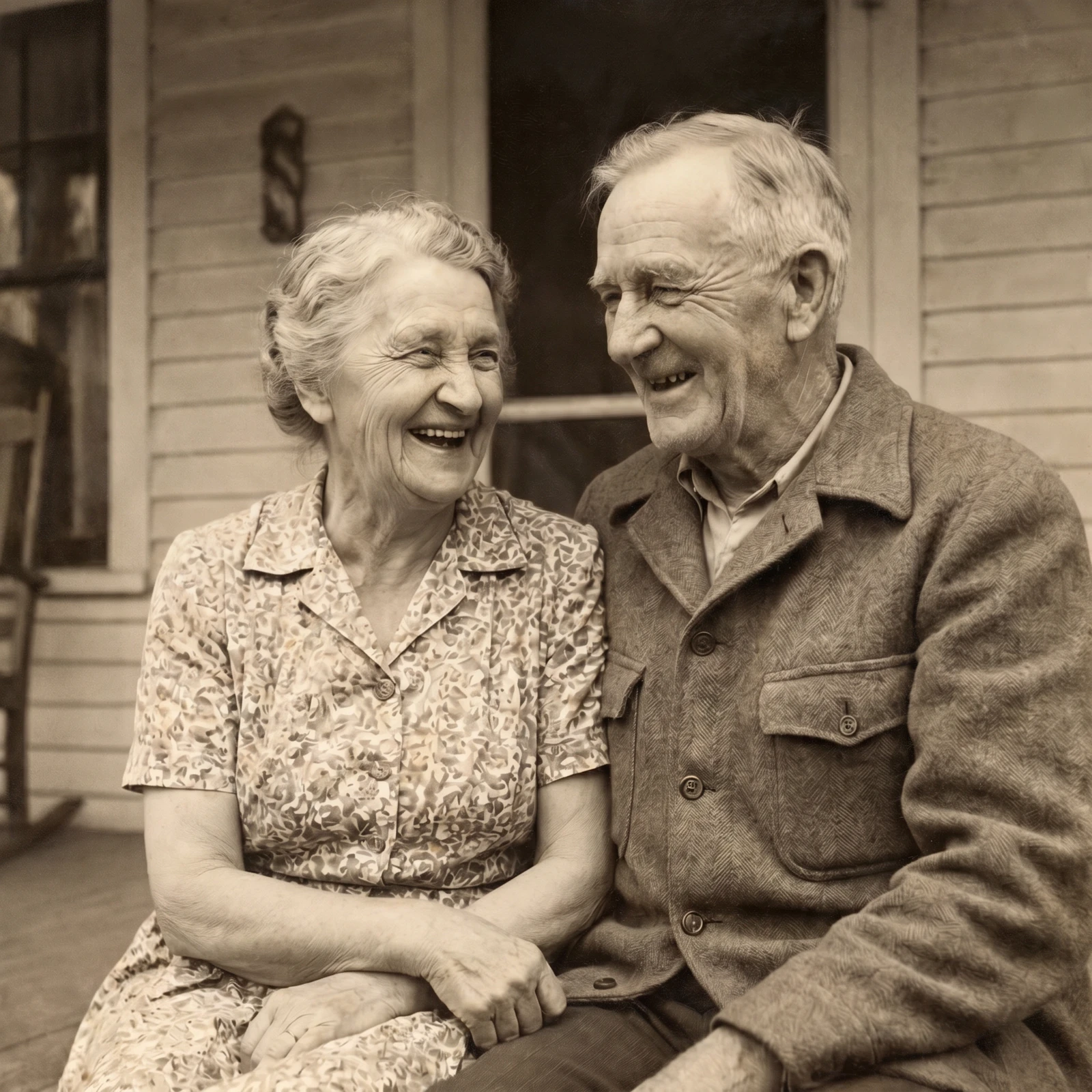
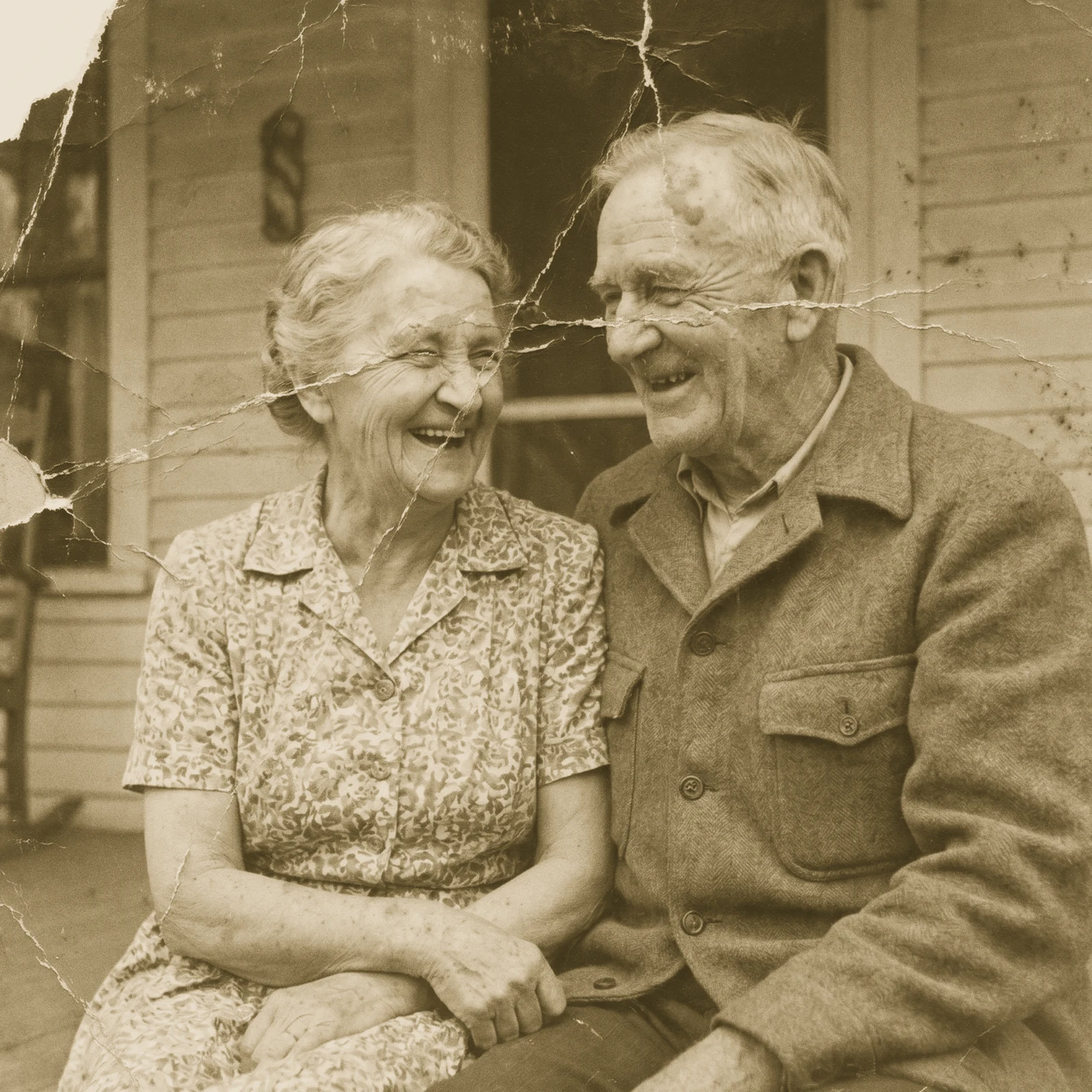 Restore Old PhotosRepair scratches, tears and fading and bring damaged old photos back to life.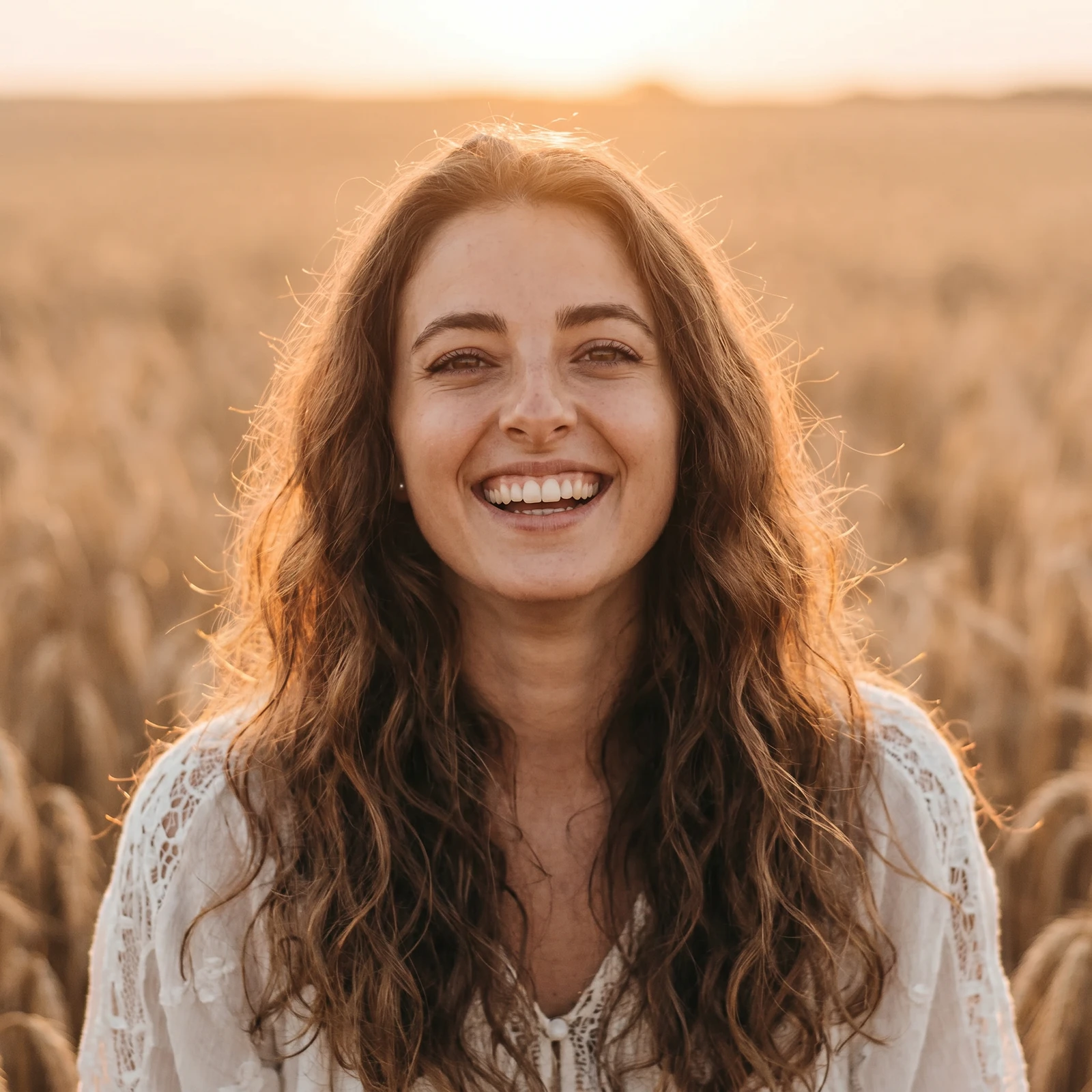
 Image UpscalerSharpen and unblur soft or low-quality photos and recover fine detail.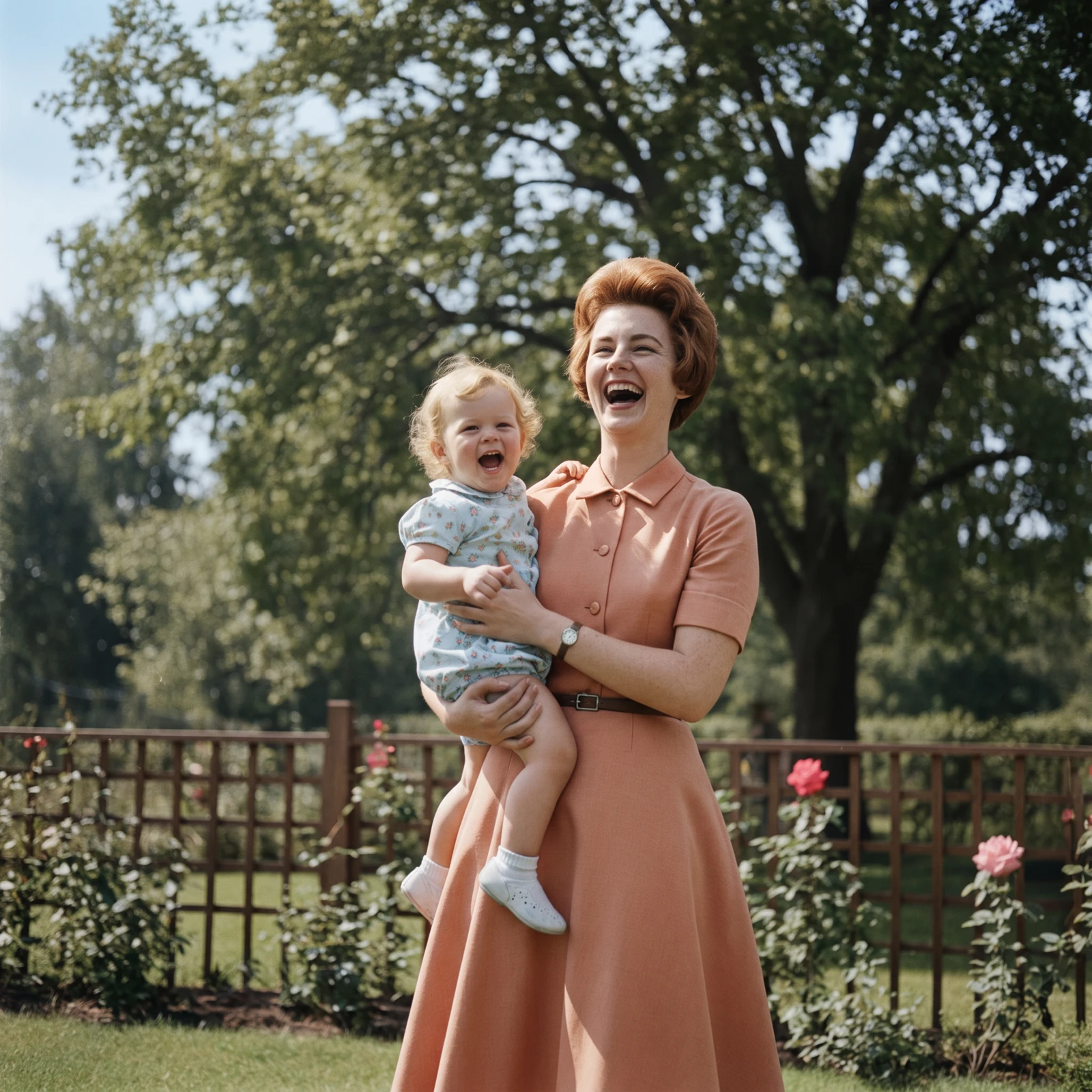
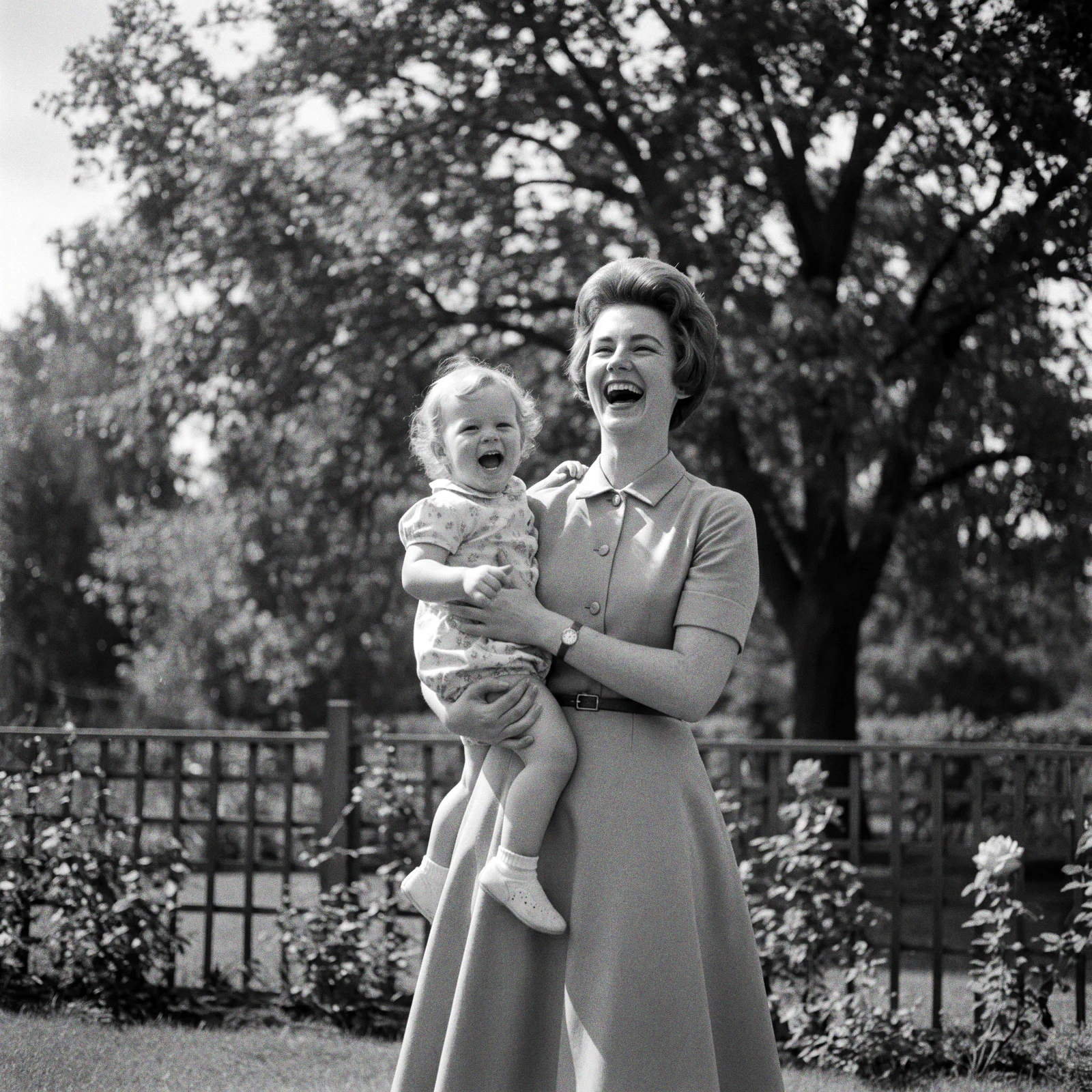 ProColorize PhotosAdd realistic, natural colour to black and white and faded photos.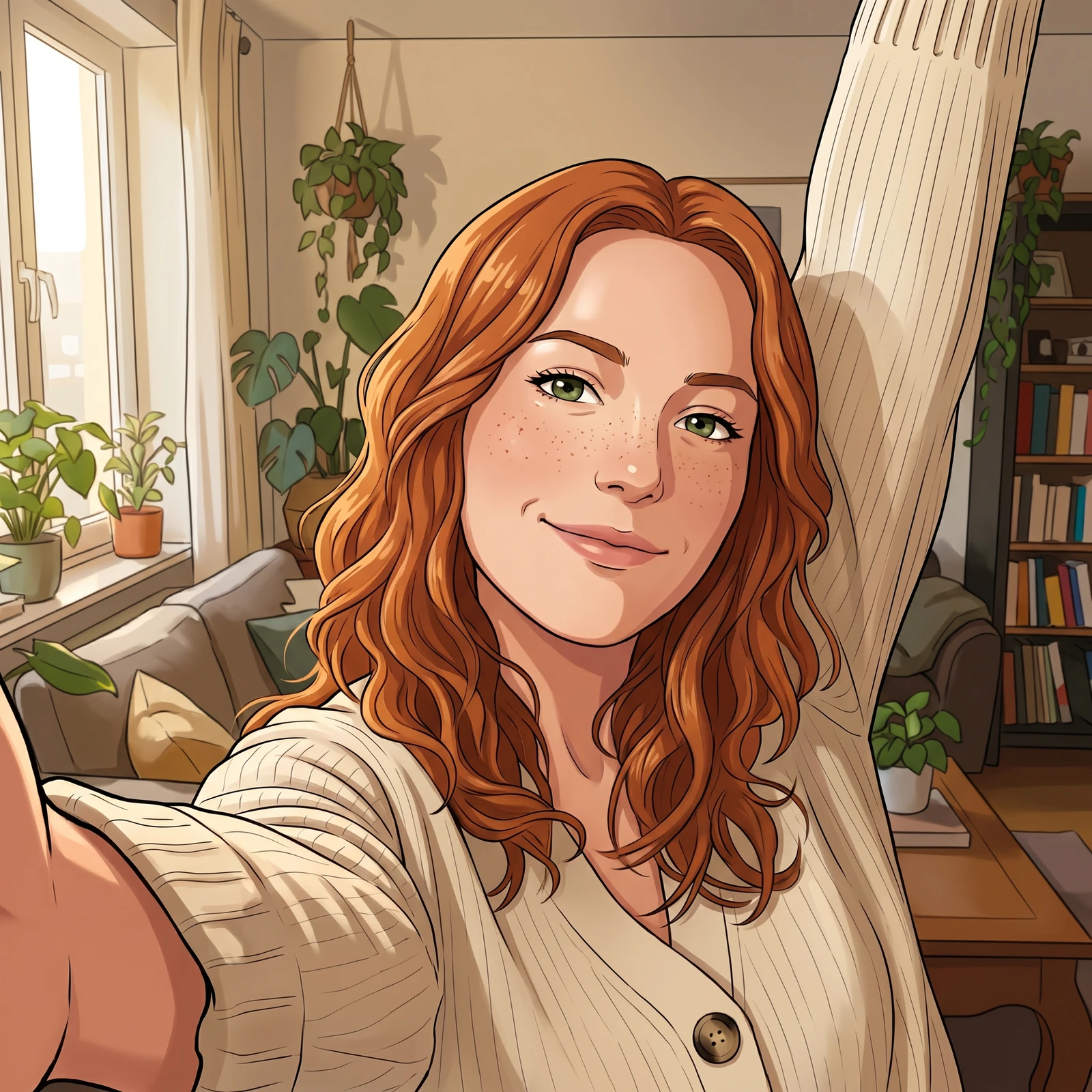
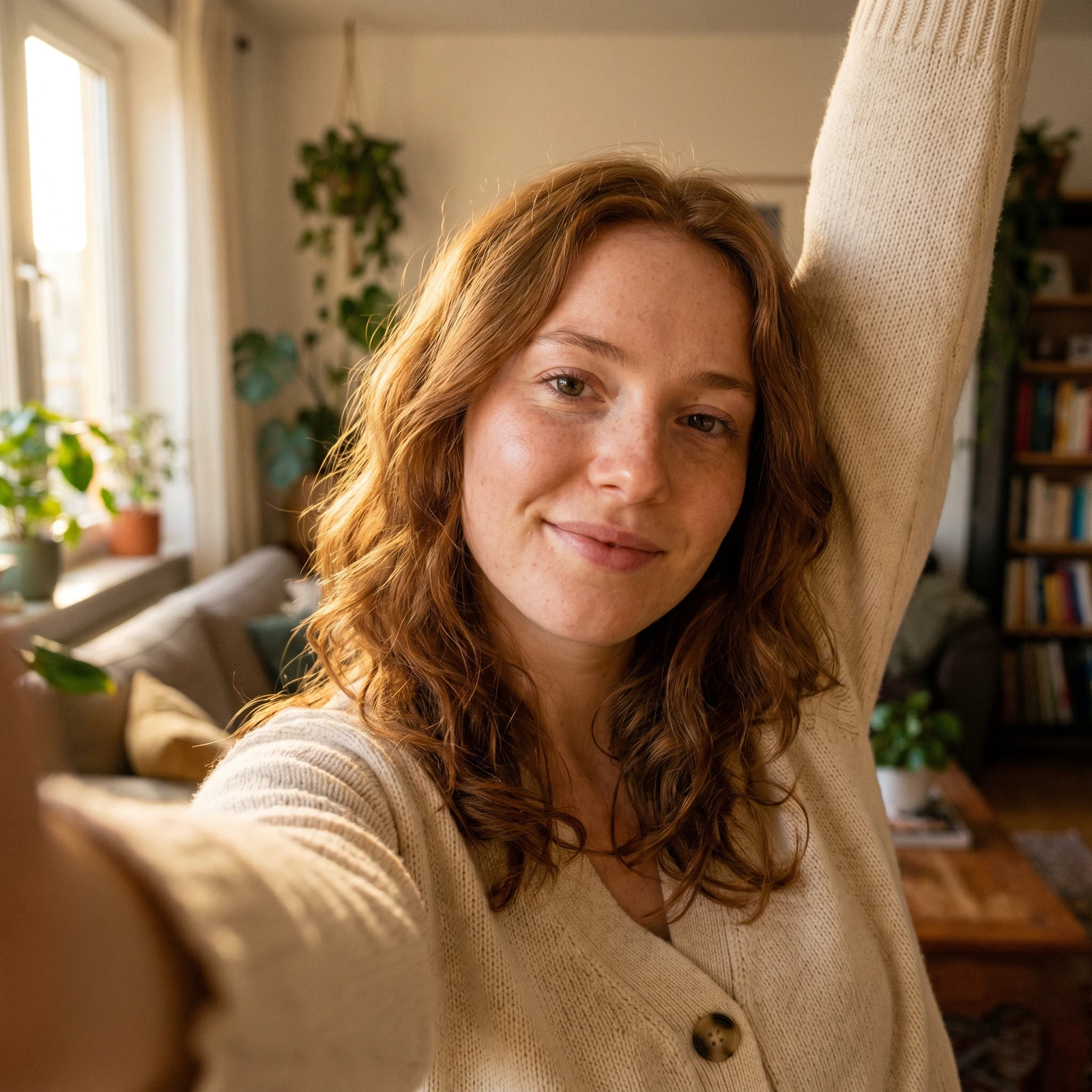 Photo to CartoonTurn your photo into a cartoon - anime, 3D, chibi, watercolor and more.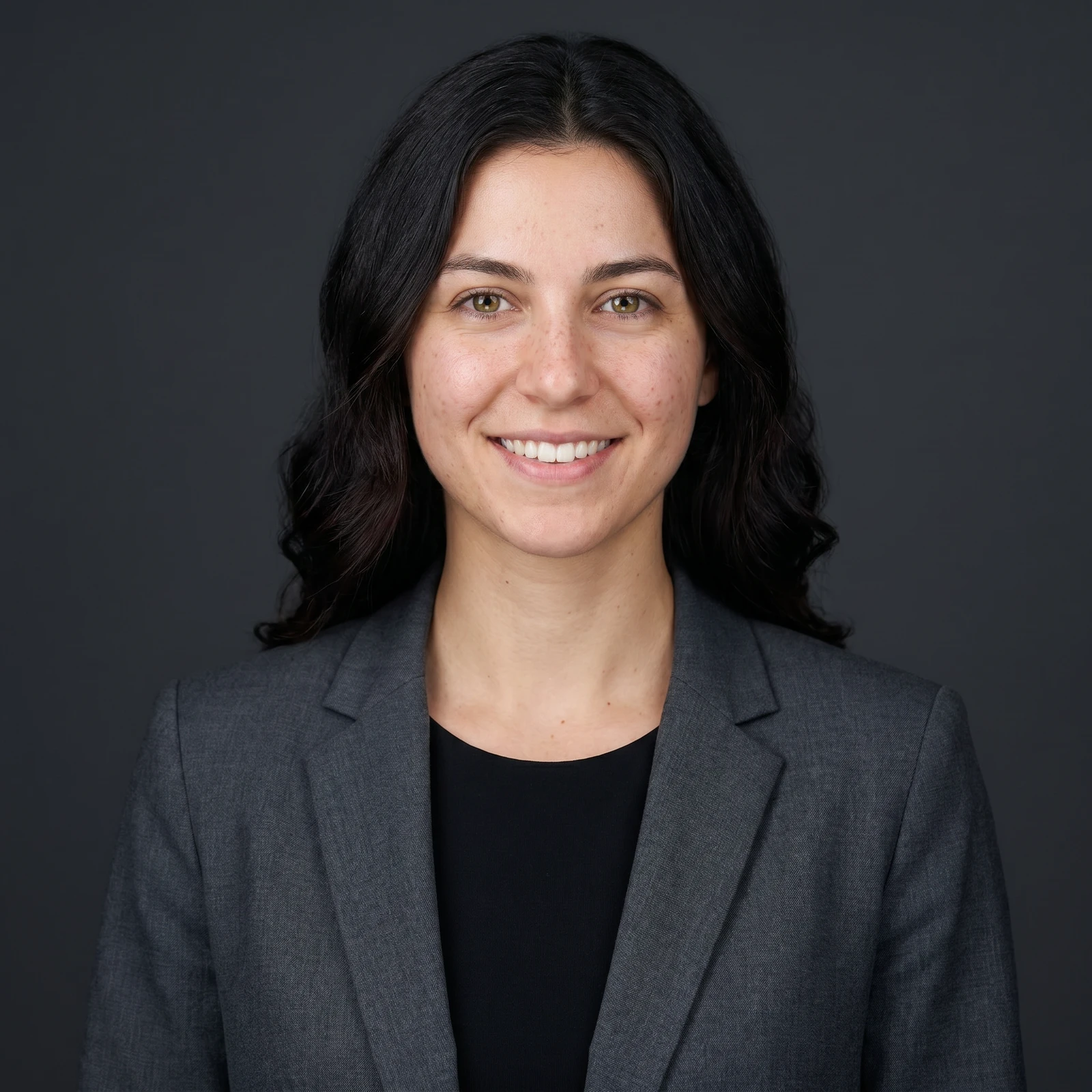
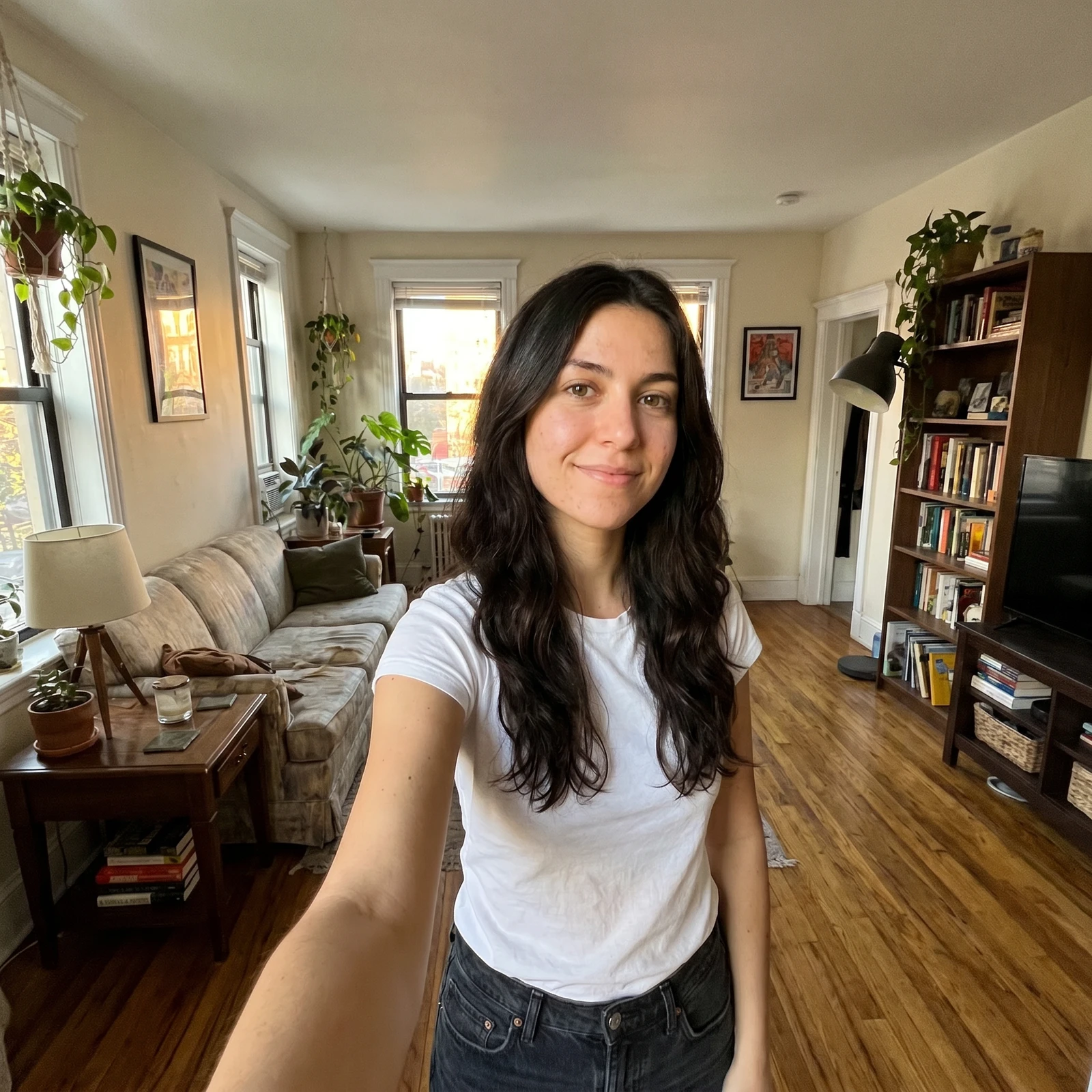 ProAI Headshot GeneratorTurn a selfie into a professional studio headshot, keeping your real face.
Change backgrounds in full resolution, bring your own backdrop and edit in batches on your phone. Renvyn is on iOS and Android.